
How to add, edit, or remove AI competitor brands after setup
Manage AI competitor brands from Manage AI engines after an AI project exists. Available when AI Visibility is included on your package.
Prerequisites
- AI Visibility on your package enabled for your organization
- Existing project with AI visibility configured
- project.update (or equivalent manage AI engines access)
Competitor brands tell RankWatch which rival names and domains to score in AI answers. After setup, edit them from Manage AI engines — do not recreate the project. Requires AI Visibility.
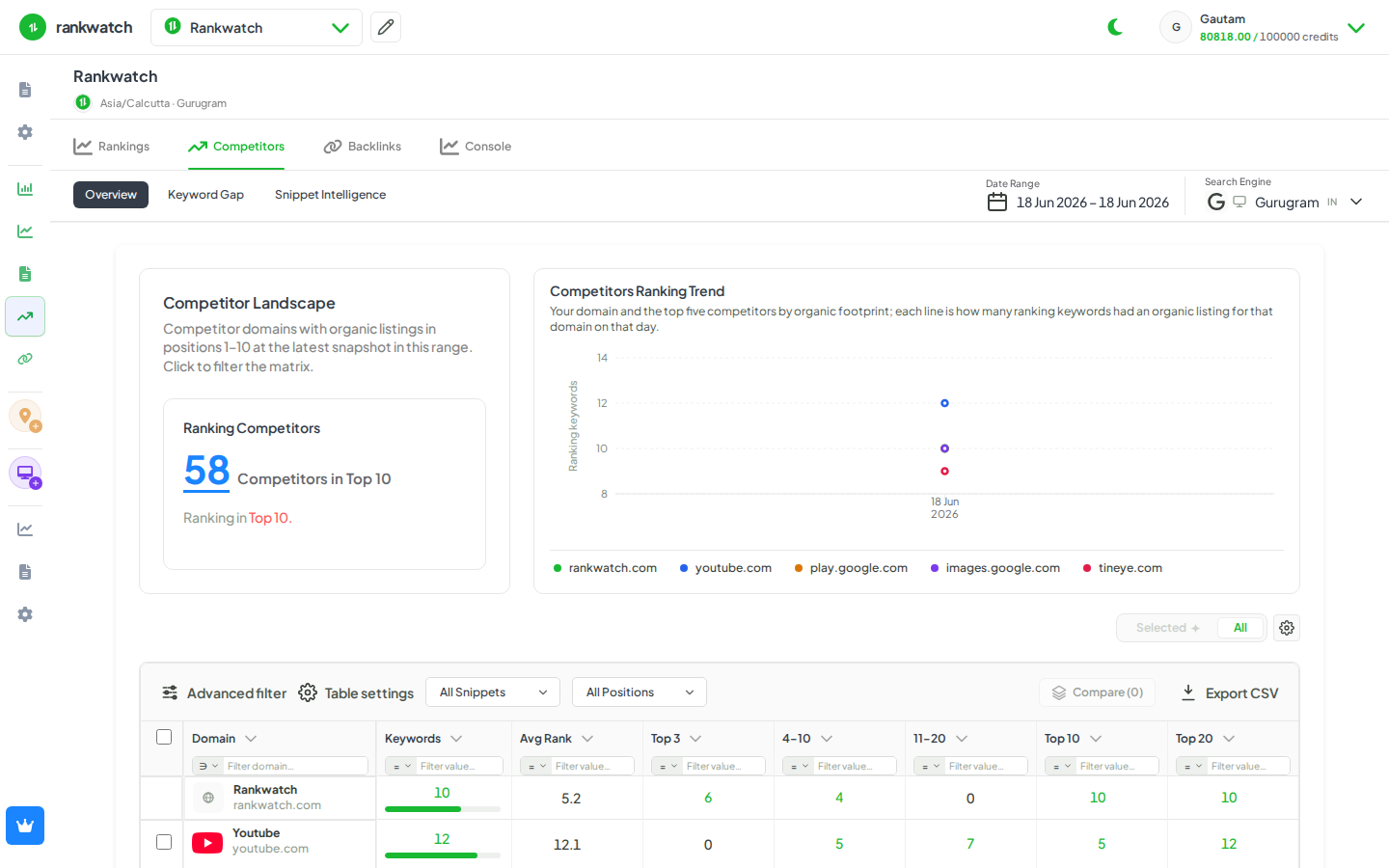
Steps
- Confirm AI Visibility is on your package and open Projects → the AI-enabled project.
- Open Manage AI engines (project edit search engines for the AI segment — title Manage AI engines).
- Locate the competitor brands list for the AI contexts you are editing.
- Add a competitor with primary brand name, domain, and useful variations (abbreviations, product names models might use).
- Edit existing rows when a brand rebrands or you need better mention matching; remove competitors you no longer want in gap / benchmark views.
- Review the change summary, save, and open AI Competitors (overview, prompt gap, or benchmark) after the next relevant jobs refresh.
Outcome
AI competitor tables and gap views use the updated brand set. Package competitor limits still apply — removing unused brands frees slots for new rivals.