
How to export backlink data
Export Backlinks tables (referring links, domains, or related views) for offline audits and outreach lists.
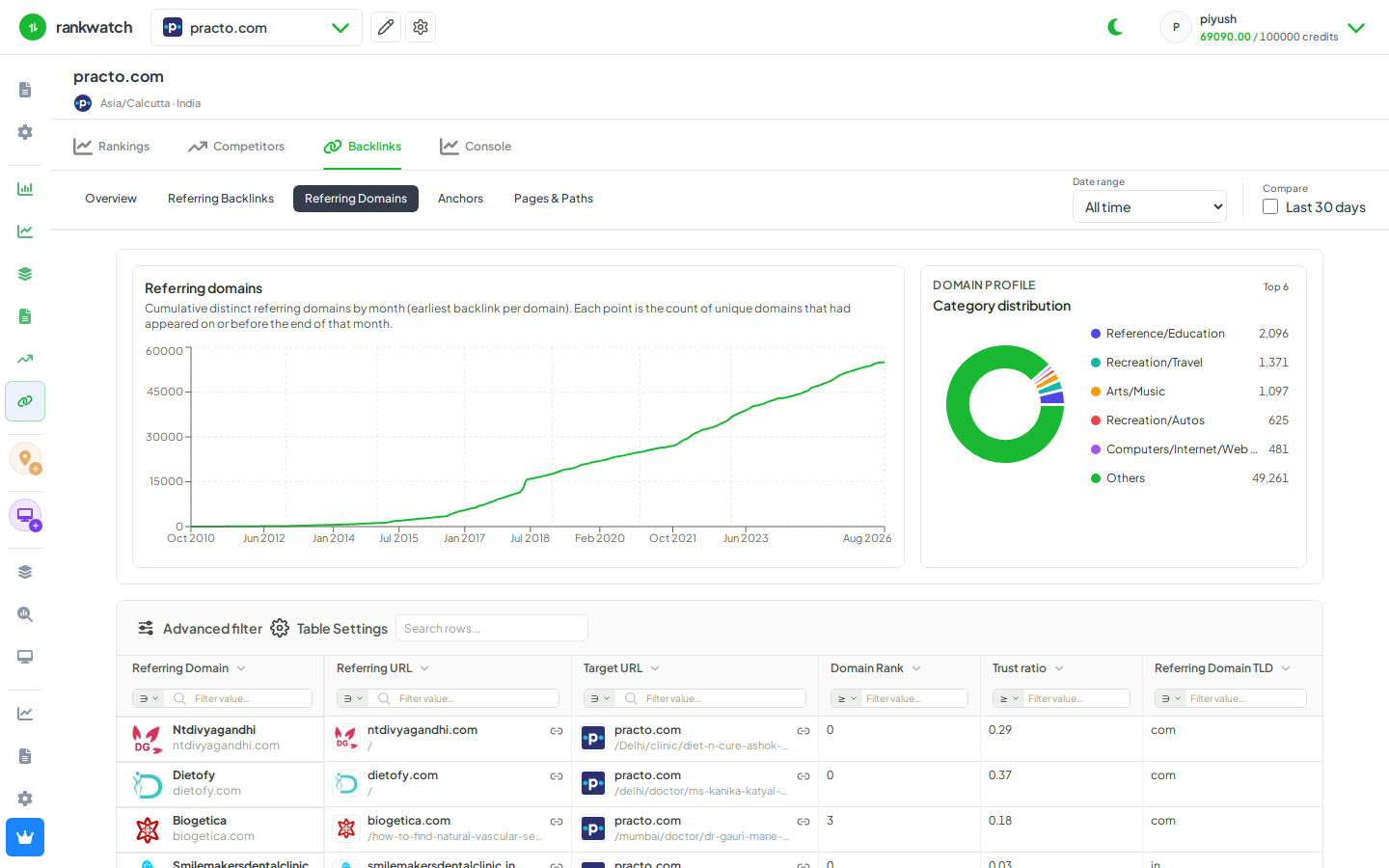
Use table Export on Backlinks views when you need CSVs for outreach, toxic review, or agency deliverables.
Steps
- Open Projects → project → the Backlinks table you need (Referring backlinks, Referring domains, Pages, Anchors, or Network).
- Apply filters first so the export matches the audit scope.
- Click Export in the toolbar and download when ready.
- Verify row counts against the filtered table total.
- Store exports per client workspace policy (link data can be sensitive).
Outcome
An offline backlink extract for the filtered view. Large profiles may take longer to generate.