
How to use organization logos in reports
Use organization logos in report PDFs so packs match agency whitelabel branding.
Prerequisites
- Reporting permissions (read / run / schedule / branding as needed)
Organization logos feed both the app shell (when whitelabel) and report chrome when selected in configure.
Steps
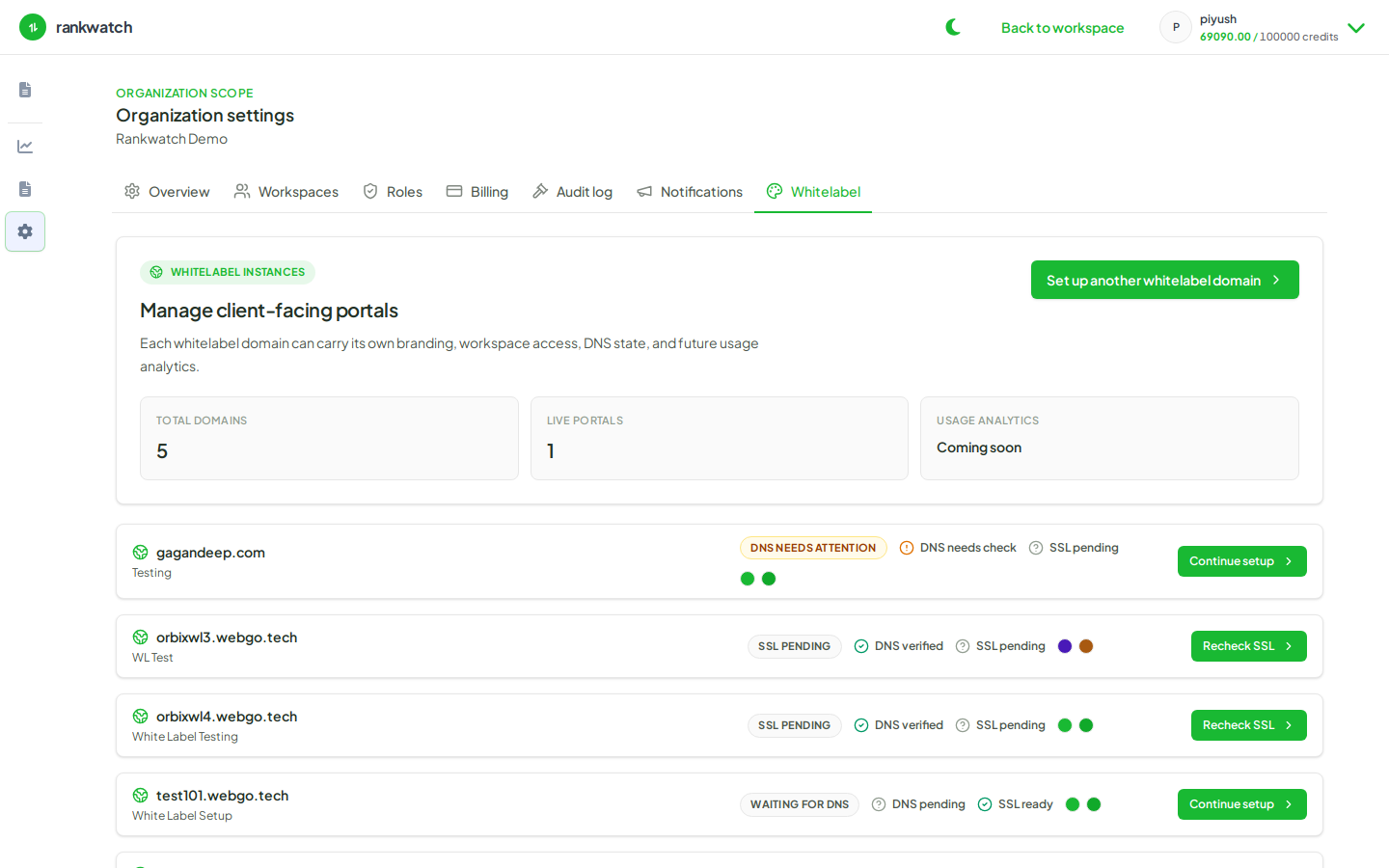
- As org owner, upload/confirm logos under Organization settings → Branding.
- Open a report configure flow and choose organization logo / branding where offered.
- Generate a sample PDF and verify header marks.
- Adjust preset vs org default if a client needs a different mark.
- Re-run schedules after logo changes so future sends pick up the new asset.
Outcome
PDFs show the intended agency (or client) mark.