
How to use AI Shopping overview, products, and retailers
Use AI Shopping Overview, Products, and Retailers to see how models surface products and sellers. Requires AI Visibility.
Prerequisites
- AI Visibility on your package enabled for your organization
AI Shopping views track product/retailer visibility in assistant answers when shopping-style prompts are in play. Available when AI Visibility is included on your package. If AI nav is missing, confirm package access under Organization settings → Billing / Package.
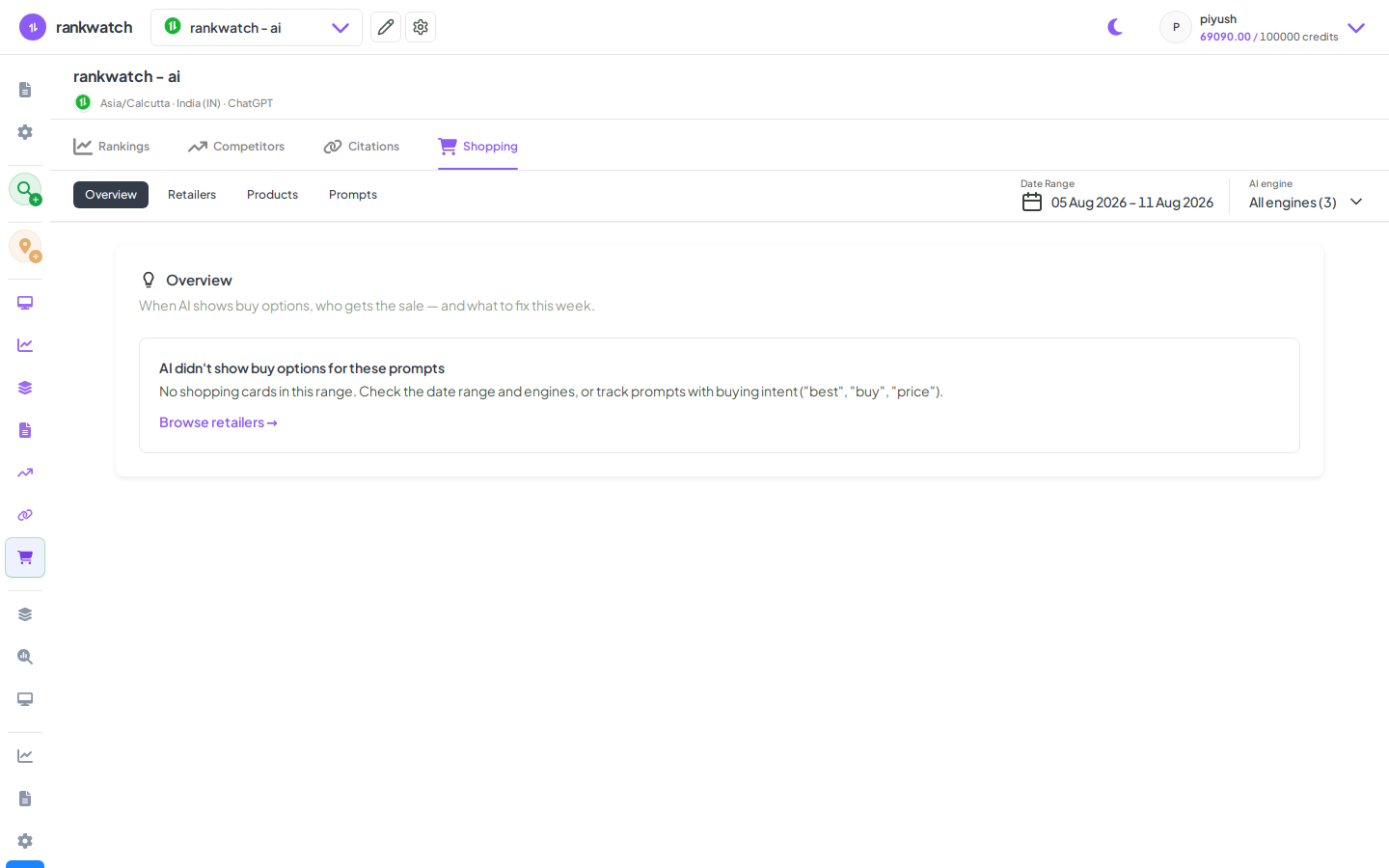
Steps
- Open Projects → AI project → Shopping (Overview).
- Review product and retailer scorecards for the selected range and engines.
- Open Products to inspect SKU/product-level visibility; open Retailers for seller/domain presence.
- Compare your brand/products vs competing retailers on the same prompt set.
- Feed gaps into merchandising or content teams (feeds, PDPs, retailer partnerships).
Outcome
A shopping-focused GEO read separate from generic brand-mention Rankings. See AI Shopping explained.