
How to select competitors for a project
Add or edit SEO competitors for a project so Keyword Gap, Benchmark, and Snippet Intelligence compare the right domains.
Prerequisites
- Project with SEO tracking
- analysis / competitor manage permissions as required for your role
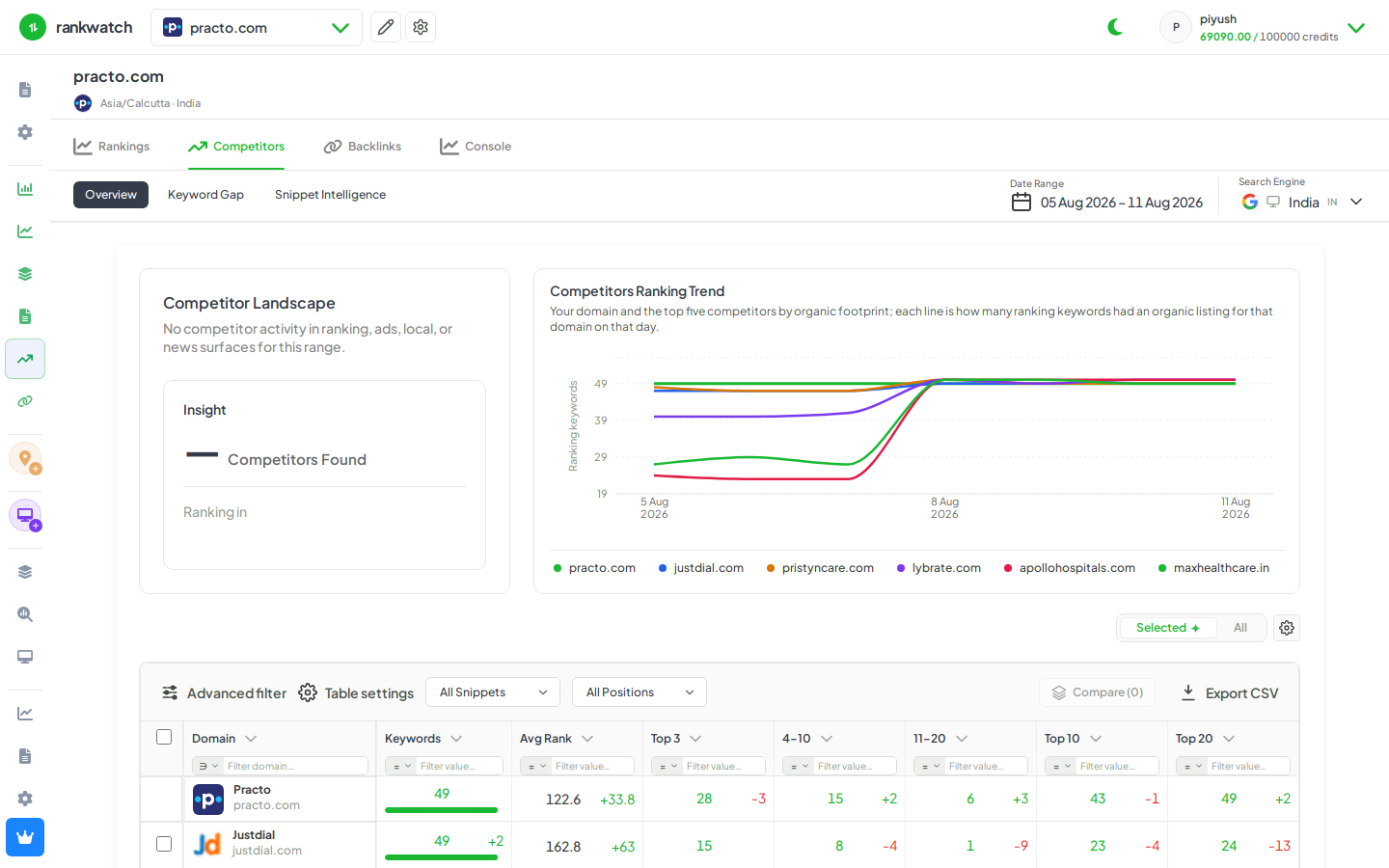
Competitor domains power SEO Competitors views (gap, benchmark, snippet intelligence). Pick domains that actually compete on your tracked SERPs — package competitor limits still apply.
Steps
- Open Projects → your project.
- Open project settings / Competitors (or Manage competitors from the Competitors nav empty state).
- Add competitor domains (and display names if prompted). Prefer hosts that already appear on your Rankings SERP snapshots.
- Remove outdated competitors to free package slots, then save.
- Open Competitors → Keyword Gap or Benchmark and confirm the new domains appear in selectors.
Outcome
Gap, benchmark, and snippet views use the updated competitor set for this project. Limits: How competitor selection affects package limits.