
How to track a new competitor after a SERP shake-up
Add a newly visible SERP rival to project competitors after a shake-up so gap and benchmark stay current.
When Keyword detail or Rankings SERP snapshots show a new domain repeatedly in top results, add it as a project competitor so gap/benchmark include them.
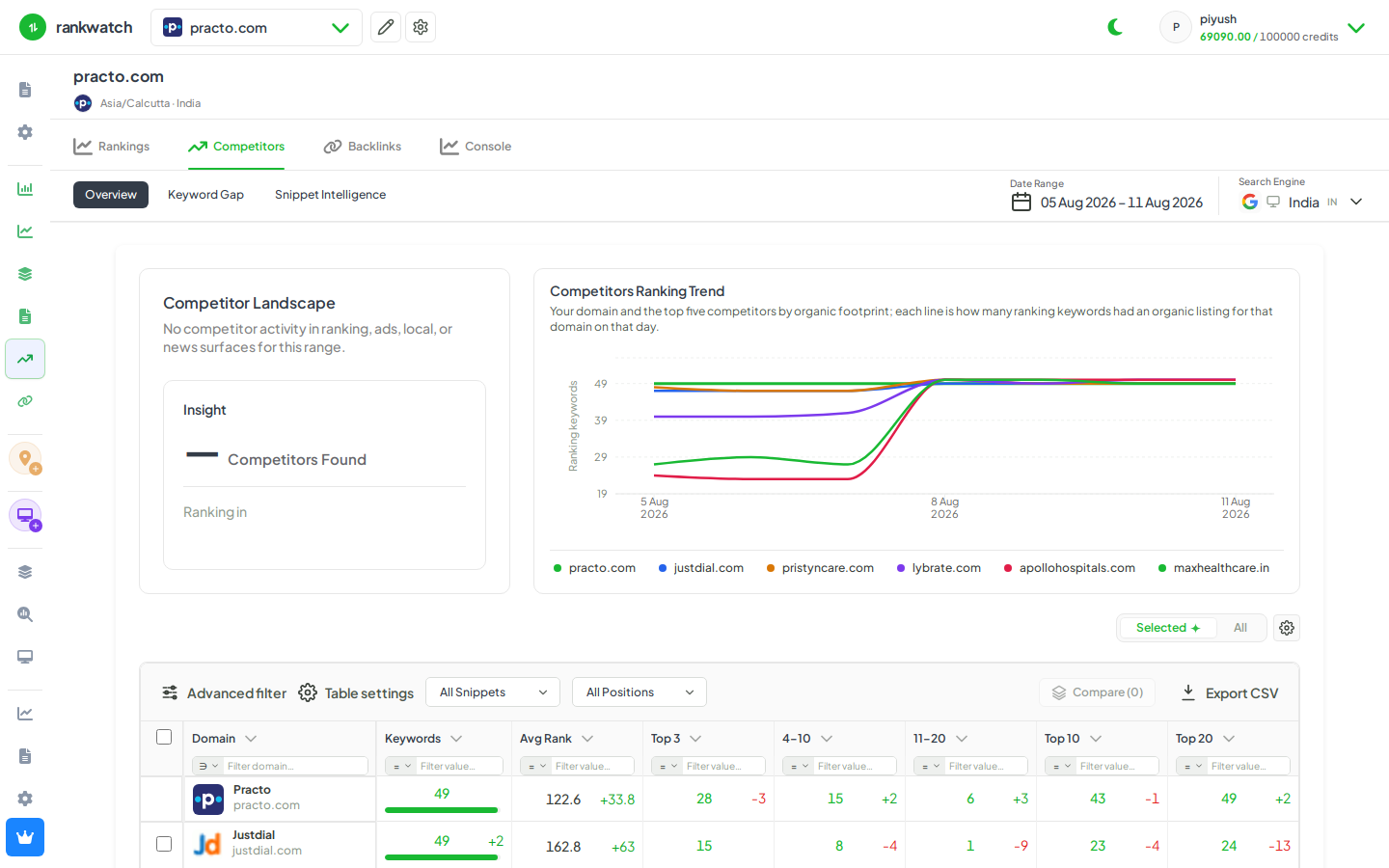
Steps
- Confirm the new domain on several Keyword detail SERP snapshots (not a one-off).
- Open Projects → project → competitor management and Add the domain.
- If you are at the package competitor limit, remove a low-value rival first.
- Save, then open Keyword Gap and Benchmark with the new domain selected.
- Optionally create a rank alert or tag for keywords where the new rival already outranks you.
Outcome
The new competitor is included in competitive analysis for this project within package limits.