
How to delete a project
Permanently delete a RankWatch project and its workspace-scoped tracking data.
Prerequisites
- project.delete (or equivalent) permission
Deleting a project removes its rankings history and related project data from the workspace. Export anything you still need first.
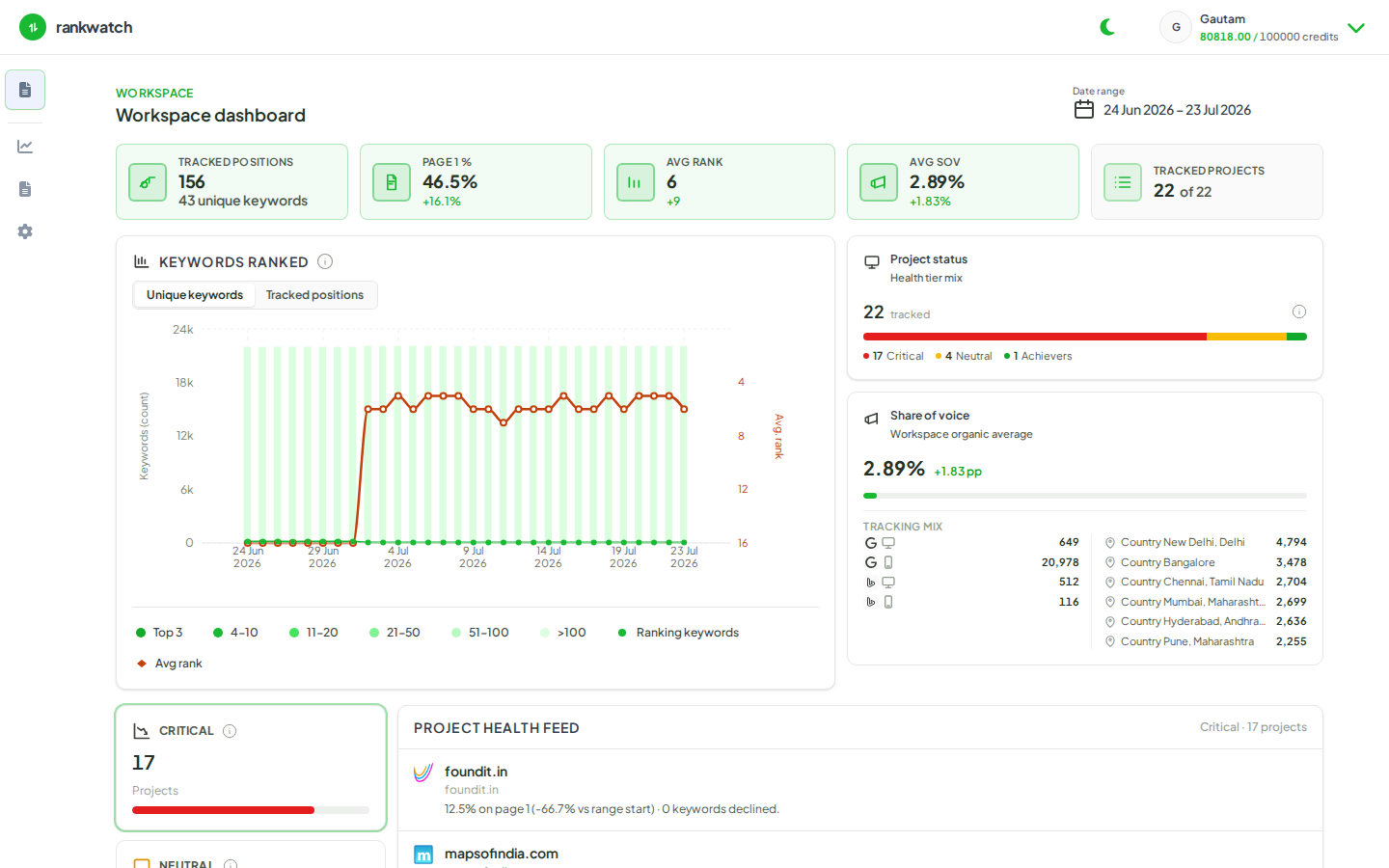
Steps
- Open Projects and select the project.
- Export rankings/reports you may need later.
- Open project settings and choose Delete project (wording may vary).
- Confirm the destructive prompt carefully — this is not the same as pausing keywords.
- Verify the project no longer appears in the workspace Projects list.
- Check org credit/seat pressure afterward only if you are cleaning house mid-billing period.
Outcome
The project is removed from the workspace. Other workspaces and org billing settings remain intact.