
How to set up a new client SEO project end-to-end
Set up a new client SEO project end-to-end: engines, keywords, competitors, alerts, and first validation.
Prerequisites
- Workspace access with project.create; keyword permissions as required
Use this when the client workspace already exists and you need a complete SEO baseline. Local SEO create is not available. Add AI only if AI Visibility is entitled.
Steps
- Switch to the client workspace and open Projects → New project.
- Create an SEO project with Search engine rankings, domain, engines, and locations (create an SEO project). Skip Local.
- Add the starter keyword set (manual or bulk import), then tag branded vs non-branded.
- Add competitors within package limits.
- Optional: configure rank alert rules and CTR settings.
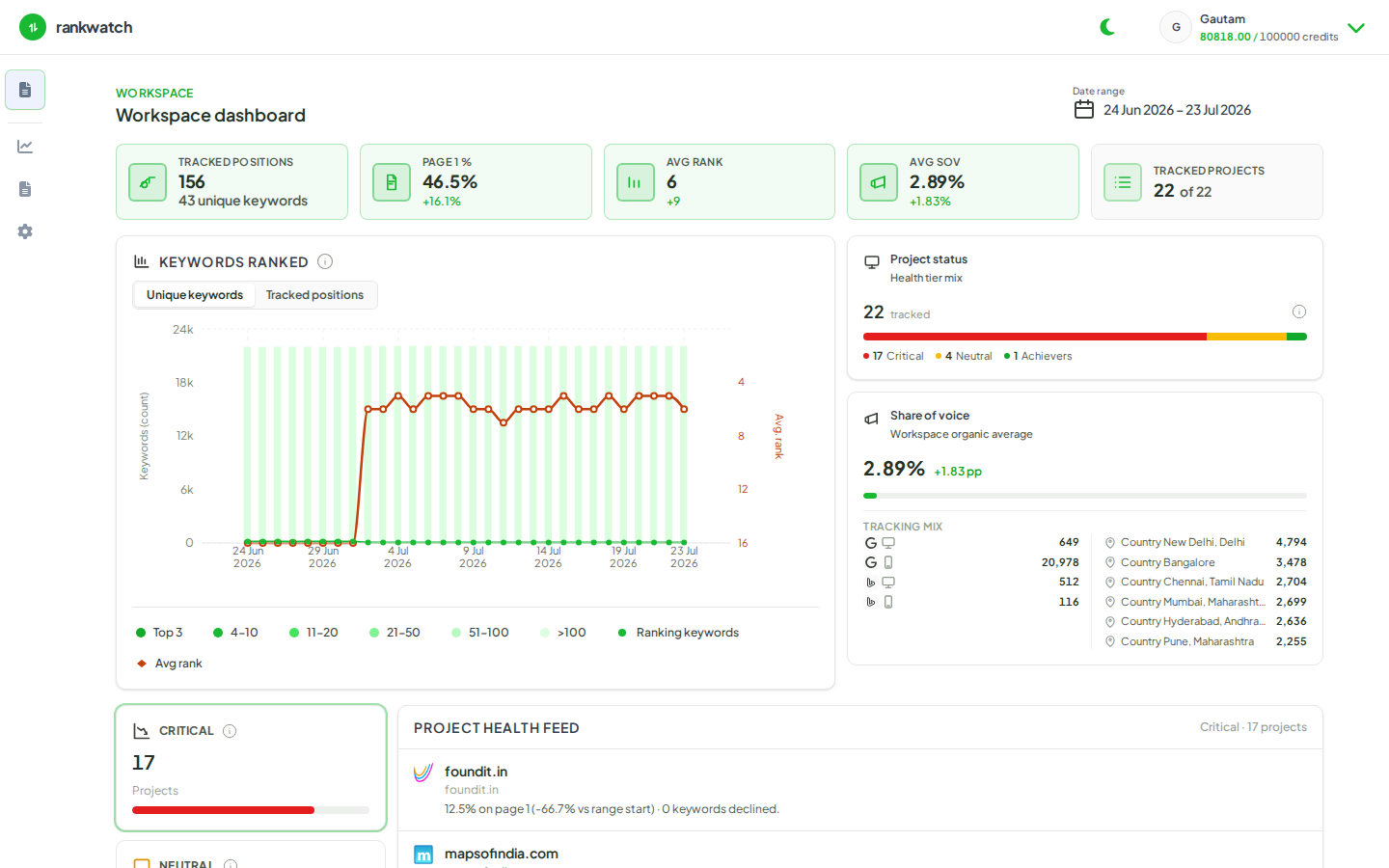
- Wait for first crawls; validate Overview and Rankings. Connect GSC later if the client can grant access. Add AI in a second pass only when included on your package.
Outcome
The client project has live SEO rankings ready for weekly ops and reporting. Expand competitors/backlinks/AI after the baseline is trusted.