
Manage selected competitors
Add, review, and remove selected competitors for SEO tracking in a project.
Prerequisites
- Access to the project competitors area
- project.update when editing competitor lists
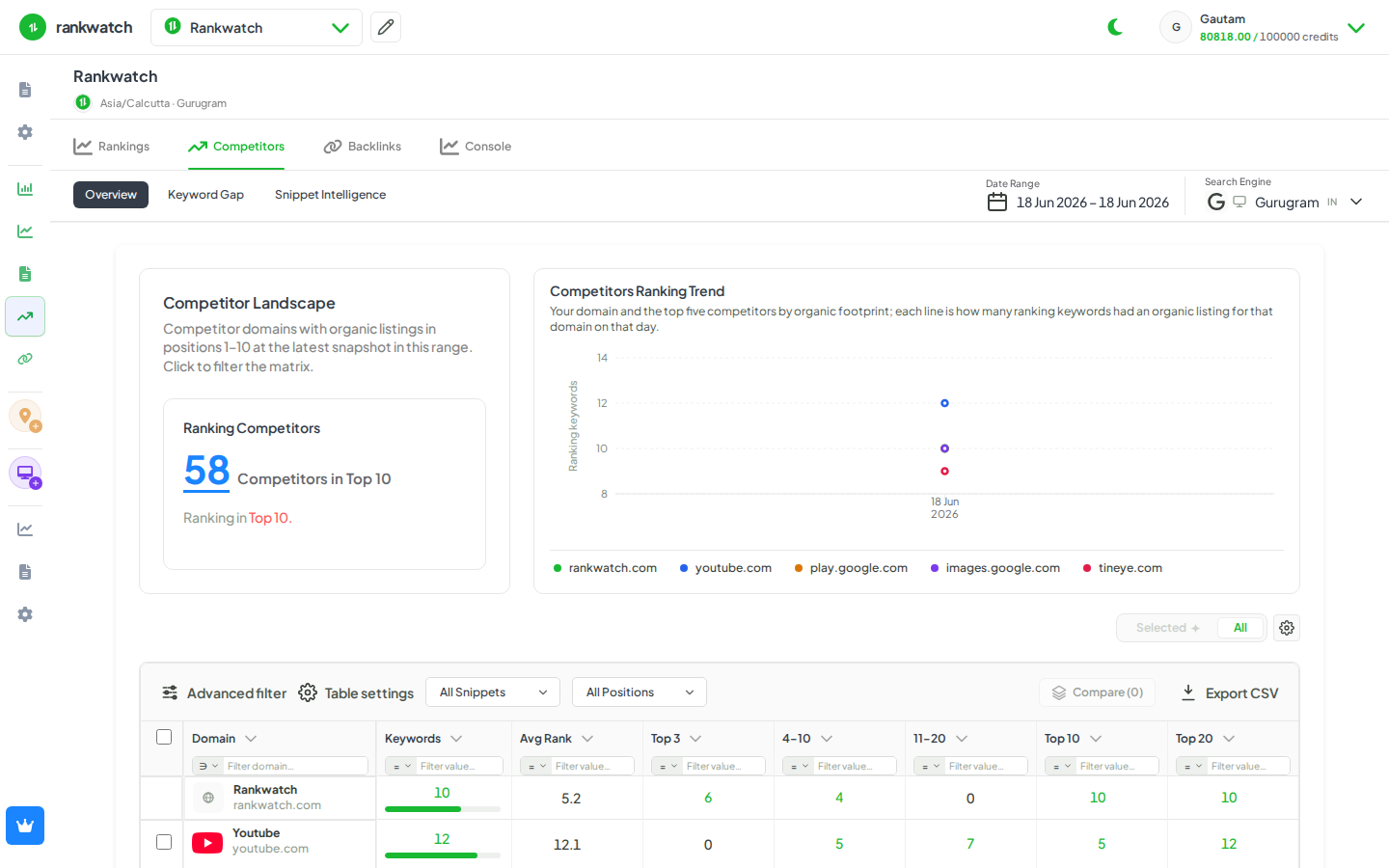
Selected competitors are domains RankWatch compares against your project on shared SERPs and gap reports.
Steps
- Open the project → Competitors (or keyword gap / competitor section).
- Review the current selected competitor list.
- Add a competitor domain when you need a new benchmark.
- Remove or deselect competitors you no longer want in gap and share-of-voice views.
- Save if the UI requires an explicit save.
Outcome
Dashboards and gap tables refresh against the updated competitor set on the next data views / jobs that depend on that list.