
How to create a rank alert rule
Create a rank alert rule so RankWatch notifies you when tracked keywords cross position thresholds you define.
Prerequisites
- Project with SEO tracking and keyword.read / keyword.update as needed
Rank alert rules define when RankWatch should fire (for example drop out of top 10, or gain into top 3). Triggered events are the resulting alerts you review later.
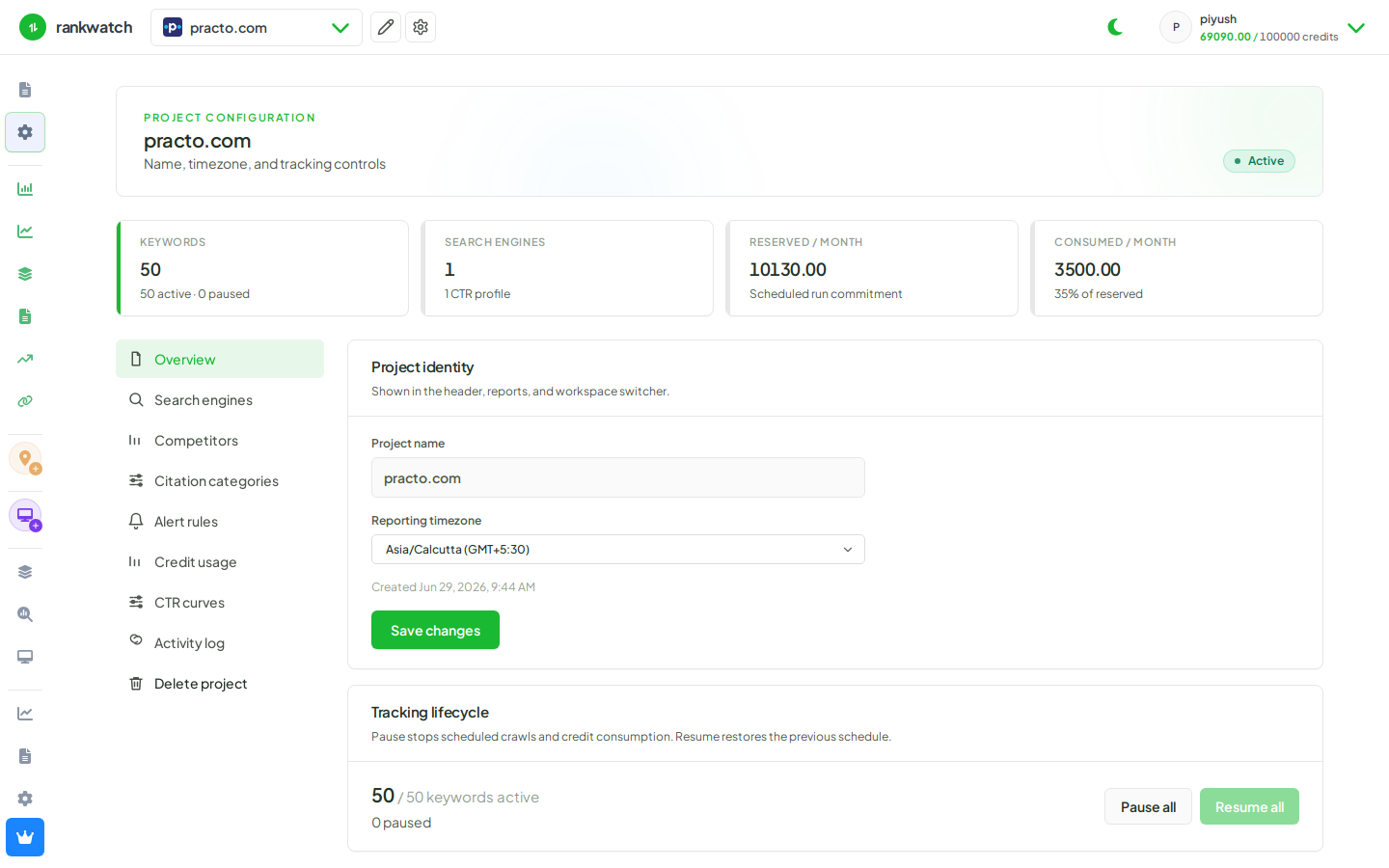
Steps
- Open Projects → project, then open Alerts / rank alert settings for the SEO context (or project settings alerts, depending on nav).
- Choose Create rule (requires rank-alert create/update permission).
- Set the scope (all keywords, tags, topics, or a subset), the condition (position threshold, direction, compare window), and notification preferences where available.
- Save the rule and confirm it appears in the active rules list.
- After the next qualifying crawl, check triggered events to verify the rule fires as expected.
Outcome
The rule is active for future rank checks. Events appear when conditions match; email delivery still depends on org notification channels and personal preferences.