
How to review triggered rank alert events
Review triggered rank alert events after rules fire so you can prioritize recoveries and client updates.
Prerequisites
- Project with SEO tracking and keyword.read / keyword.update as needed
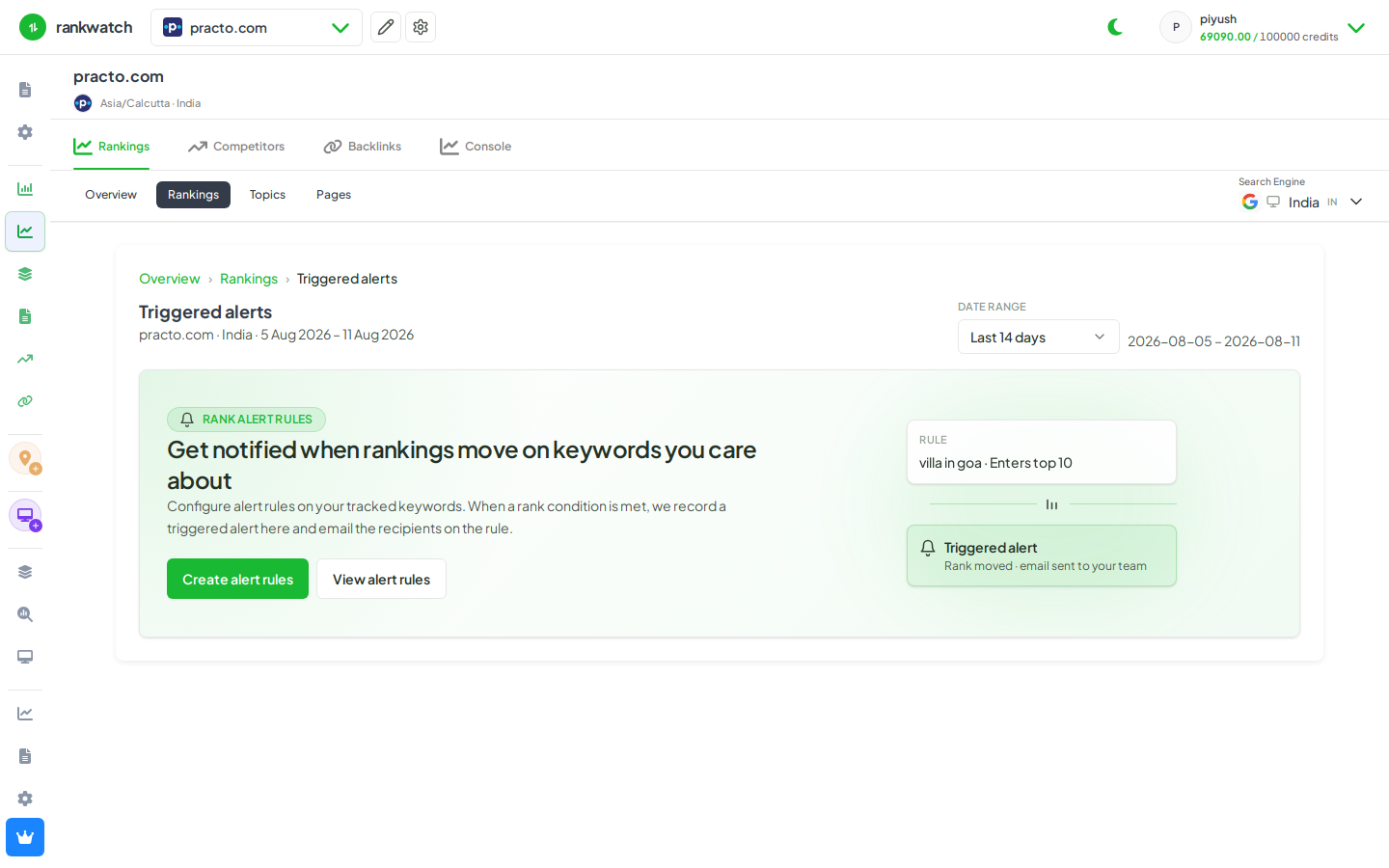
Triggered events are the concrete alerts produced when a rank alert rule matches. Review them after big SERP moves or before a client standup.
Steps
- Open Projects → project → Alerts / triggered events (or the notifications inbox entry that deep-links here).
- Filter by date, rule, or severity if available.
- Open an event to see the keyword, previous vs current rank, and context.
- Jump to Rankings or Keyword detail for keywords that need action; dismiss or acknowledge events when your process requires it.
- If nothing fires, confirm rules are active and crawls completed for the period — see Rank alerts rules vs events.
Outcome
You have a prioritized list of ranking movements that matched your rules, ready for ops follow-up or client notes.