
What are topics in a project?
Topics are theme buckets for keywords and prompts—use them to design coverage across angles and monitor performance by theme after launch.
A topic is a short theme label that groups related keywords (SEO) or prompts (AI) inside a project—for example “Men’s Denim”, “Pricing”, or “Brand Comparisons”. Topics are not the same as tags: use topics for the main commercial or content themes you care about, and tags for cross-cutting labels (branded vs non-branded, priority, campaign).
Why topics matter when you create a project
When you confirm topics in the create-project wizard, you are choosing the coverage map for suggestions and tracking:
- Suggestions (keywords or prompts) are generated for those themes, so you do not get a flat dump of unrelated queries.
- Each suggested phrase can be assigned to a topic, which carries into your tracked list and later reporting.
- You can deselect themes you do not want to invest in yet, or add a custom topic the discovery step missed.
Good topic choices early make the rest of setup faster: you brief the right angles once, then add and tag items under those buckets.
Example: designing coverage with topics
Imagine an apparel brand. Discovery might propose:
| Topic | What it covers | Example queries / prompts |
|---|---|---|
| Men’s Denim | Core product line | “best slim fit men’s jeans”, “durable denim for work” |
| Women’s Denim | Parallel product line | “high rise women’s jeans”, “stretch denim for everyday” |
| Denim Jackets | Adjacent category | “lightweight denim jacket”, “oversized denim jacket outfit” |
| End of Season Sales | Promo / commercial intent | “denim sale this weekend”, “discount jeans near me” |
Selecting the first three and skipping sales (for now) means Suggest focuses on product themes. You still paste custom keywords or prompts later; topics keep everything sorted when the list grows.
How topics help after the project is live
Topics are not only a setup convenience:
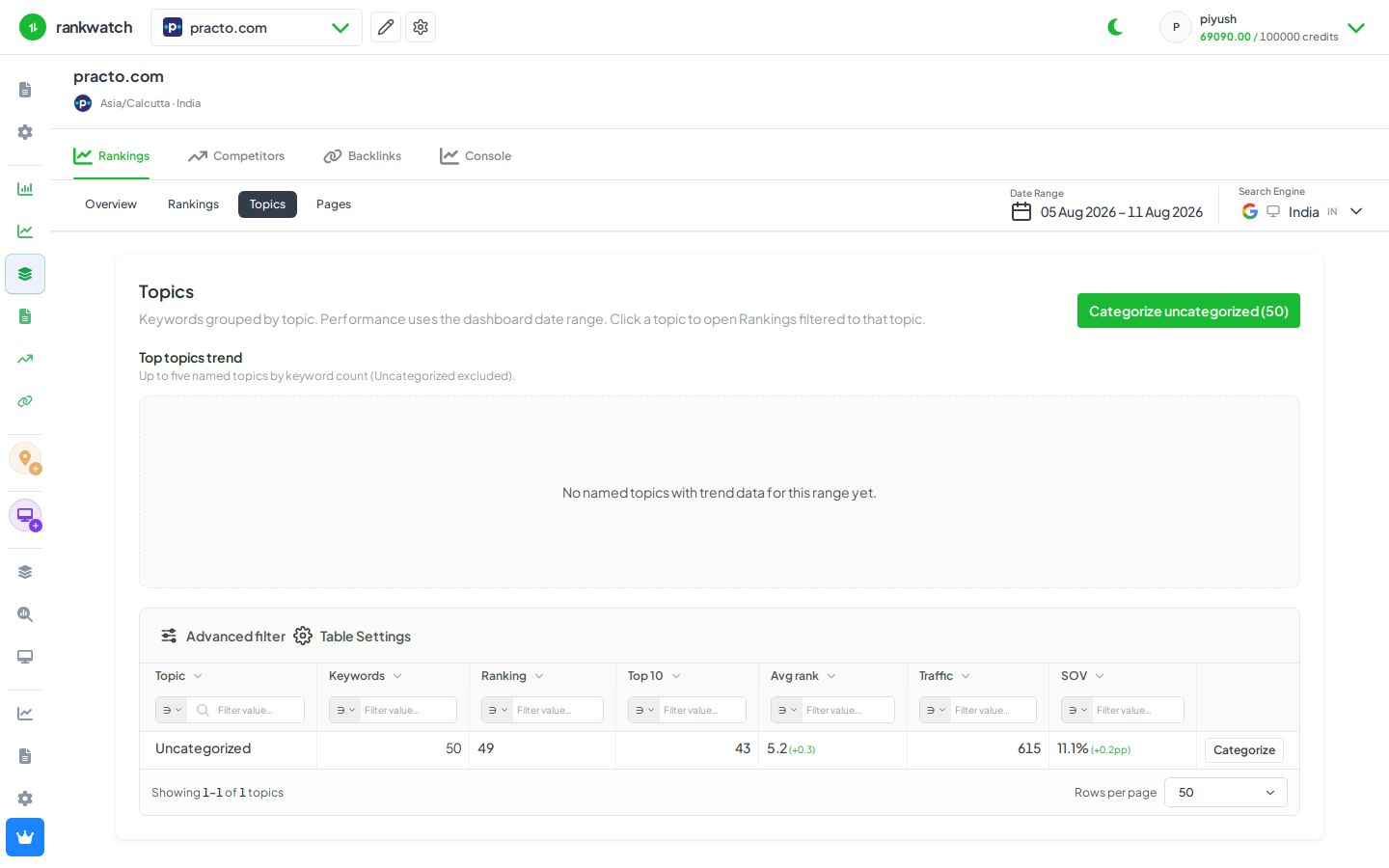
- Overview by angle — Topics views and filters show which themes are rising or falling without reading every keyword or prompt.
- Faster triage — Drill from a weak topic into Rankings or AI rankings for that theme only.
- Clearer client stories — Report “Men’s Denim visibility improved; jackets flat” instead of a single blended average.
- Ongoing hygiene — Recategorize or rename topics as the catalog changes; new keywords inherit or get assigned the same structure.
Topics vs tags (quick rule)
- Topic = primary theme bucket (usually one per keyword/prompt).
- Tag = extra labels you stack (locale, funnel stage, priority).
You can use both; start with a small set of topics that match how you already brief content and campaigns.