
How to categorize keywords into topics
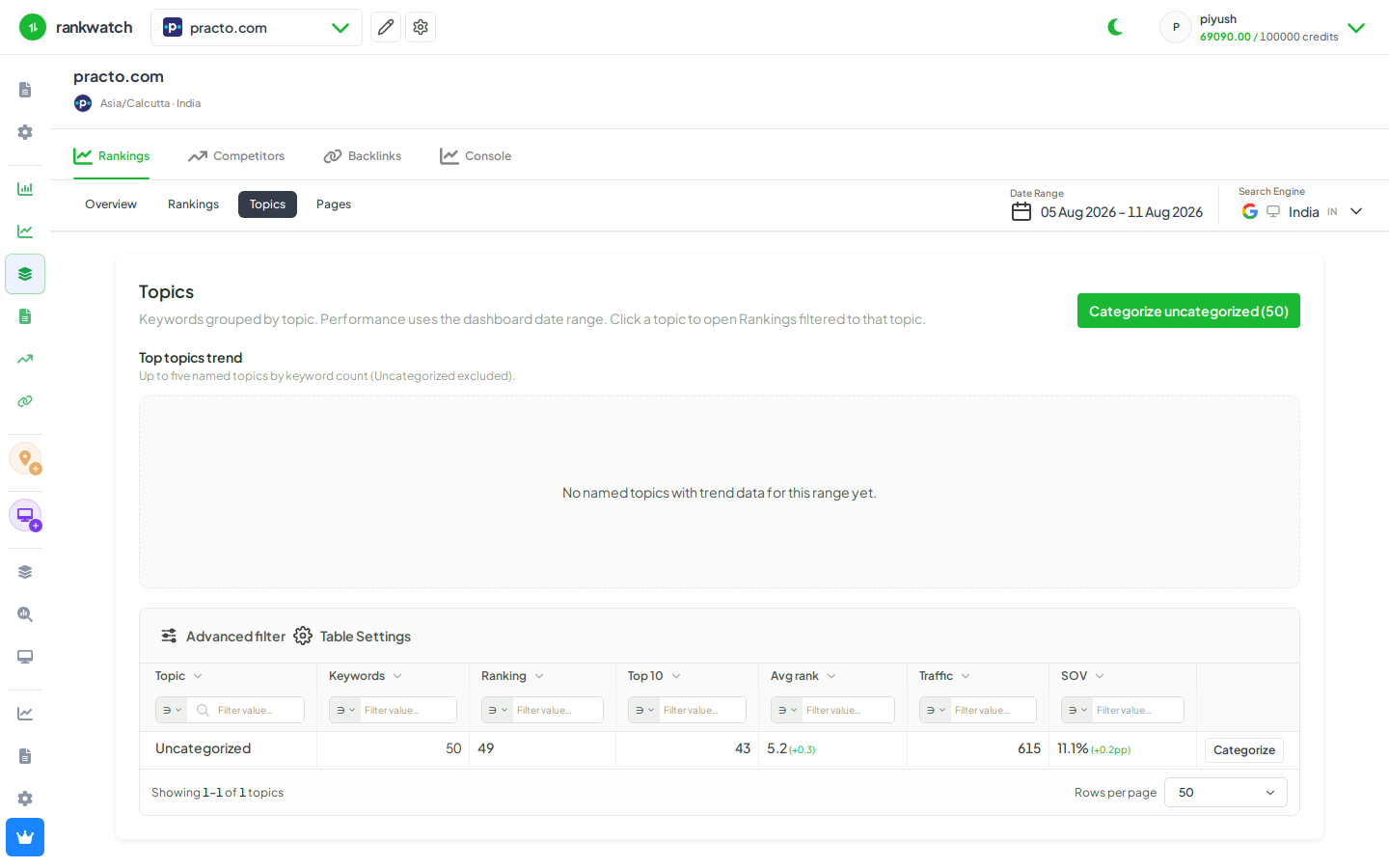
Group tracked keywords into Topics so Overview, Rankings, and exports can roll up by theme instead of one flat list.
Prerequisites
- Project with SEO tracking and keyword.read / keyword.update as needed
Topics organize keywords into themes (product lines, funnels, content hubs). Assign or recategorize keywords so dashboards and filters can focus on one theme at a time.
Steps
- Open Projects → project → Rankings (or Topics if you manage topics from that view).
- Select one or more keywords with the row checkboxes.
- Open the toolbar More menu → Recategorize / assign topic (or use the Topics recategorize flow).
- Choose an existing topic or create a new topic name, then confirm.
- Filter Rankings or Overview by that topic to verify the assignment.
Outcome
Keywords appear under the selected topic. Topic filters and topic rollups on Overview / Topics use the new grouping. See Topics and keyword categorization.