
Edit Project permission
What the project.update permission controls in RankWatch.
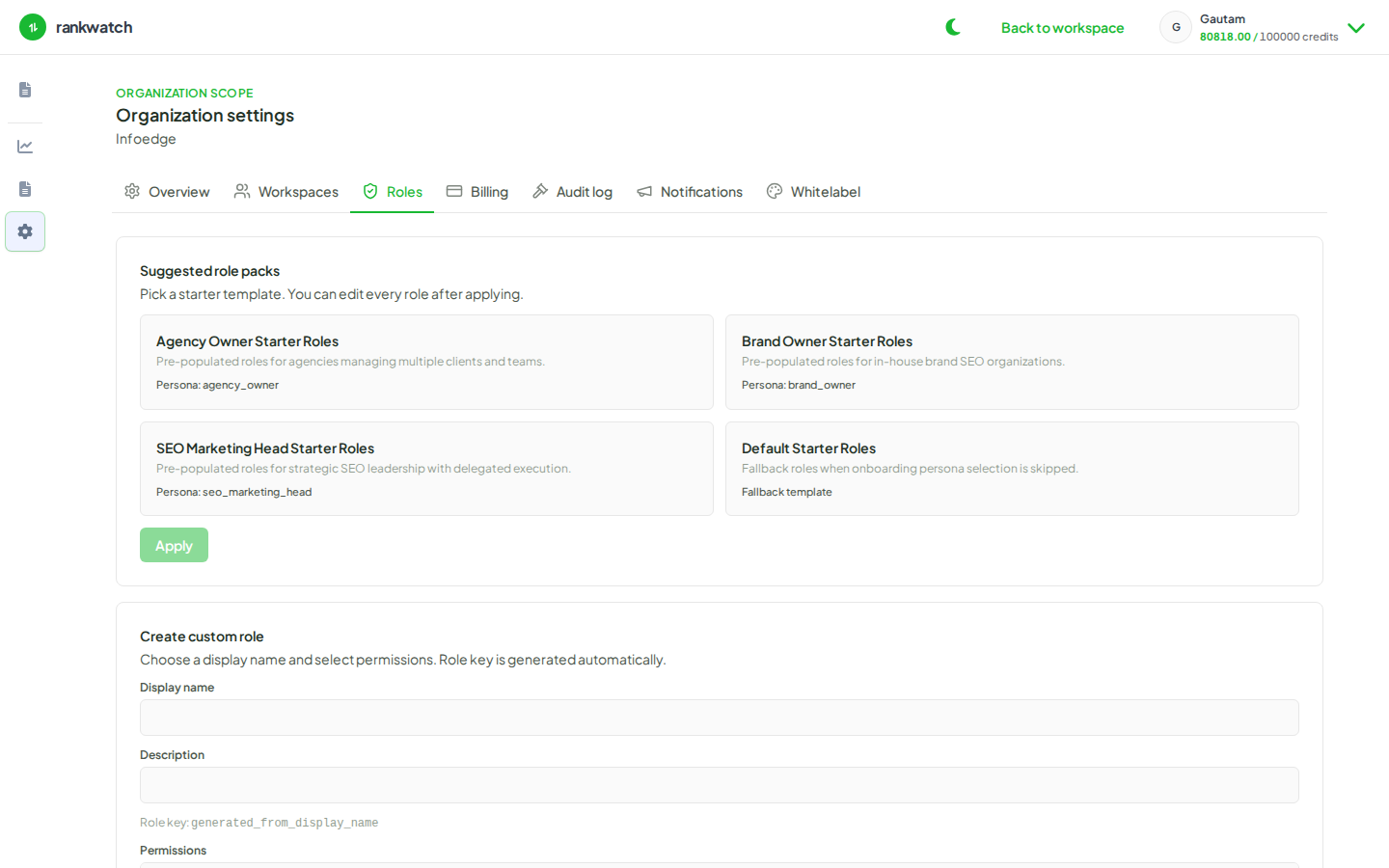
The project.update permission (labeled Edit Project in the role builder) gates project configuration changes after a project exists.
Granted behavior
Members with project.update can:
- Open project edit flows (search engines, keywords, settings)
- See the edit pencil on the project dashboard when other conditions are met
- PATCH project resources the API ties to update semantics
Denied behavior
Without project.update, members may still view projects if they have project.read, but:
- Edit navigation and pencils are hidden
- Direct navigation to edit URLs redirects back to the project dashboard
- API returns
403 PERMISSION_DENIEDon update routes
Legacy note
Older deployments may have granted project.write (deprecated). New roles should use project.update only. Migrations backfill project.update where project.write was present.
Role builder tip
Use Edit Project for analysts who tune tracking but should not create or delete entire projects. Pair with keyword.create if they should add keywords.
Manage roles under Organization settings → Roles in the product app.