
Scheduled reports and delivery explained
How scheduled reports work: cadence, ready templates, recipients, pause/resume, and email delivery via org channels.
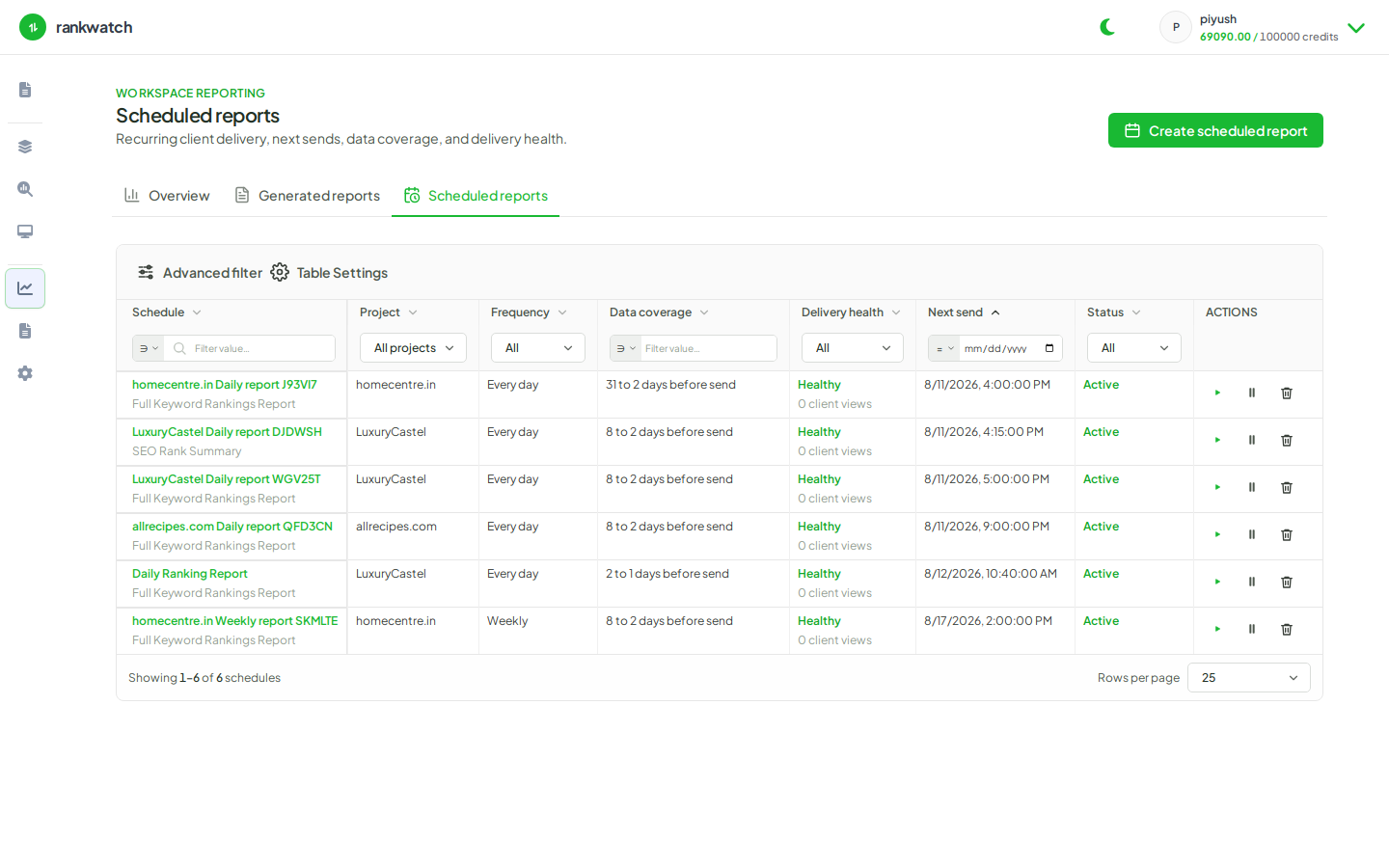
Schedules generate report runs automatically from a ready template. Delivery depends on organization email channels and recipient list on the schedule.
What it is
A schedule stores template, format (PDF/XLS), project/context scope, filters, branding, cadence, and recipients. Each fire creates a run under Generated reports. You can pause, resume, edit, delete, or Run now.
Delivery notes
- Email uses org notification / delivery channel configuration (owner-managed).
- Failed runs stay in history with errors — fix scope or package limits and retry.
- Multi-region templates require enough contexts in scope.
Where to find it
Reporting → Scheduled reports.