
How to schedule a multi-region rankings digest
Schedule a multi-region rankings digest using a ready multi-region report template.
Prerequisites
- Reporting permissions (read / run / schedule / branding as needed)
Multi-region templates need multiple search contexts in scope — use them when one client tracks several countries/engines.
Steps
- Confirm the project has the search contexts you need (add engines first if missing).
- Open Templates and pick a ready Multi-Region template (for example Multi-Region Performance Summary).
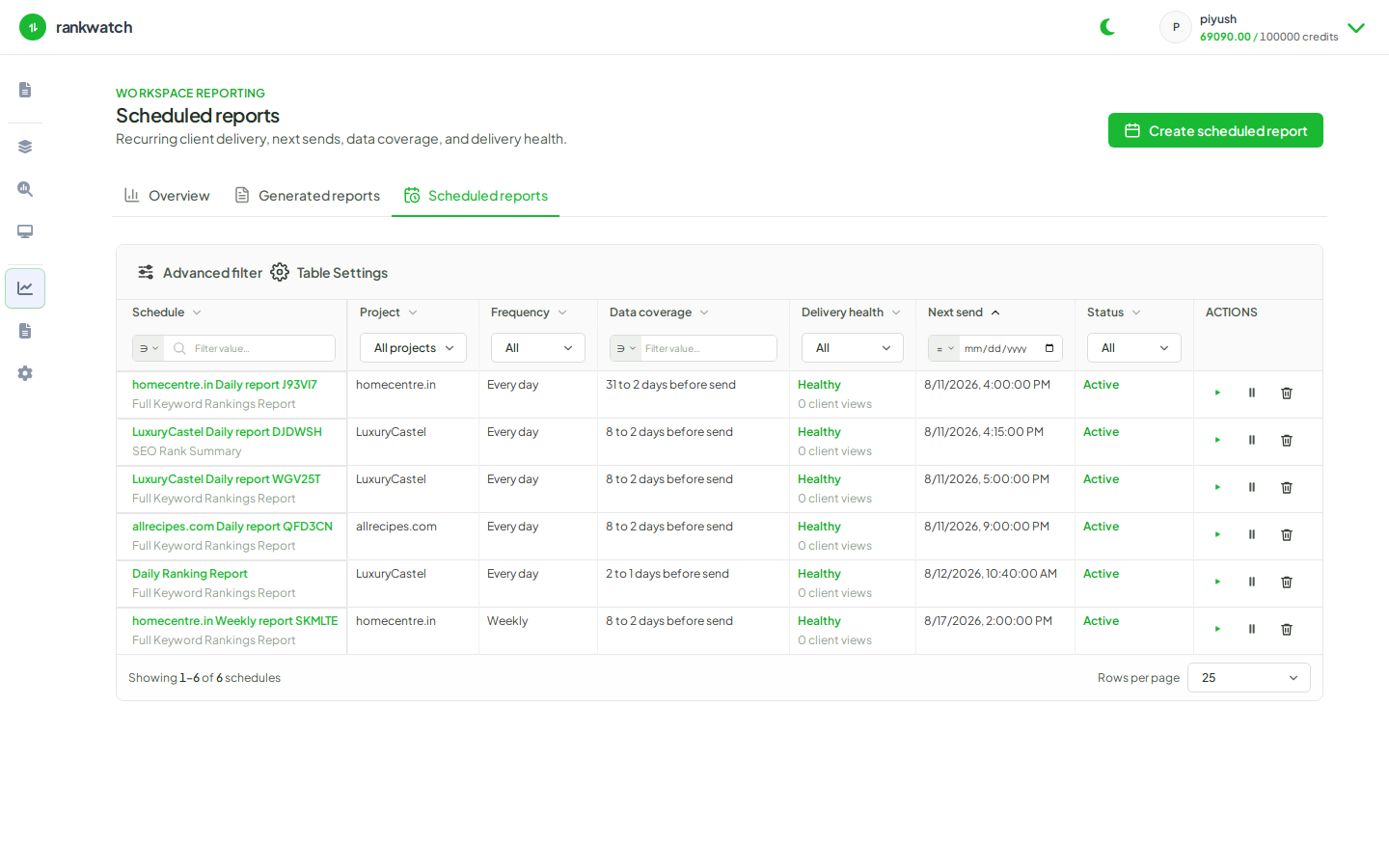
- Start Schedule, select those contexts, cadence, format, branding, and recipients.
- Run once to validate, then leave the schedule Active.
- Review the first emailed/downloaded pack against Overview for each region.
Outcome
A recurring multi-region digest without manual exports per country.