
Guest preview vs signed-in workspace jobs
How public freemium tool runs on rankwatch.com differ from credited workspace tool jobs after sign-in.
Public tools on rankwatch.com/tools let guests try Brand Prompt Generator and Keyword Suggestions with daily quotas and preview locks. Signed-in runs become real workspace tool jobs with history.
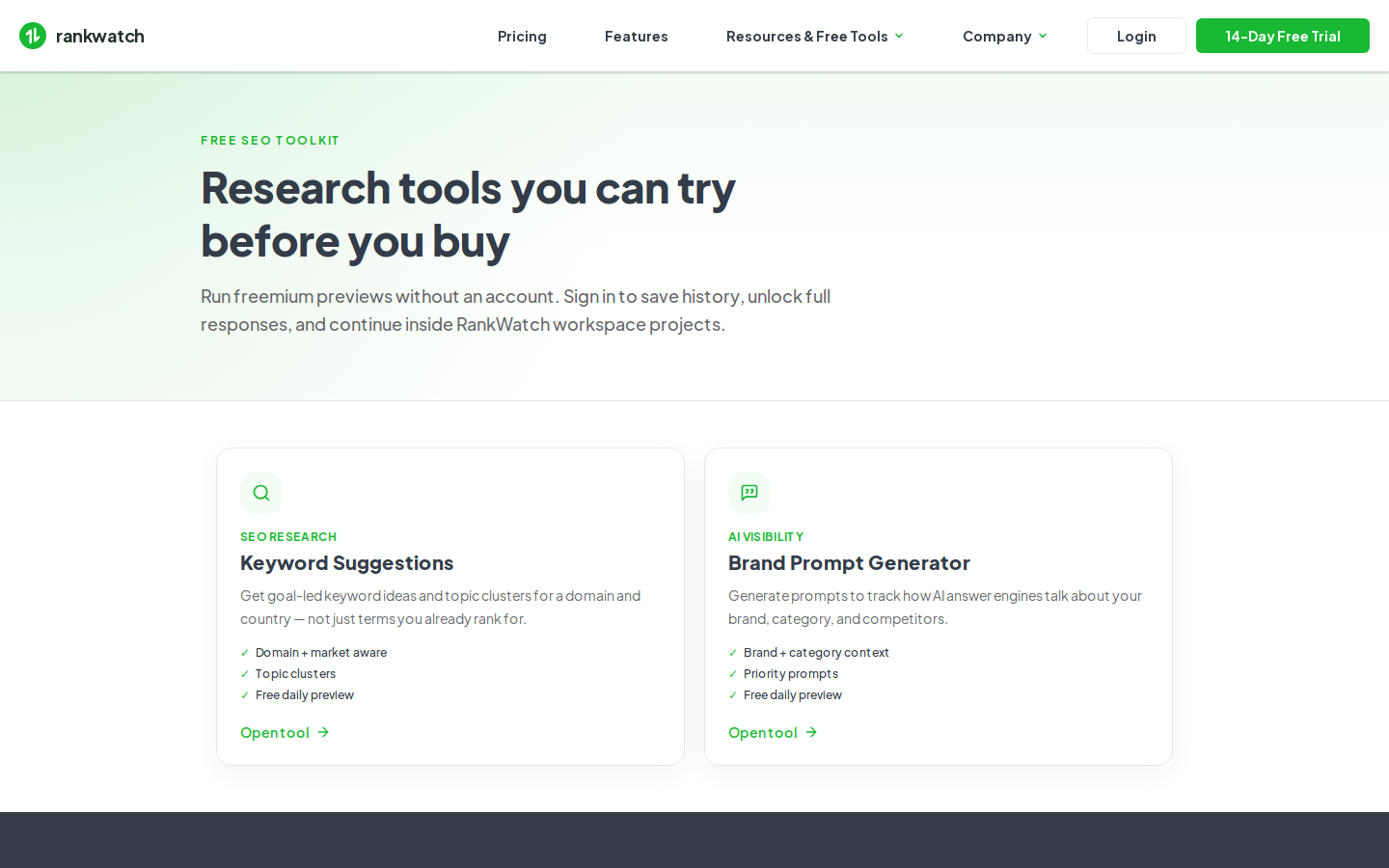
Guest preview
| Rule | Behavior |
|---|---|
| Tools available | Brand Prompt Generator, Keyword Suggestions (guest AI Checker is not available) |
| Quotas | Daily run limits and preview row caps (defaults: a few runs/day and limited preview rows) |
| Credits | Guest compute is not charged to a customer org |
| History | Guest runs never merge into account history after signup |
| Abuse controls | Fingerprint + IP rate limits and service authentication between site and API |
Exact numeric defaults can change with package/config; see How freemium daily quotas and preview locks work.
Signed-in workspace jobs
After login/signup (often via the return cookie from a public tool):
- Jobs run under your workspace with permissions and package features enforced.
- Results open in the in-app tool pages with job history.
- Credits are consumed per tool pricing.
- Free packages may keep full tool results off (preview-limited); Pro unlocks full results.
Choosing the path
Use guest to evaluate the tool quickly. Use signed-in when you need full results, saved history, or prompts you will import into an AI project.
Related how-tos
- How freemium daily quotas and preview locks work
- How free vs Pro full-results gating works
- Continue a tool run after sign-in
- Brand Prompt Generator explained