
How to continue a tool run after sign-in
Continue a RankWatch public /tools run after signing in so it becomes a workspace tool job.
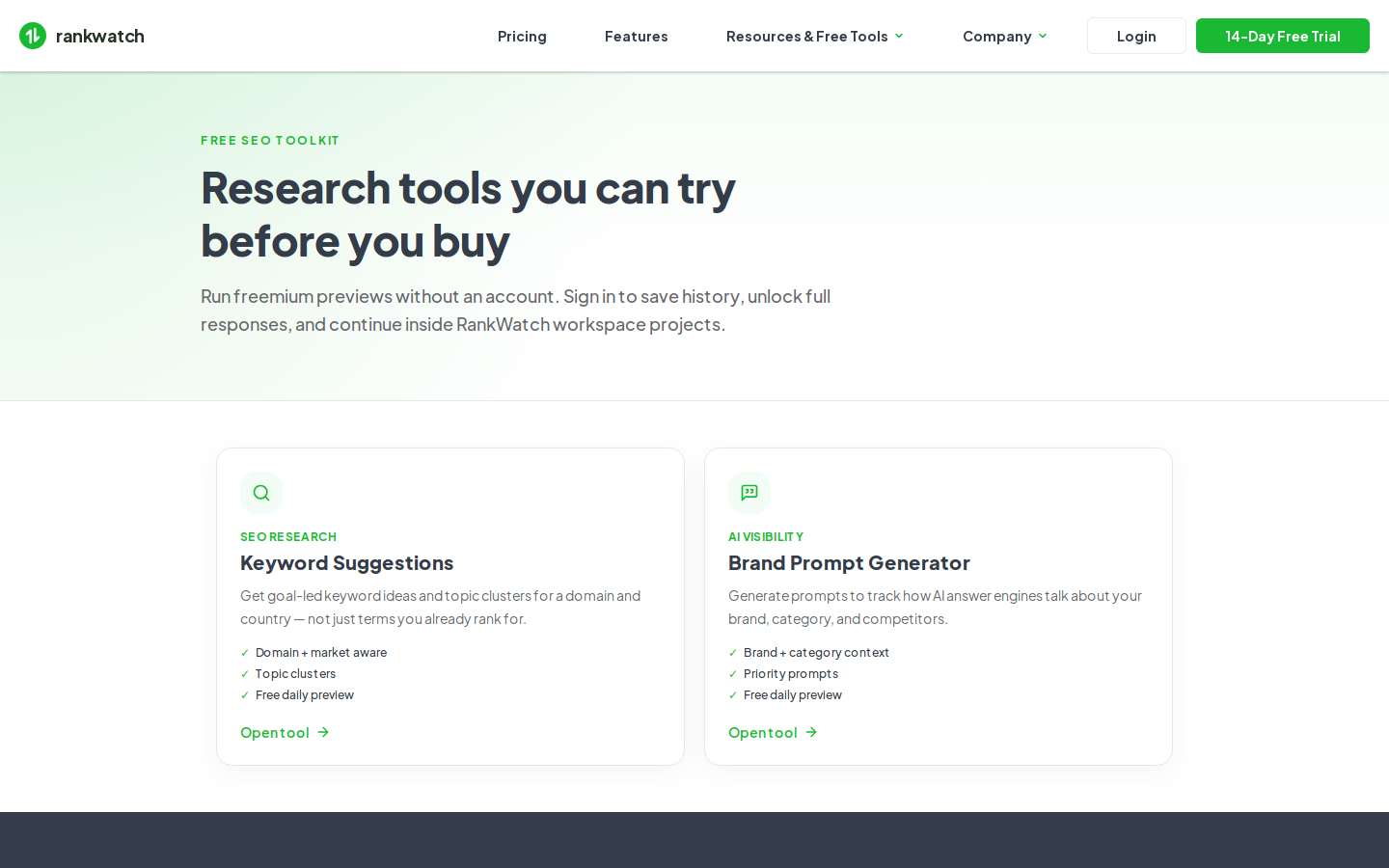
Public freemium tools live on /tools (Brand Prompt Generator and Keyword Suggestions). Guest AI Checker is not available. Signing in continues work as a workspace tool job when your package includes the matching tool features feature.
Steps
- Start or open a guest run on /tools (BPG or Keyword Suggestions).
- When preview locks or quotas block you, choose Sign in / continue with account.
- Authenticate with Sign in (or sign up), then return to the tool.
- Confirm the run is associated with your active organization/workspace and appears under Workspace Tools history (for example Brand Prompt Generator).
- If the workspace tool shows as not enabled, your package lacks the matching feature — check Billing with an org owner.
- Use credits and package limits carefully; signed-in jobs are not free guest quota.
Outcome
The tool run continues with workspace history and package instead of anonymous freemium limits.