
How freemium daily quotas and preview locks work
Understand guest daily quotas, preview locks, and how signed-in workspace tool jobs differ on RankWatch public /tools.
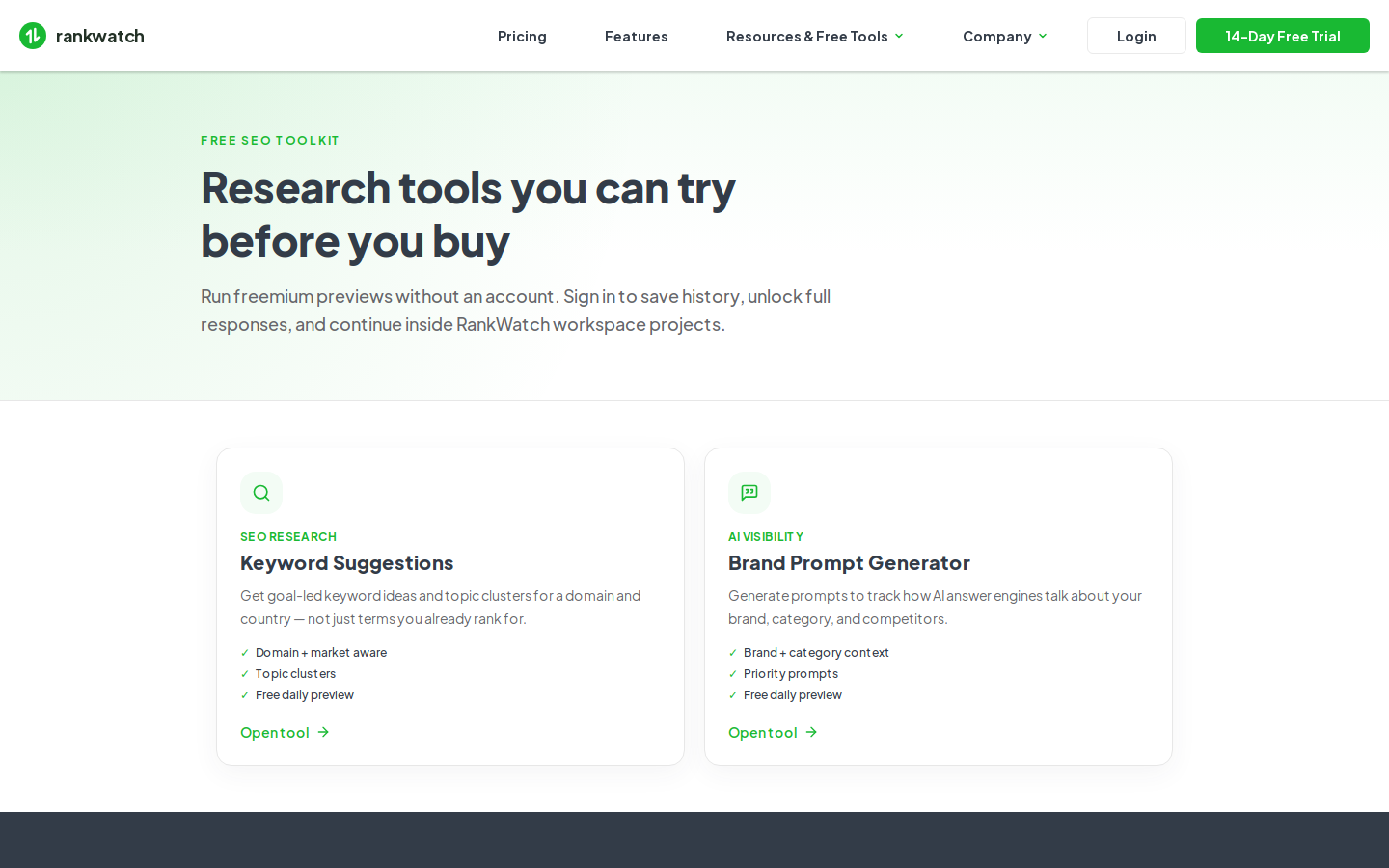
Public freemium tools on /tools (Brand Prompt Generator and Keyword Suggestions) enforce daily guest quotas and preview locks.
Steps
- Open a public tool from /tools while signed out.
- Daily quota: each guest gets a limited number of runs per tool per day. When the quota is used up, wait for the next day or sign in.
- Preview lock: guest results (and some packages) show only a short preview. Sign in or upgrade your package for fuller results when your plan includes them.
- Signed-in path: when authenticated, the same forms create workspace tool jobs with history in the app. Those runs use organization credits when your package includes the tool.
- Compare guest vs workspace behavior in Guest preview vs signed-in workspace jobs.
Outcome
You know why a guest run stops or hides rows, and when to sign in for full workspace tooling instead of another anonymous attempt.