
How to give clients a delivery link and track views
Share generated report delivery links with clients when your package includes link delivery / view tracking.
Prerequisites
- Reporting permissions (read / run / schedule / branding as needed)
Some workspaces can share a delivery link for a generated report instead of only emailing a file. View tracking availability depends on product/package — if the control is absent, download + email the PDF instead.
Steps
- Open Generated reports and select a succeeded run.
- If Copy delivery link / share is available, create or copy the link for the client.
- Send the link via your client channel; do not post publicly if the report contains confidential rankings.
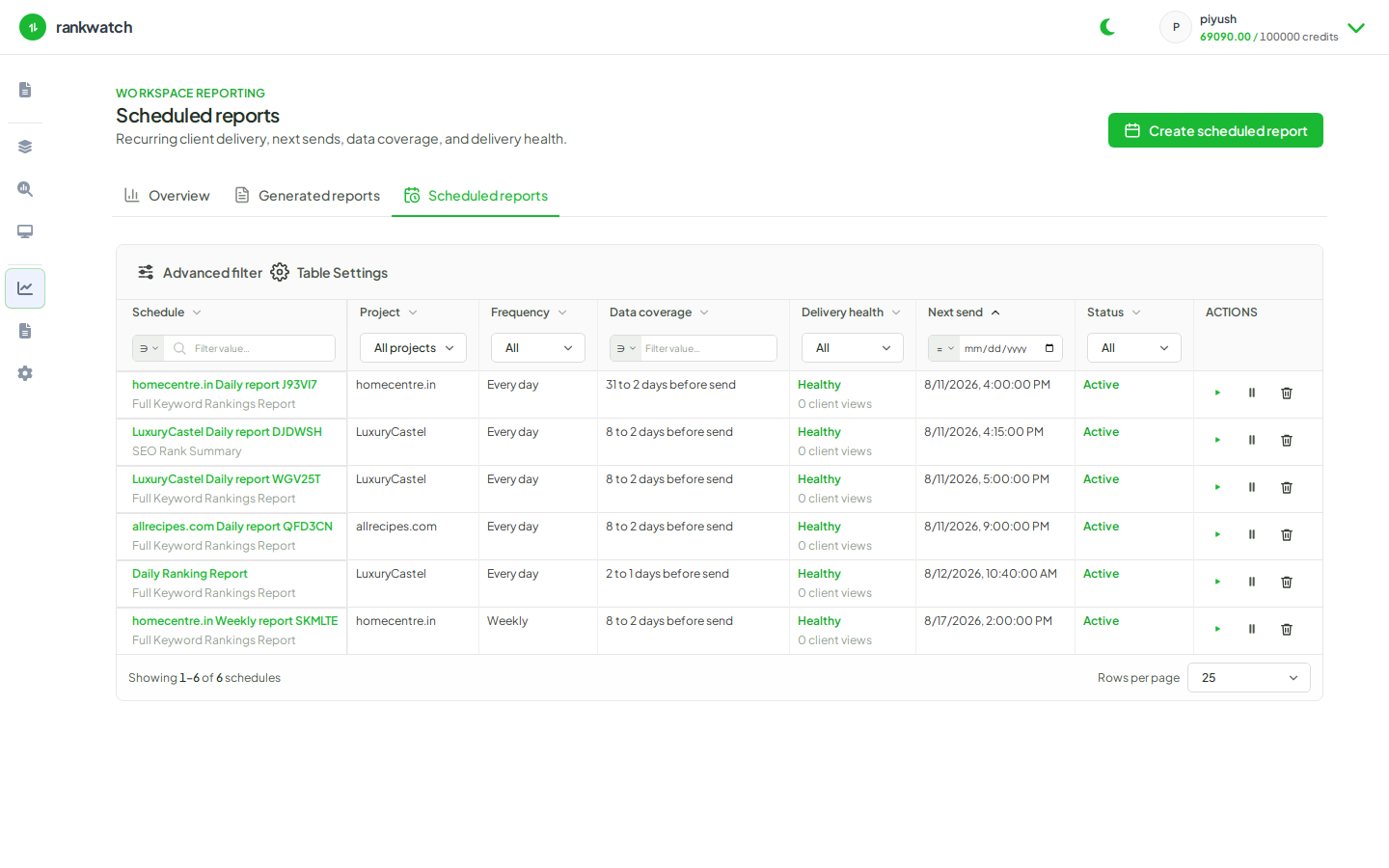
- Review view/open signals when the product shows them on the run or schedule detail.
- Rotate or revoke links when an engagement ends if the UI supports revocation.
Outcome
Clients open the pack via link when the feature is entitled; otherwise use download + your own delivery.