
How to send a weekly client SEO performance PDF
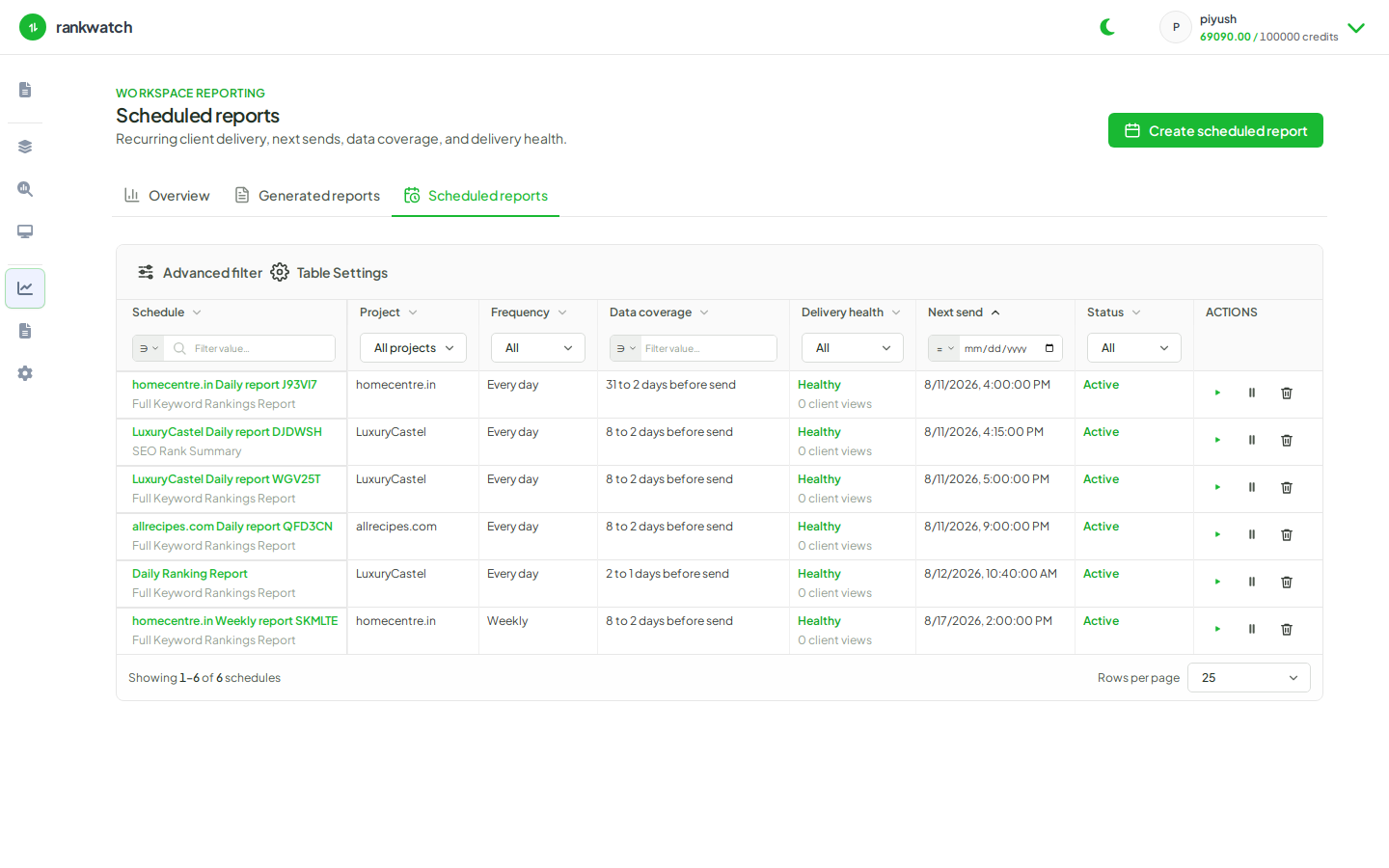
Send a weekly client SEO performance PDF using SEO Rank Summary (or similar ready template) on a schedule.
Prerequisites
- Reporting permissions (read / run / schedule / branding as needed)
For most clients, a weekly SEO Rank Summary PDF is enough: scorecards, top movements, and light competitor context — not a full keyword dump.
Steps
- Confirm branding presets / org logos look right for this workspace (report branding).
- Open Templates → SEO Rank Summary (or another ready executive template) → Preview, then Configure or Schedule.
- Scope the primary client project and search context; set the reporting window to the last 7 days (or rolling week).
- Create a weekly schedule with the client (and account manager) as recipients, or generate once and email the download manually.
- After the first run, open the PDF and sanity-check KPIs against Overview before sharing widely.
Outcome
The client receives a recurring weekly SEO PDF. Keep detailed keyword exports internal unless requested.