
Permission model overview — workspace roles vs org-owner controls
Workspace roles grant day-to-day module access; organization owners alone control billing, Role Management, whitelabel, and notification delivery.
RankWatch permissions are split so agencies can delegate SEO work without handing over billing or org configuration.
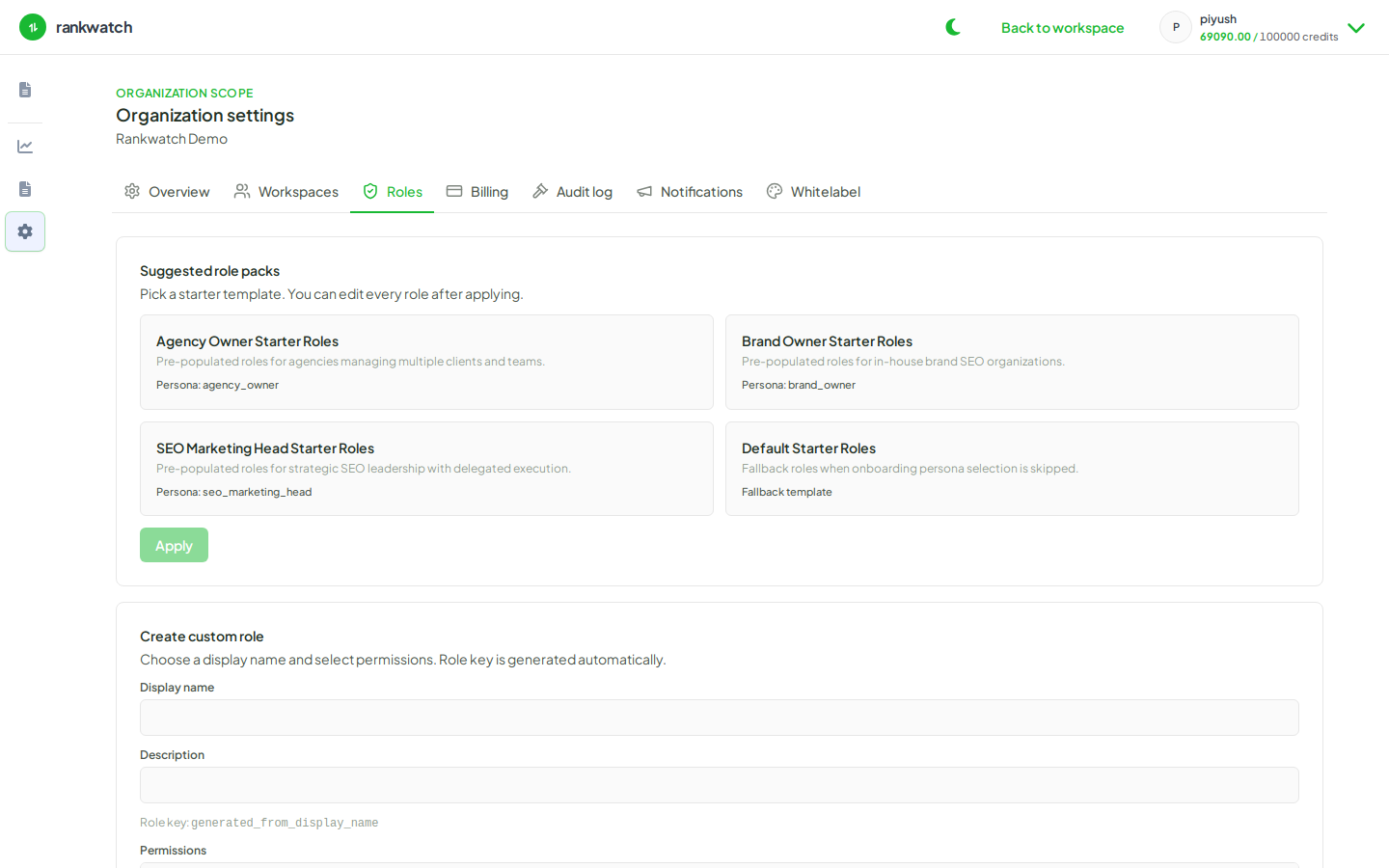
Workspace roles
Each workspace membership has one workspace role. That role controls day-to-day access such as viewing projects, managing keywords, analyzing competitors and backlinks, generating reports, running workspace tools, and inviting teammates.
Custom roles are built in Role Management from workspace-assignable permission groups. Billing, Role Management itself, organization notifications, and whitelabel stay with the organization owner — they are not assigned through workspace roles.
Org-owner controls
Only organization owners manage:
- Billing profile, package view, and credit administration
- Creating, updating, and assigning custom roles
- Whitelabel and organization branding
- Organization notification settings and email delivery channels
Granting a powerful workspace role does not turn a member into an organization owner.
Read vs write
Many modules separate view access from edit access. A Client Viewer typically sees dashboards; an SEO Executive can change keywords and alerts. If someone cannot open a page, ask an owner to adjust their workspace role.
Role packs
Starter packs ship with named roles such as Agency Owner, Agency Manager, SEO Executive, and Client Viewer that you can copy or customize.