
Recommended role recipes — Client Viewer, SEO Executive, Agency Manager
Practical workspace role recipes for client portals, SEO operators, and agency managers — without granting billing access.
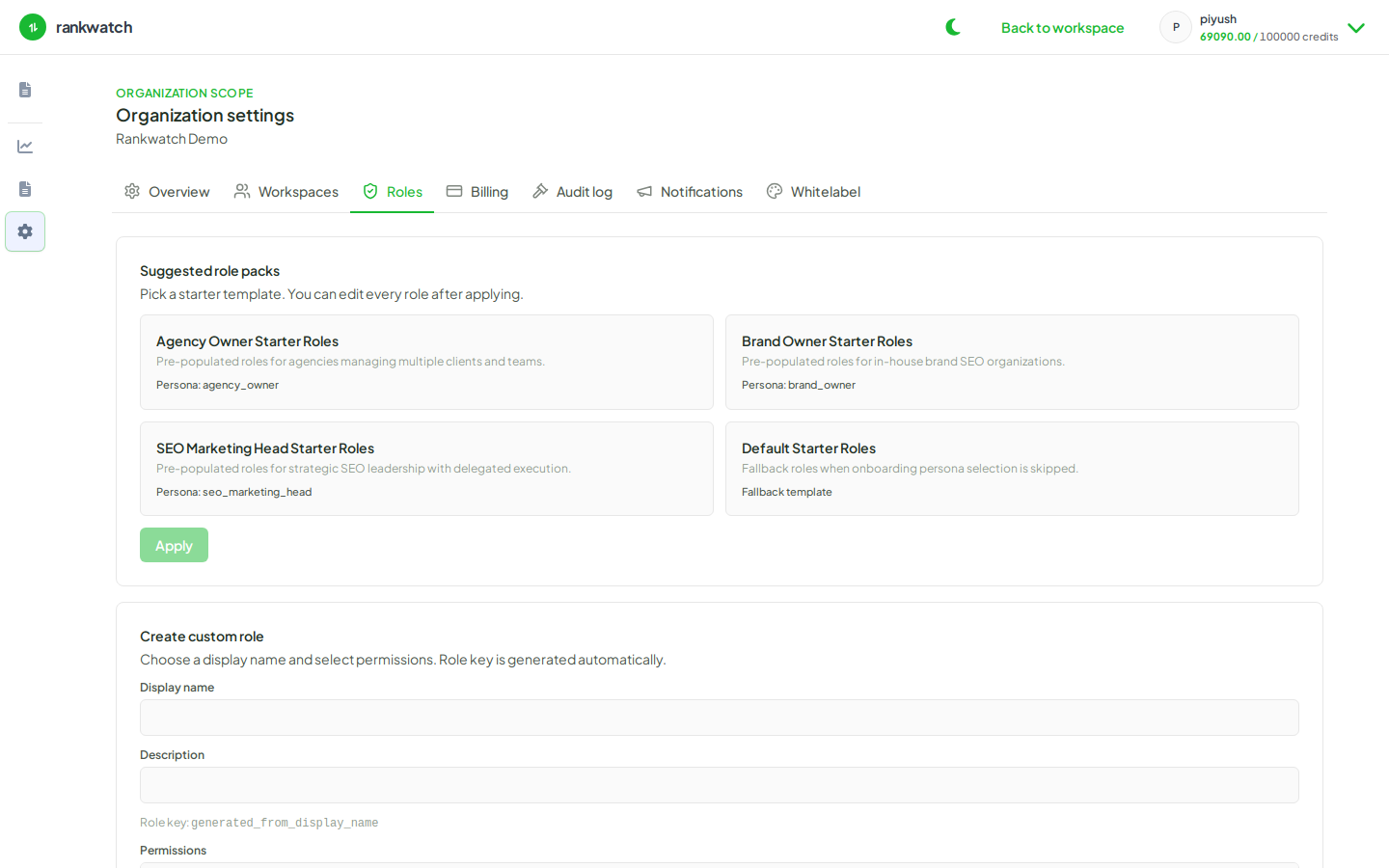
Use these recipes as starting points in Role Management, then tighten permissions per client. None of these recipes should include org billing, role CRUD, or notification-channel admin.
Client Viewer
Goal: Client sees dashboards and reports; cannot change tracking or settings.
Typical grants:
- Project / report / analysis read permissions for SEO Overview, Rankings, Pages, Competitors, Backlinks, GSC (view), and AI analytics if the package includes AI
- No keyword create/update/delete, no project delete, no invite, no tools job run (unless you deliberately allow a tool)
How-to: Build a Client Viewer role.
SEO Executive
Goal: Day-to-day SEO operator inside a client workspace.
Typical grants:
- Keywords and trackings (add, pause, tag, recheck as available)
- Project read/update for competitors, alerts, CTR settings as needed
- Rank alert configuration where your process requires it
- Analysis read (and write where gap workflows need it)
- Optional: report generate / schedule within workspace
How-to: Build an SEO Executive role.
Agency Manager
Goal: Run client workspaces — create projects, invite teammates and clients — without org billing.
Typical grants:
- Workspace member invite / manage
- Project create / update / access manage
- Broad analysis and reporting permissions for oversight
- Still no org billing, package, whitelabel admin, or Role Management owner actions
How-to: Build an Agency Manager role.
Tips
- Prefer one role per persona, then invite people into the right client workspace.
- Re-check permissions after package changes (e.g. AI tracking unlocked).
- If someone hits permission denied, identify the missing key — see Permission denied errors.