
How to create a custom workspace role
Create a custom workspace role in RankWatch Role Management and assign workspace-scoped permissions (org owner).
Prerequisites
- Org owner access to Role Management
Custom roles map job functions (viewer, SEO executive, reporting specialist) to workspace permissions. organization-owner controls (billing, Role Management itself, org notifications, package/usage) stay org-owner only and are not assignable on workspace roles.
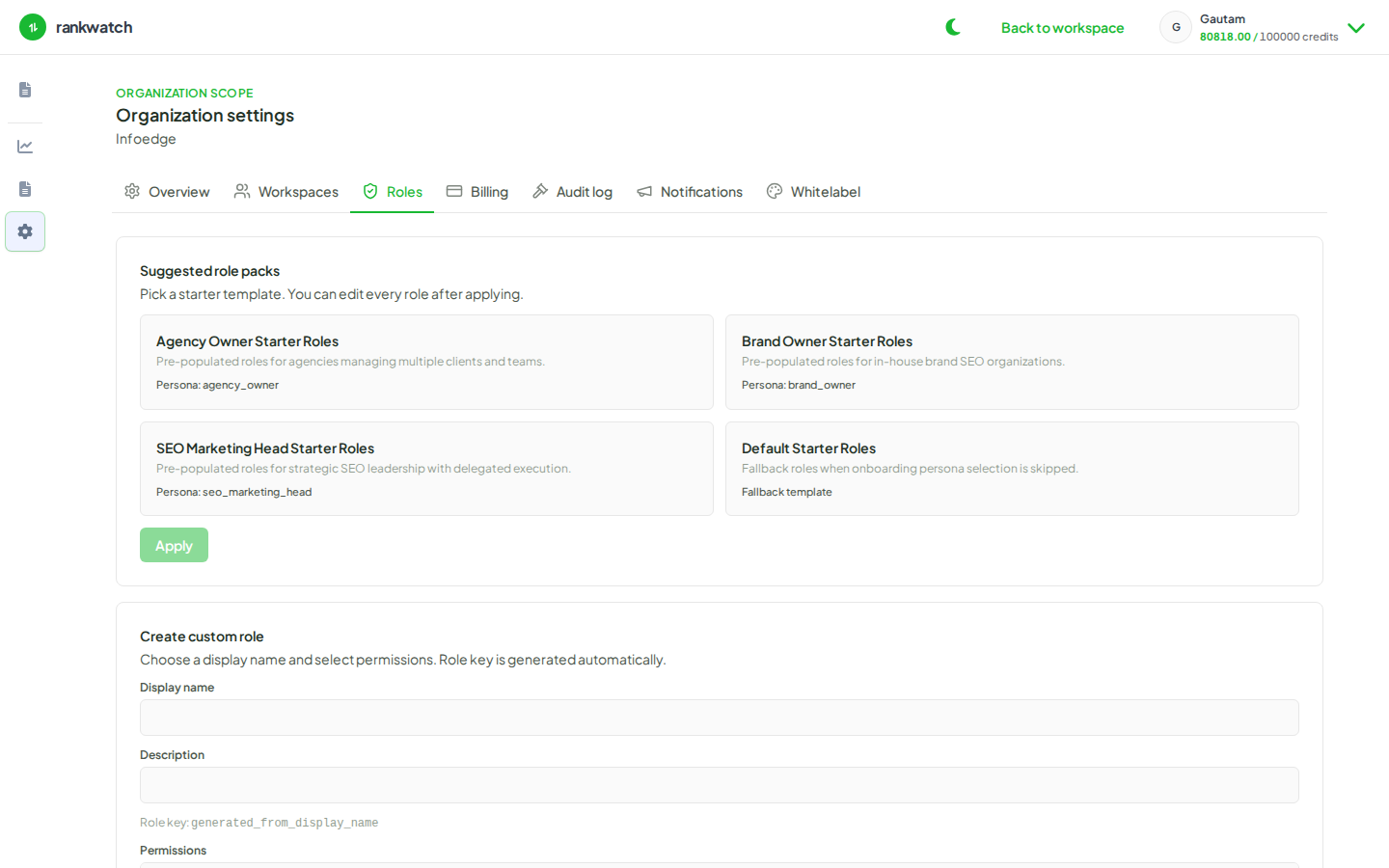
Steps
- Sign in as the organization owner and open Organization settings → Roles.
- Under Create custom role, enter a display name (the role key is generated automatically).
- Select only workspace-assignable permission groups your operators need (projects, keywords, analysis, reporting, invites, and so on). Skip organization-owner controls — they are excluded from the builder.
- Save the role. Confirm it appears in the roles list.
- Assign it when inviting a teammate, or change an existing member’s role from the workspace team settings.
- Optional: verify with a test invite that denied actions return permission errors as expected.
Outcome
The custom role is available for invites and memberships in every workspace under the organization. Edit permissions later from the same Roles tab without recreating the role.