
How to edit permissions on an existing role
Edit workspace-assignable permissions on an existing custom role without recreating it (org owner).
Prerequisites
- Org owner access to Role Management
Change a role’s permission set when a job function grows or shrinks. organization-owner controls remain non-assignable on workspace roles.
Steps
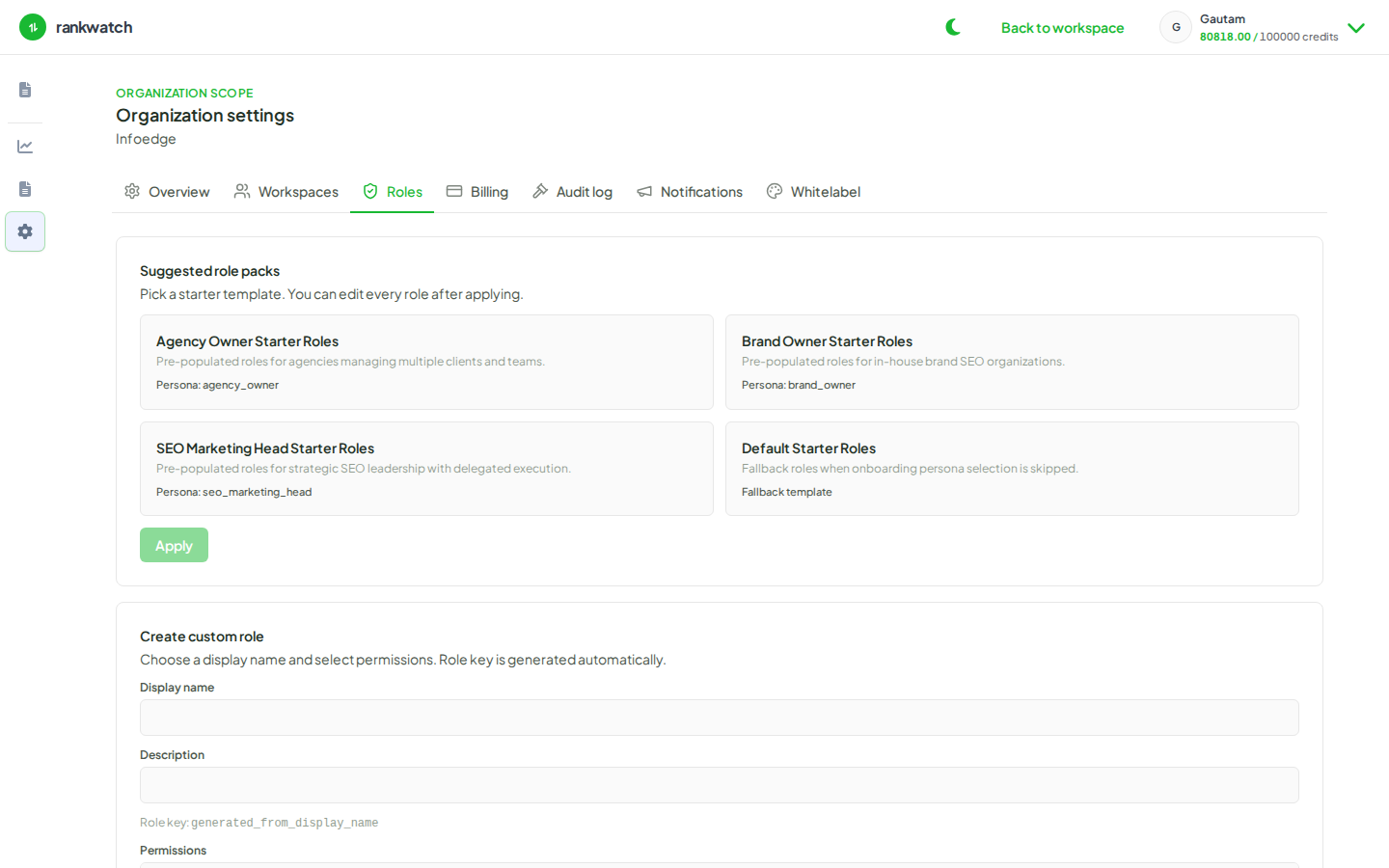
- Open Organization settings → Roles as org owner.
- Select the custom role to edit.
- Add or remove workspace-assignable permissions only. Do not expect billing, Role Management, org notifications, billing access, or package view access to appear as assignable.
- Save. Existing members with that role pick up the new permission set on subsequent authorization checks.
- Spot-check with a teammate account: previously blocked actions should succeed only if newly granted, and vice versa.
- If you need a different job shape, consider a new role instead of overloading one role used by many people.
Outcome
Members who already have the role inherit the updated permissions. Invites that used the role keep working without re-inviting.