
How to grant GSC view without GSC configure
Grant Google Search Console dashboard view without connection/configure rights (org owner).
Prerequisites
- Org owner access to Role Management
Analysts often need GSC keywords/pages views without OAuth connect or property configuration rights.
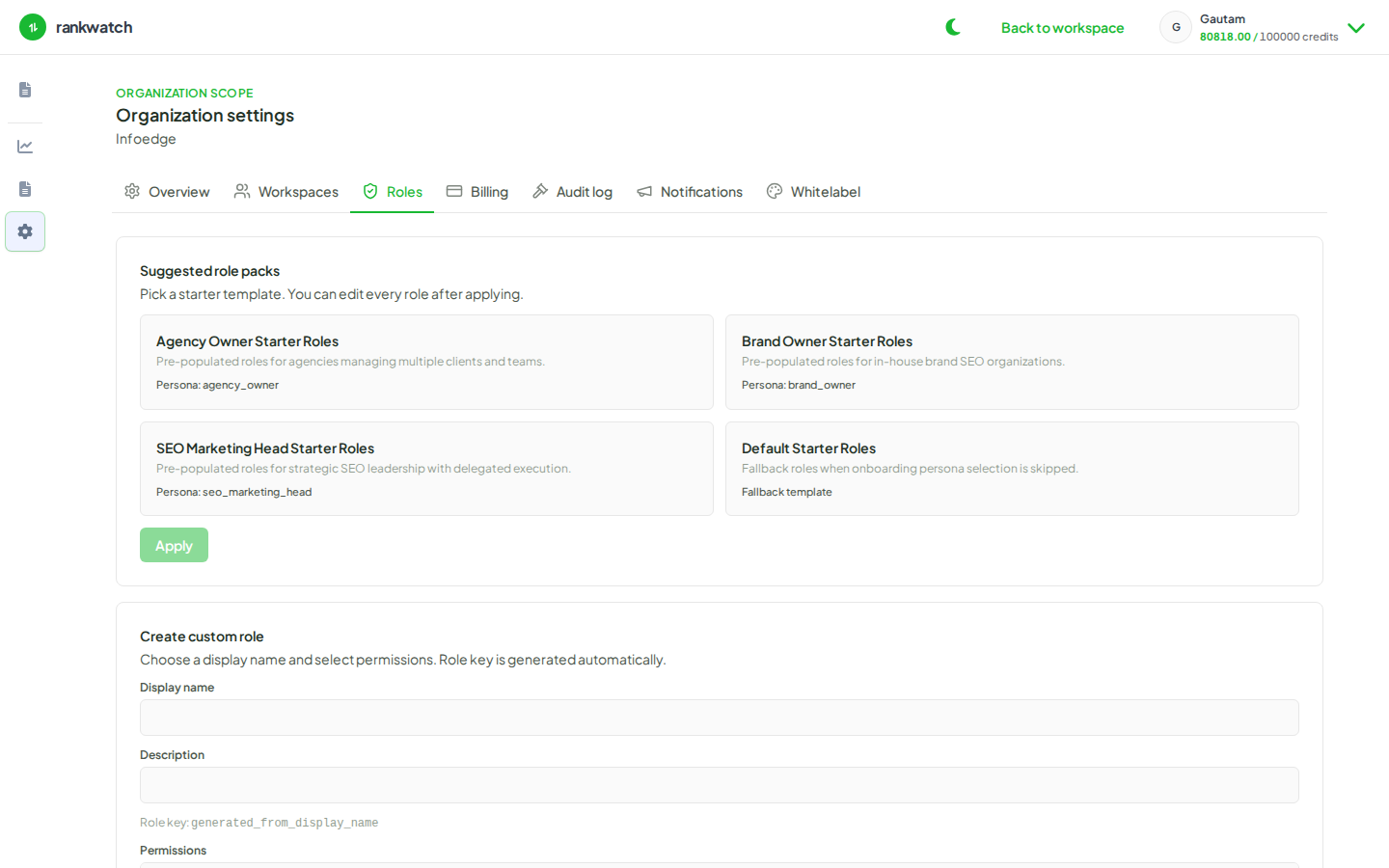
Steps
- Open Roles and edit the analyst role.
- Enable GSC view/read permissions for dashboards.
- Disable GSC configure/connect permissions so they cannot change the linked property or disconnect OAuth.
- Save and assign.
- Confirm the user can open project Search Console tabs but cannot change Settings connection controls.
Outcome
Teammates can analyze GSC data while connection ownership stays with a smaller admin set.