
How to grant a teammate GSC dashboards without connection rights
Grant a teammate Search Console dashboard access without allowing them to connect or change the Google OAuth link.
Prerequisites
- GSC property access; RankWatch integrations.gsc permissions as required
Viewers and SEO operators often need GSC charts without the right to reconnect Google. Use workspace roles: grant read/analysis for GSC dashboards; keep configure/connect on owners or admins.
Steps
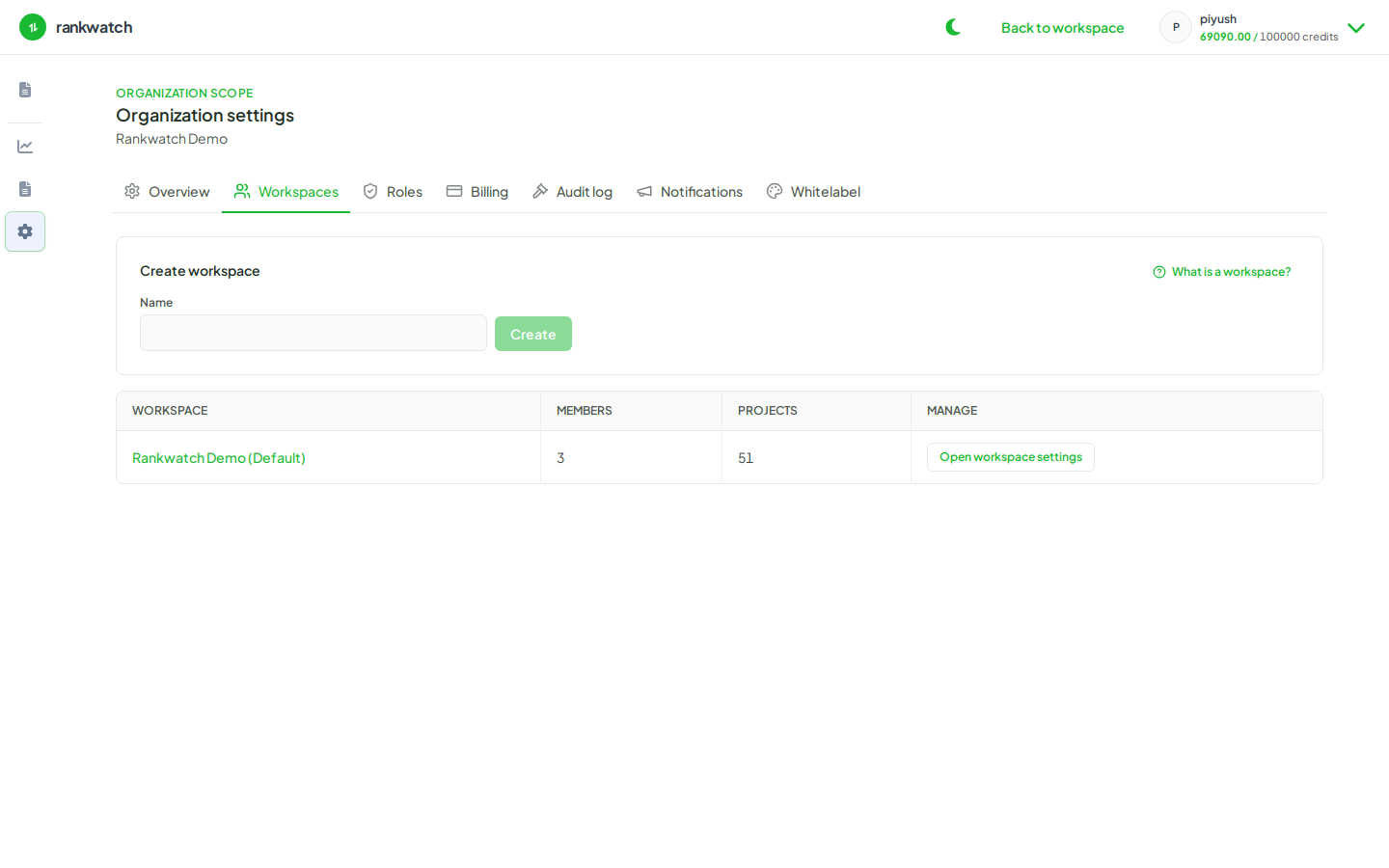
- As org owner, open Organization settings → Roles.
- Edit (or create) the teammate’s workspace role: allow GSC read / dashboard permissions used by Search Console views.
- Ensure integrations.gsc configure / connect-style permissions stay off for that role.
- Assign the role on invite or membership, then have the teammate open the project Search Console Overview.
- Confirm they can see data but Settings does not allow changing the Google connection (or shows permission denied).
Outcome
The teammate can analyze GSC without owning the OAuth connection. Related: Integrations permissions — GSC.