
How to grant report schedule permissions without delete rights
Grant report schedule permissions on a role while withholding report delete rights (org owner).
Prerequisites
- Org owner access to Role Management
Common least-privilege pattern: allow schedules and downloads, block deleting generated runs or templates.
Steps
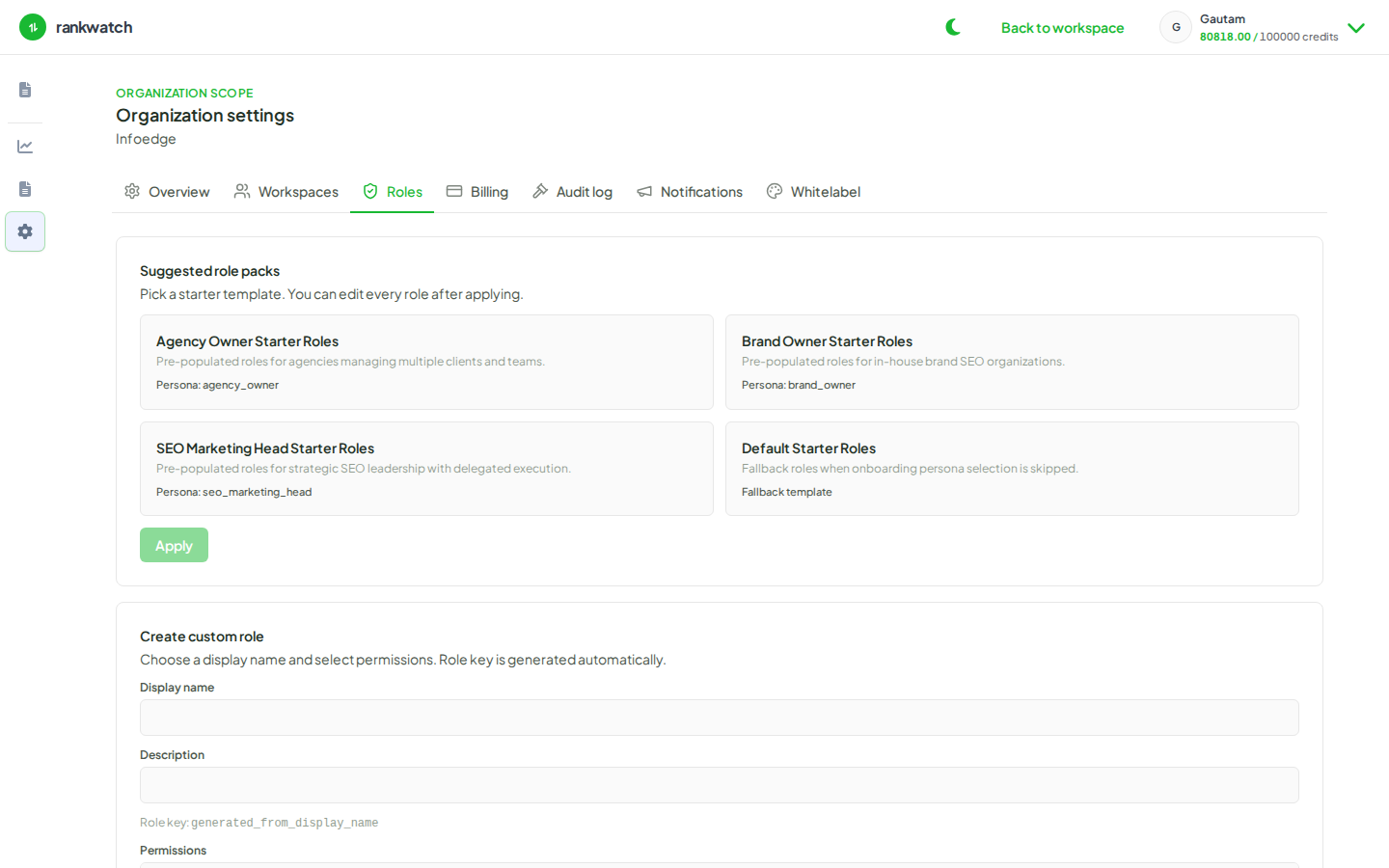
- Open Roles and edit the target role.
- Enable report read + schedule/generate permissions required for recurring PDFs.
- Leave report delete (and any purge/manage-destructive keys) unchecked.
- Save and assign the role to the reporting owner.
- Verify they can open Reporting, create a schedule on a ready template, and download runs — but cannot delete historical runs.
Outcome
Reporting continues safely without giving cleanup/delete rights to every scheduler.