
How to override citation domain categories
Override citation domain categories when RankWatch’s auto category for a citing domain should be corrected.
Prerequisites
- AI Visibility on your package enabled for your organization
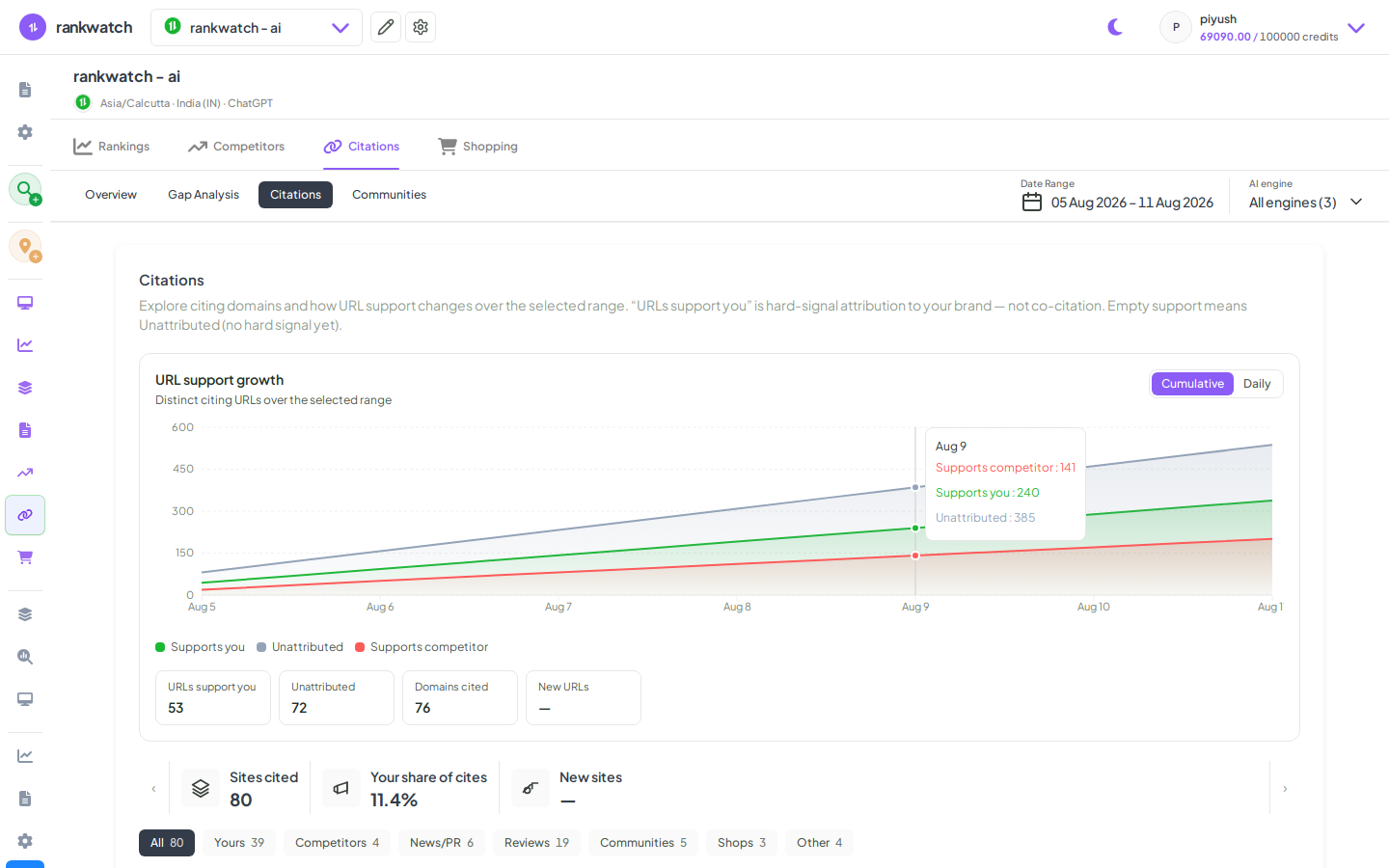
Citation category overrides fix misclassified domains in Citations Explore / communities so gap views stay meaningful. Available when AI Visibility is included on your package. If AI nav is missing, confirm package access under Organization settings → Billing / Package.
Steps
- Open AI Citations → Explore (or the domain category UI linked from citations).
- Find a domain whose category is wrong for your analysis.
- Set / override the category and save.
- Confirm Explore / communities reflect the new category after refresh.
- Reset to default later if the override is no longer needed (reset from Explore).
Outcome
Citation rollups use your corrected domain categories. See Citation domain category overrides.