
How to use Citations opportunity and explore
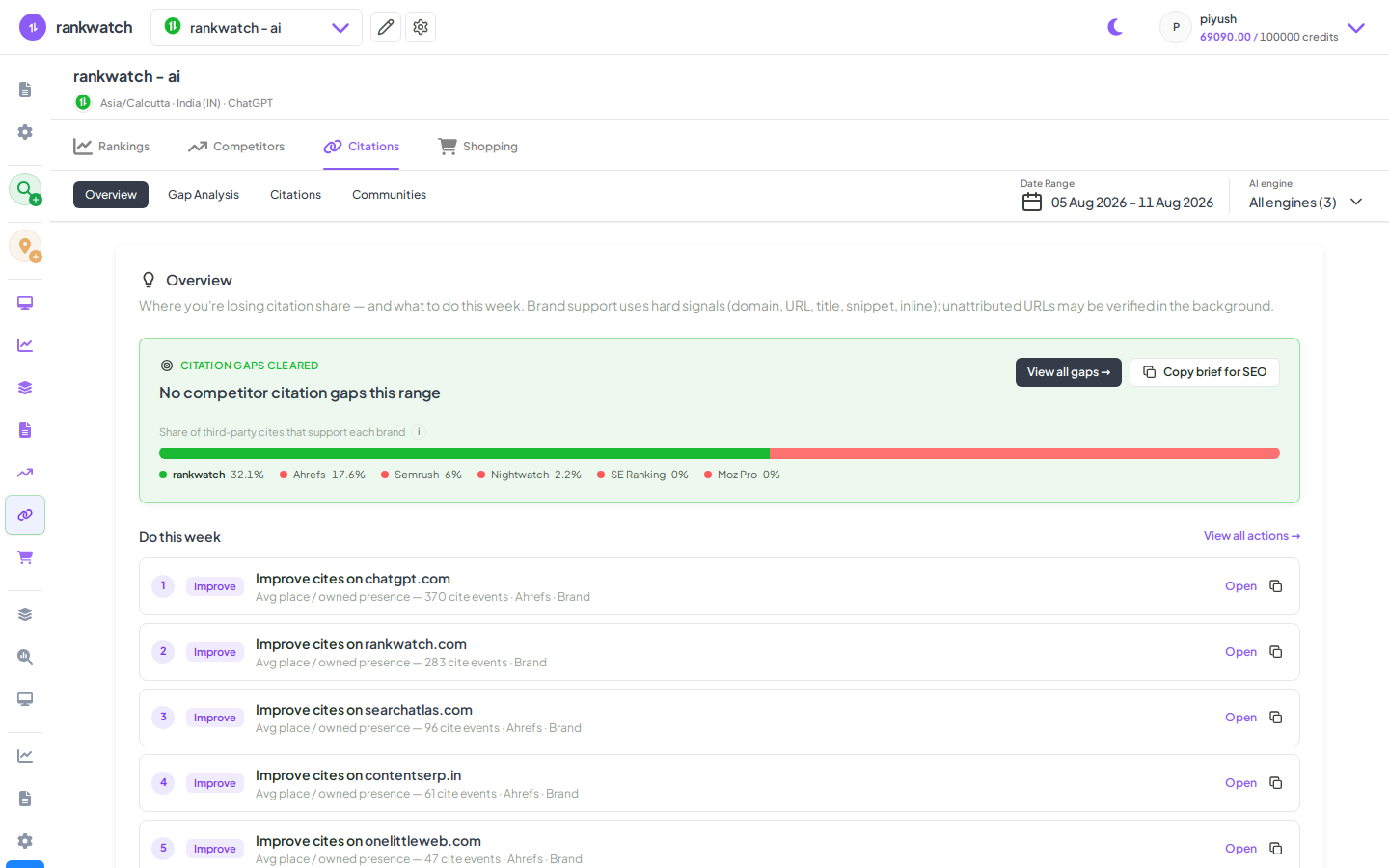
Use AI Citations Opportunity (gap) and Explore to find citation targets and inspect citing URLs. Available when AI Visibility is included on your package.
Prerequisites
- AI Visibility on your package enabled for your organization
- AI project with completed citation jobs
- analysis.read (or equivalent) to view citations
Citations show which URLs and domains models cite when answering your prompts. Opportunity (gap) highlights sites competitors win that you do not; Explore is the full citation table for filtering and category work. Requires AI Visibility.
Steps
- Open Projects → AI project → Citations for the AI search context.
- Open Opportunity (gap) to review opportunity sites — domains or URLs where competitors are cited and your brand is not (or is weaker).
- Use date range and engine / context scope controls so the gap matches the briefing window you care about.
- Switch to Explore for the full citations table. Filter with Advanced filter / support chips (for example whether a URL supports your brand vs competitors). Rows that do not support your brand may show as Unattributed.
- Drill into promising domains or communities; use Communities when you want Reddit / Quora / forum-style hosts.
- Optional: override citation domain categories from Explore when classification is wrong, then re-check Opportunity after data refreshes.
Outcome
You have a prioritized list of citation targets and a filtered Explore view you can export or hand to content / PR. Pair with prompt and competitor reviews for a full GEO action plan.