
How to set or reset citation categories from Citations Explore
Set or reset citation domain categories from Citations Explore when reviewing GEO citation neighborhoods.
Prerequisites
- AI Visibility on your package enabled for your organization
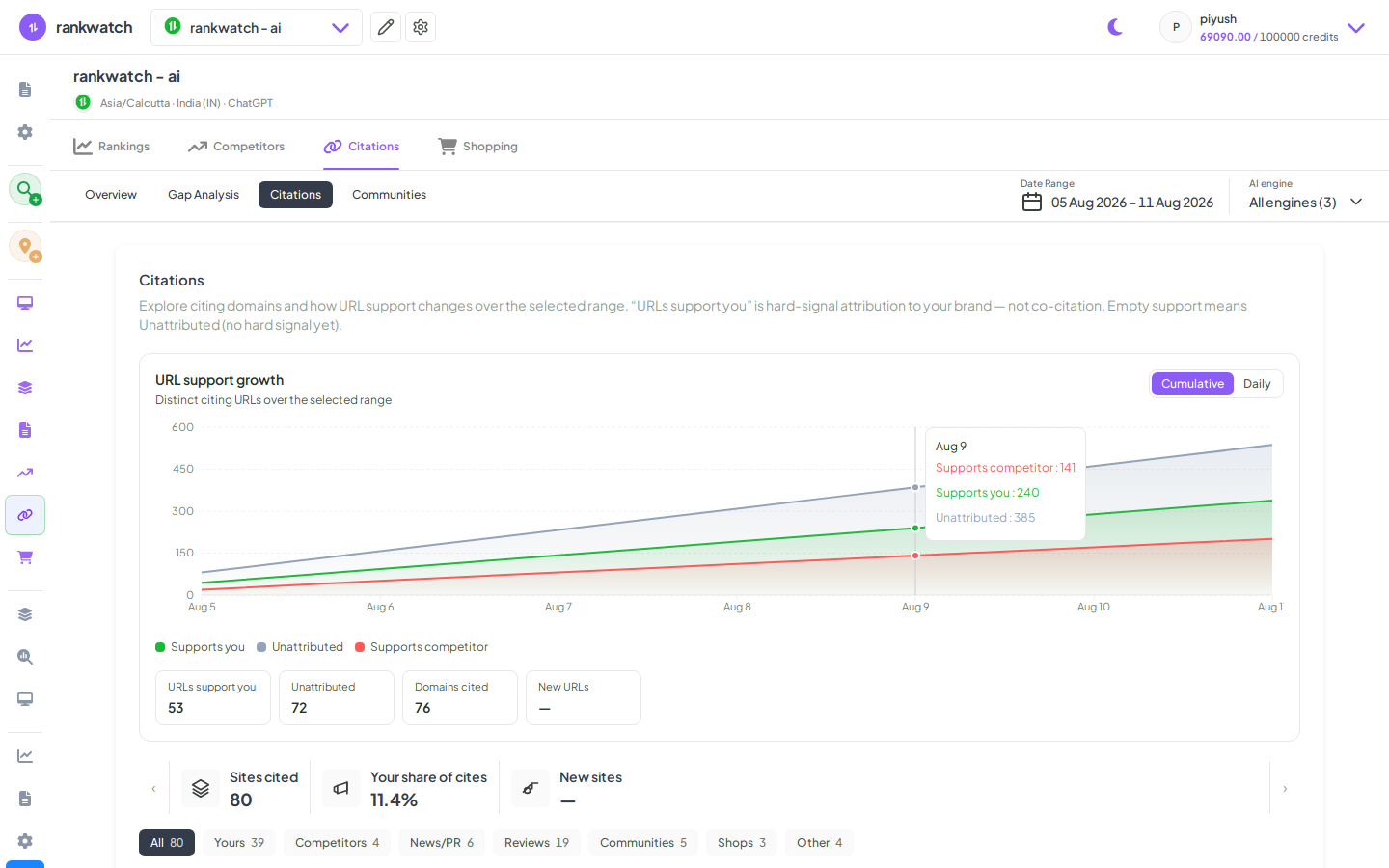
Citations Explore is the practical place to fix categories while you browse citing domains. Available when AI Visibility is included on your package. If AI nav is missing, confirm package access under Organization settings → Billing / Package.
Steps
- Open Projects → AI project → Citations → Explore.
- Inspect domains by category / community.
- Set a category override on mislabeled domains; use Reset when you want the default classifier again.
- Recheck Opportunity / Gap views that depend on categories.
- Document intentional overrides for the client workspace.
Outcome
Explore and related citation views reflect corrected categories without recreating the AI project.