
How to filter GSC by country or device
Filter Google Search Console dashboards in RankWatch by country or device to match how you analyze rankings.
Prerequisites
- GSC property access; RankWatch integrations.gsc permissions as required
Country and device filters keep GSC numbers aligned with how you brief (for example mobile-only or a single market).
Steps
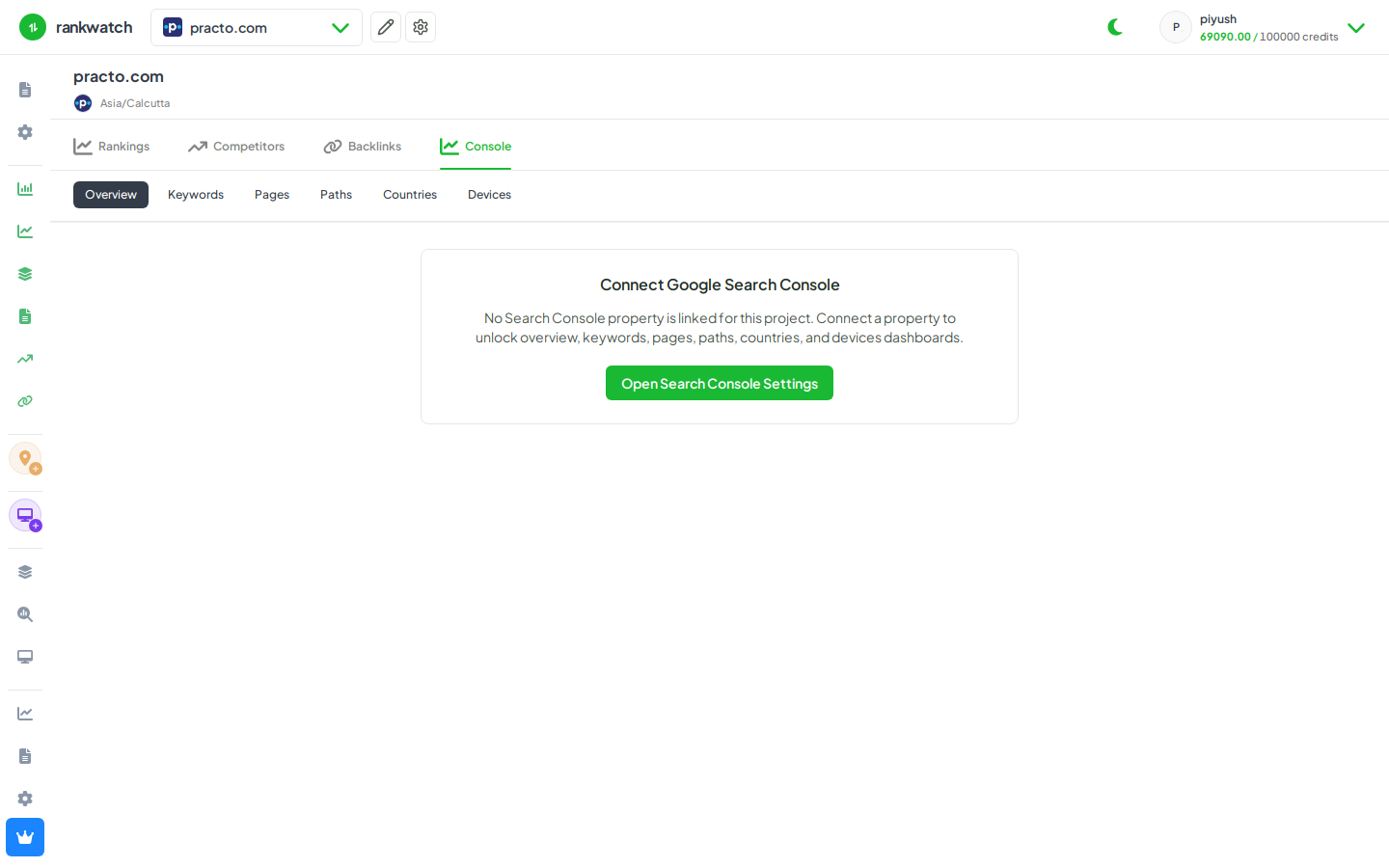
- Open Projects → project → Search Console (Overview or a table tab).
- Set the date range you care about.
- Apply Country and/or Device filters from the page filter bar.
- Compare filtered KPIs on Overview, then open Keywords/Pages with the same filters still applied.
- Clear filters when you need the property-wide total again.
Outcome
GSC charts and tables reflect the selected country/device slice for that property.