
How to find high-impression, low-CTR pages using GSC
Find pages with high impressions and low CTR in RankWatch Search Console to prioritize title and snippet fixes.
Prerequisites
- GSC property access; RankWatch integrations.gsc permissions as required
High impressions + low CTR usually means the query demand is there but the SERP listing underperforms — a classic GSC optimization pass.
Steps
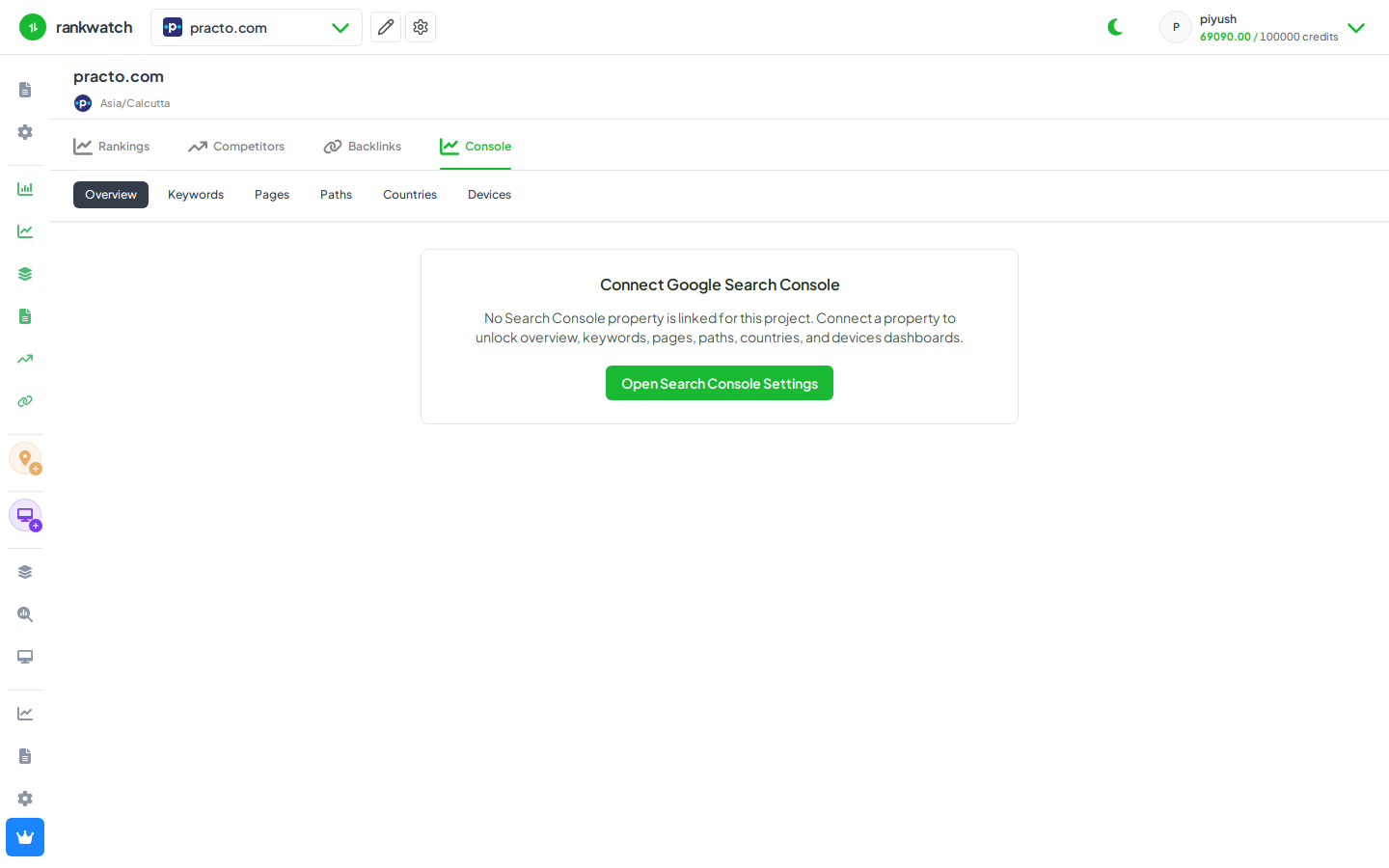
- Open Projects → project → Search Console → Pages (or Keywords if you optimize at query level).
- Set a meaningful date range (28 days is a common default).
- Sort by impressions descending, then scan CTR (and position). Focus on URLs with strong impressions but weak CTR.
- Open related queries for those URLs; compare with RankWatch Rankings positions for the same terms when tracked.
- Fix titles/meta/snippets on-site; re-check GSC after Google refreshes (often days, not hours).
Outcome
A shortlist of pages (or queries) for CTR work, grounded in GSC metrics inside RankWatch.