
How to navigate GSC keywords, pages, and paths
Navigate Search Console Keywords, Pages, and Paths tabs in RankWatch to inspect queries and landing URLs from Google.
Prerequisites
- GSC property access; RankWatch integrations.gsc permissions as required
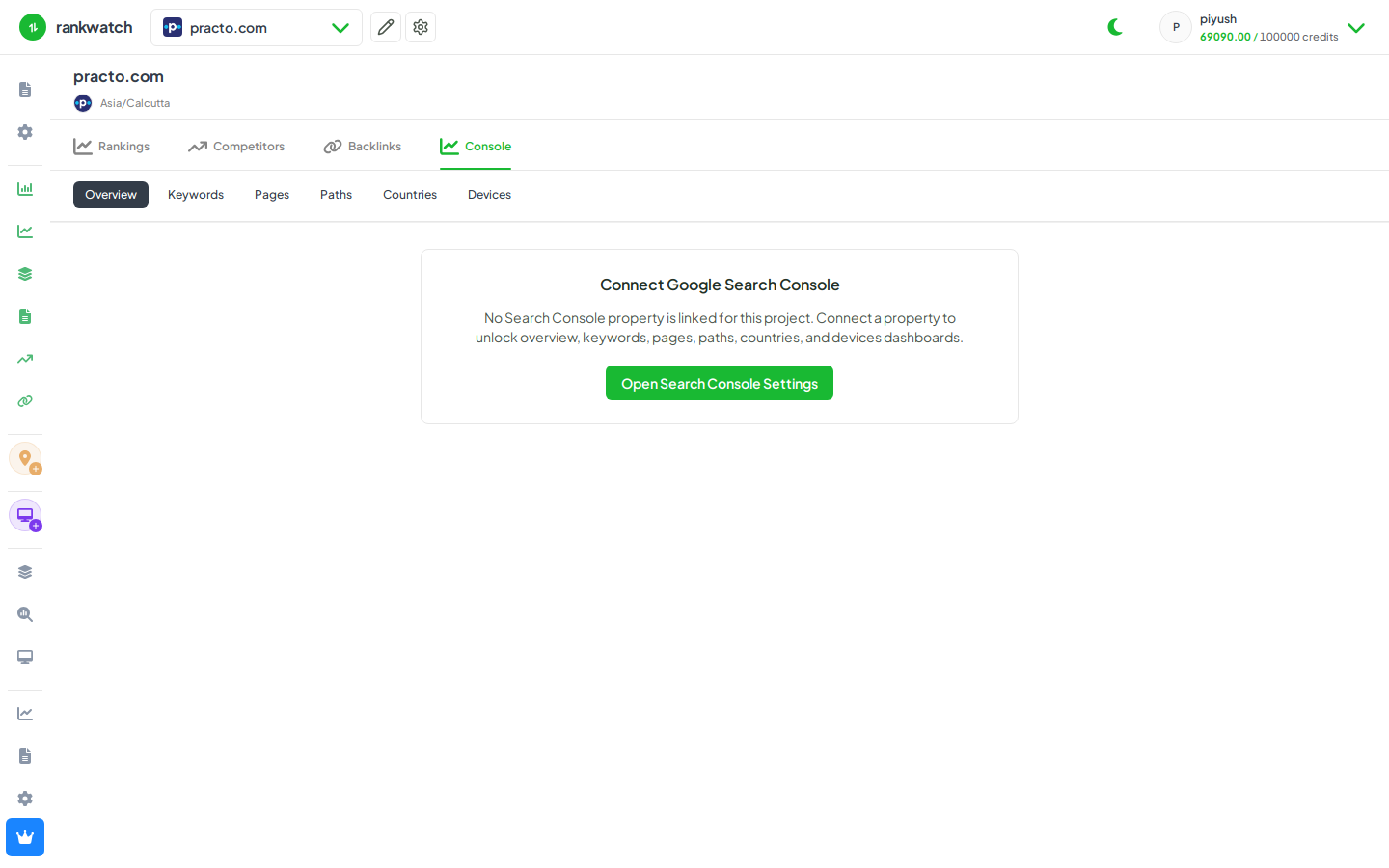
GSC dashboards in RankWatch mirror Search Console performance dimensions: queries (Keywords), landing pages (Pages), and path rollups (Paths), plus Overview KPIs.
Steps
- Open Projects → project → Search Console → Overview and confirm the property and date range.
- Open Keywords for query-level clicks, impressions, CTR, and position.
- Open Pages for URL-level performance; use it when optimizing specific landers.
- Open Paths when you care about directory-level rollups rather than every URL.
- Use Countries / Devices dimensions when available to segment the same metrics.
Outcome
You can move between GSC tabs the same way you would in Search Console, inside the project. See GSC overview and tabs.