
How to compare GSC clicks with RankWatch rankings for the same keywords
Compare GSC clicks/impressions with RankWatch tracked ranks for the same keywords to separate visibility from clicks.
Prerequisites
- GSC property access; RankWatch integrations.gsc permissions as required
GSC and RankWatch answer different questions: GSC shows Google-reported clicks/impressions; RankWatch shows tracked rank checks for your keyword list. Compare them — do not expect identical positions.
Steps
- Pick a tracked keyword in Projects → Rankings / Keyword detail and note recent RankWatch positions.
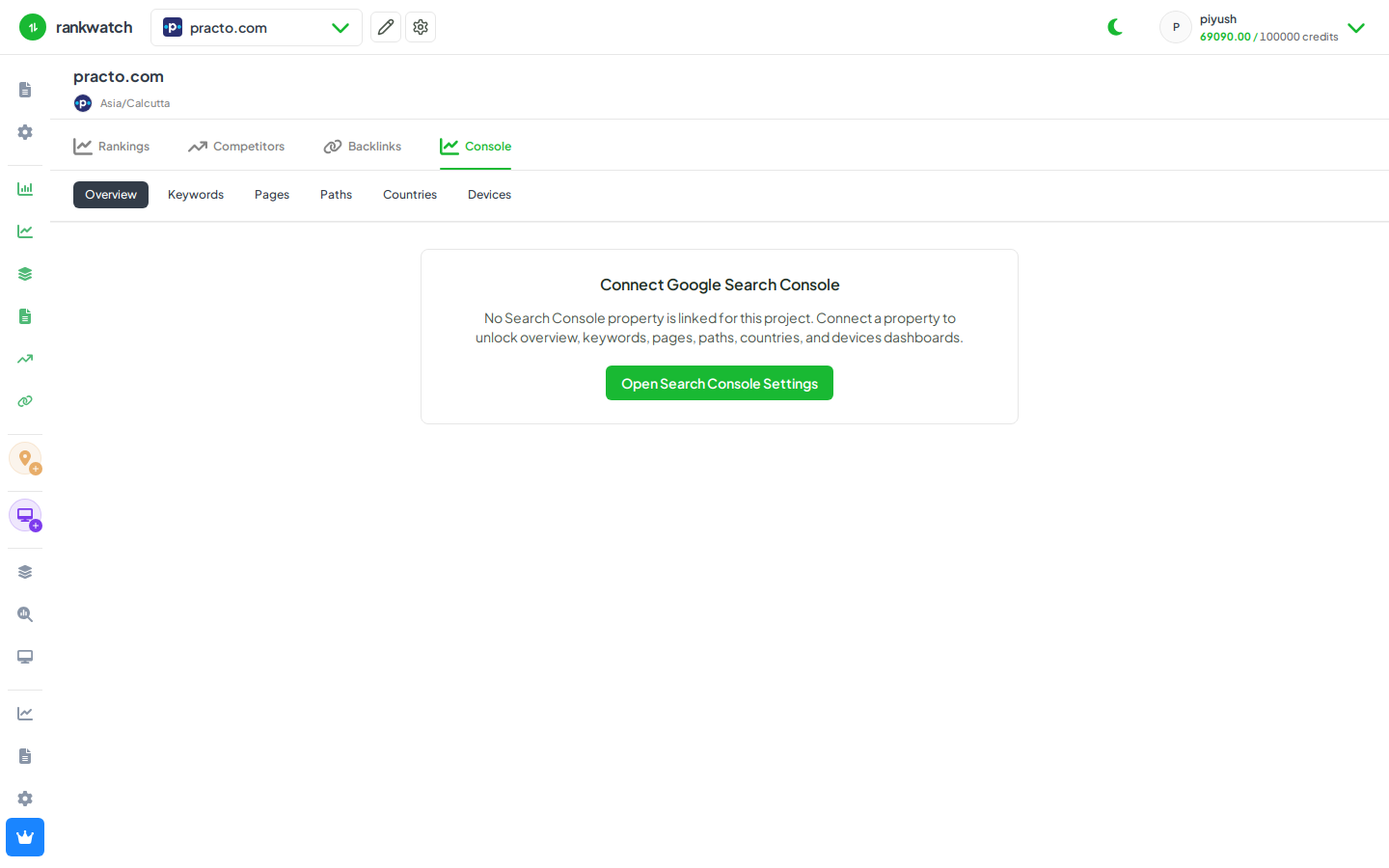
- Open Search Console → Keywords and find the same query (filters/search).
- Compare GSC average position, clicks, and impressions for the overlapping dates.
- Explain gaps: GSC blends anonymized / untracked queries and devices; RankWatch is your monitored set and crawl cadence.
- Use both in the client story — rank movement from RankWatch, traffic evidence from GSC.
Outcome
A dual read of visibility (ranks) vs realized search traffic (GSC). See How GSC data relates to rank tracking.