
Google Search Console in RankWatch explained
How Google Search Console integration works in RankWatch: OAuth connection, property link, sync, and dashboard tabs inside a project.
RankWatch embeds Search Console performance data beside rank tracking so operators can compare clicks/impressions with tracked positions in one project.
What it is
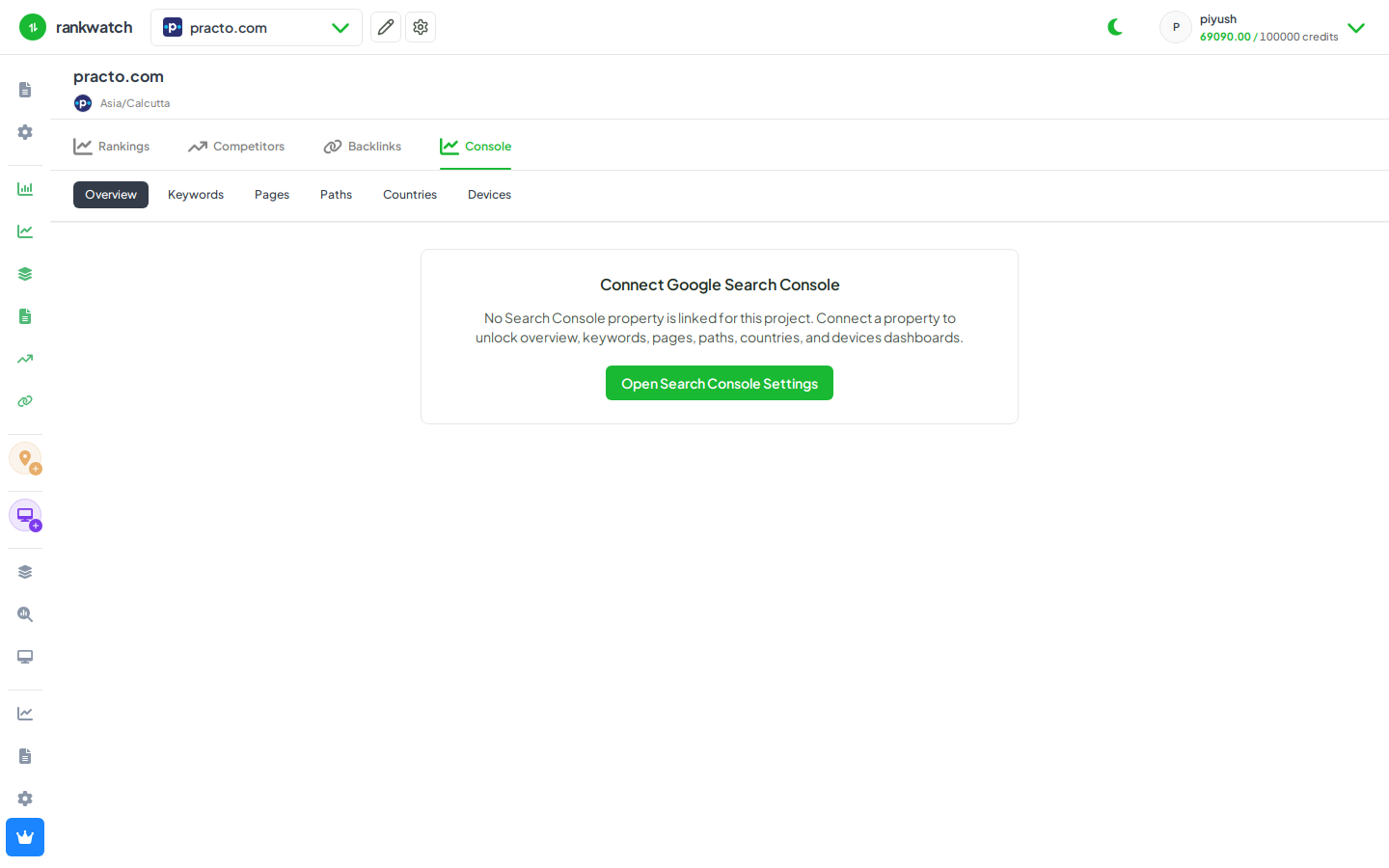
A per-project integration: connect a Google account, select a Search Console property, sync performance data, and explore it under Search Console (Overview, Keywords, Pages, Paths, plus country/device dimensions).
Where to find it
Projects → project → Search Console. Configure under Search Console → Settings.
What you need
- Google user with access to the property
- RankWatch permission to connect/configure GSC (viewers can be granted dashboard read without connect)