
How to disconnect or change a GSC connection
Disconnect or change the Google Search Console property linked to a RankWatch project from Search Console Settings.
Prerequisites
- GSC property access; RankWatch integrations.gsc permissions as required
Change the linked property when the site migrates, or disconnect when the Google account should no longer sync into this project.
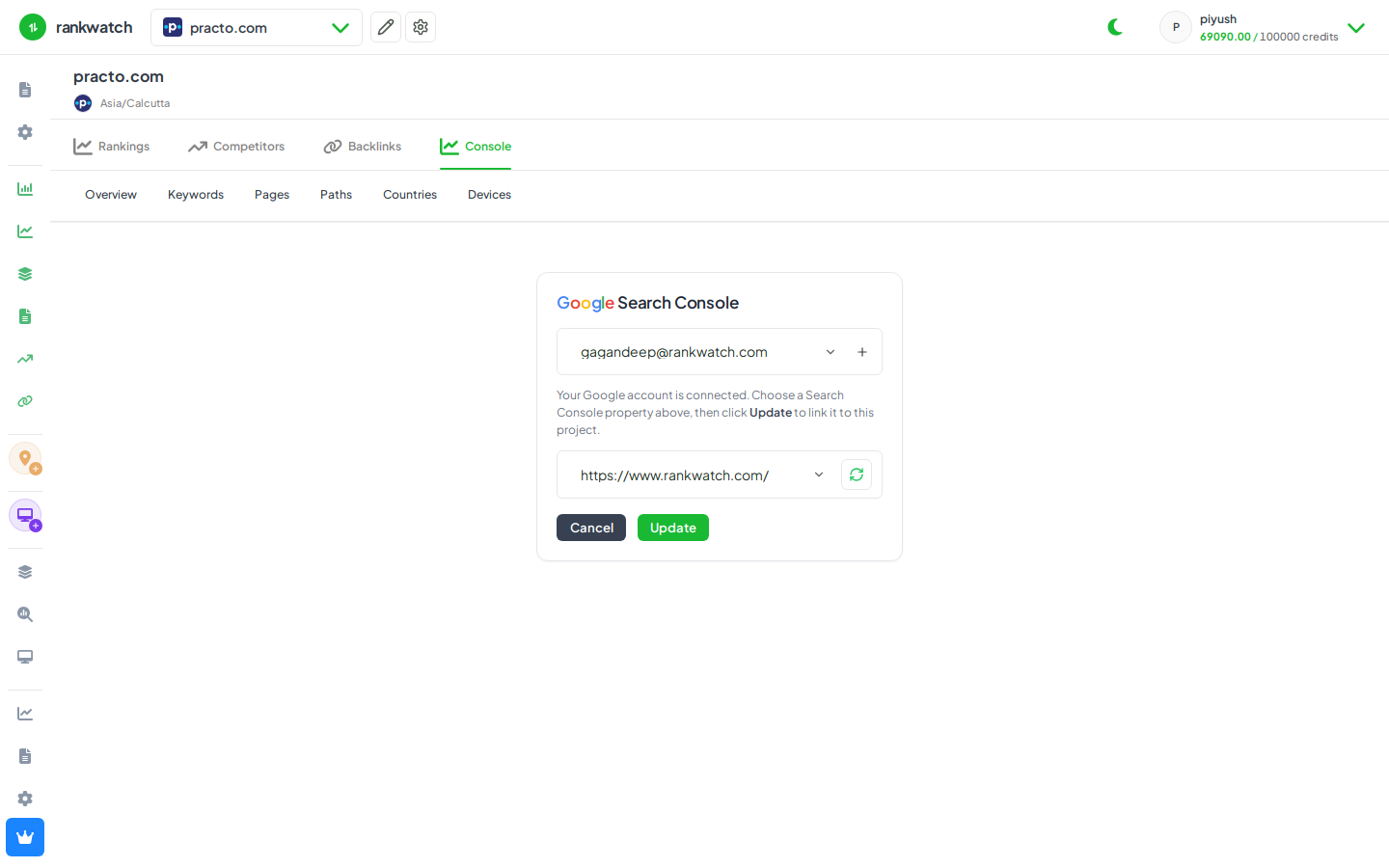
Steps
- Open Projects → project → Search Console → Settings (requires GSC configure permission).
- To change property: select a different property from the connected Google account and save.
- To disconnect: remove / disconnect the Google link for this project (and revoke Google access in Google Account permissions if the account should leave RankWatch entirely).
- Confirm Overview shows a reconnect empty state or the new property name.
- Run first sync again after linking a new property.
Outcome
The project uses the new property — or no GSC data until reconnected. Historical RankWatch-stored GSC rows may remain until retention policies apply; live sync stops on disconnect.