
How to configure organization notification settings
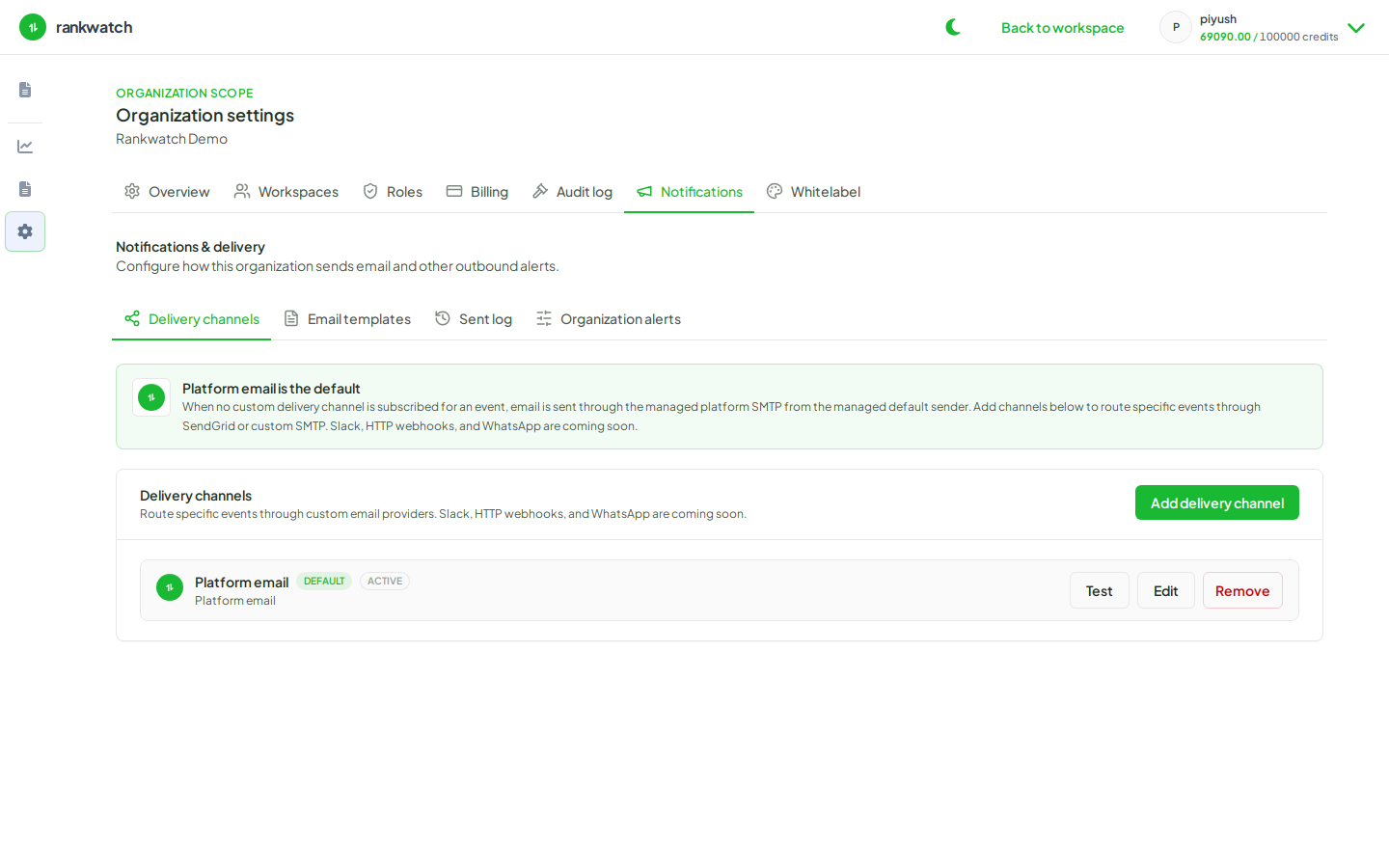
Configure organization notification policy, email delivery channels, and templates (org owner; email-only).
Prerequisites
- Organization owner (notification admin is owner-only)
RankWatch organization notifications are email-only. Slack, webhook, and WhatsApp channels are not available — configure email delivery channels and templates instead.
Steps
- Sign in as org owner and open Organization settings → Notifications.
- Review Organization alerts / policy for which transactional emails the org sends.
- Open Delivery channels and ensure at least one working email channel is configured (set up an email delivery channel).
- Open Email templates and confirm invite, alert, and related templates match your agency voice (customize an email template).
- Optionally review the Sent log after a test invite or alert to confirm delivery.
- Remind teammates that personal opt-ins live under Profile → Notifications — org settings do not replace personal preferences.
Outcome
Org transactional email is configured end-to-end on email channels. Non-email channel setup is out of scope until those products ship.