
How to set up or change an email delivery channel
Add or update an organization email delivery channel for RankWatch transactional mail (org owner).
Prerequisites
- Organization owner (notification admin is owner-only)
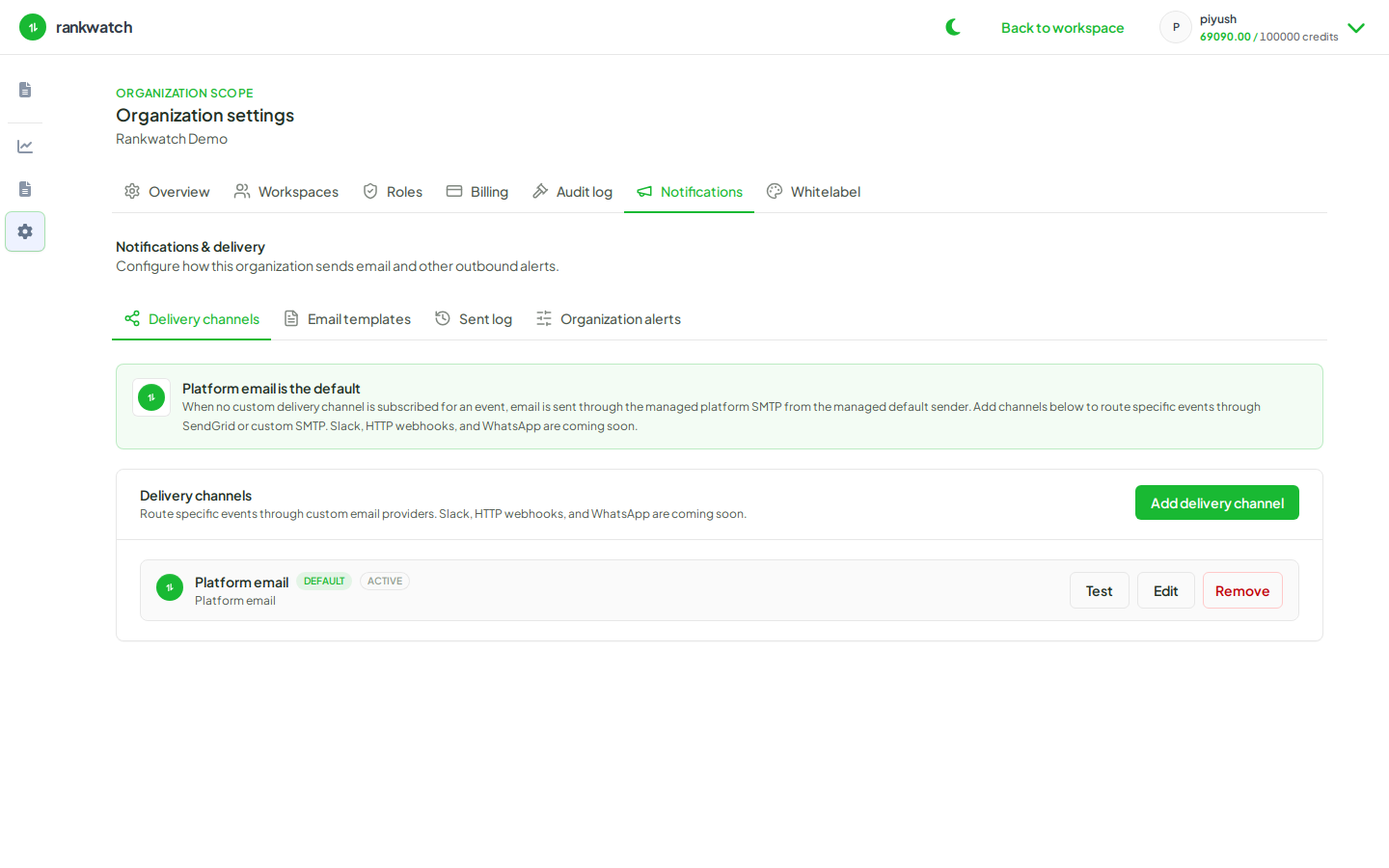
RankWatch organization notifications are email-only. Slack, webhook, and WhatsApp channels are not available — configure email delivery channels and templates instead. Delivery channels define how mail leaves RankWatch for your org.
Steps
- Open Organization settings → Notifications → Delivery channels.
- Create a new email channel or edit the existing one. Enter provider/SMTP or platform email settings exactly as the form requires.
- Save and run any built-in connection test if offered.
- Do not look for Slack, webhook, or WhatsApp channel types — they are not shipped.
- Send a low-risk email (test invite to yourself, or a report schedule you control) and confirm receipt.
- If mail fails, check the Sent log, spam folders, and channel credentials before changing templates.
Outcome
Transactional messages (invites, alerts, report mail) can leave through your configured email channel.