
How to customize an email template
Customize organization email templates for invites, alerts, and related transactional mail (org owner; email-only).
Prerequisites
- Organization owner (notification admin is owner-only)
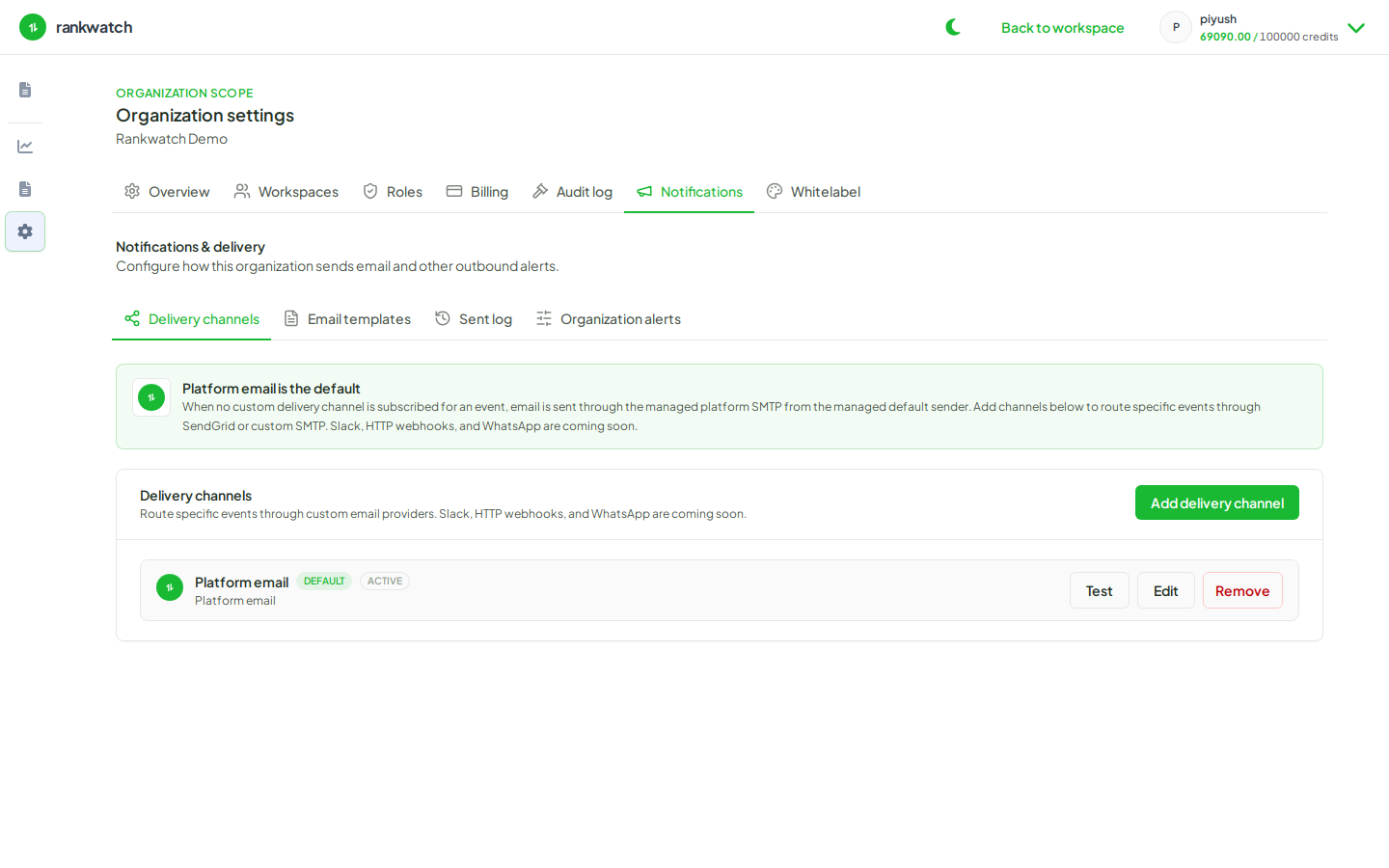
RankWatch organization notifications are email-only. Slack, webhook, and WhatsApp channels are not available — configure email delivery channels and templates instead. Templates control subject/body copy for catalog events such as invites and alerts.
Steps
- Open Organization settings → Notifications → Email templates.
- Select the template you need (for example team invite or rank alert).
- Edit subject and body. Keep required placeholders/variables the editor documents so links and names still resolve.
- Save. Preview if the UI offers it.
- Align tone with agency branding; for deeper brand passes see brand invite and alert emails.
- Trigger a test send and confirm formatting in a real inbox.
Outcome
Future emails of that template type use your customized copy. Personal notification preferences still decide who receives which categories.