
How to brand invite and alert emails for agency clients
Brand invite and alert emails so agency clients see your agency voice (org owner; email-only).
Prerequisites
- Organization owner (notification admin is owner-only)
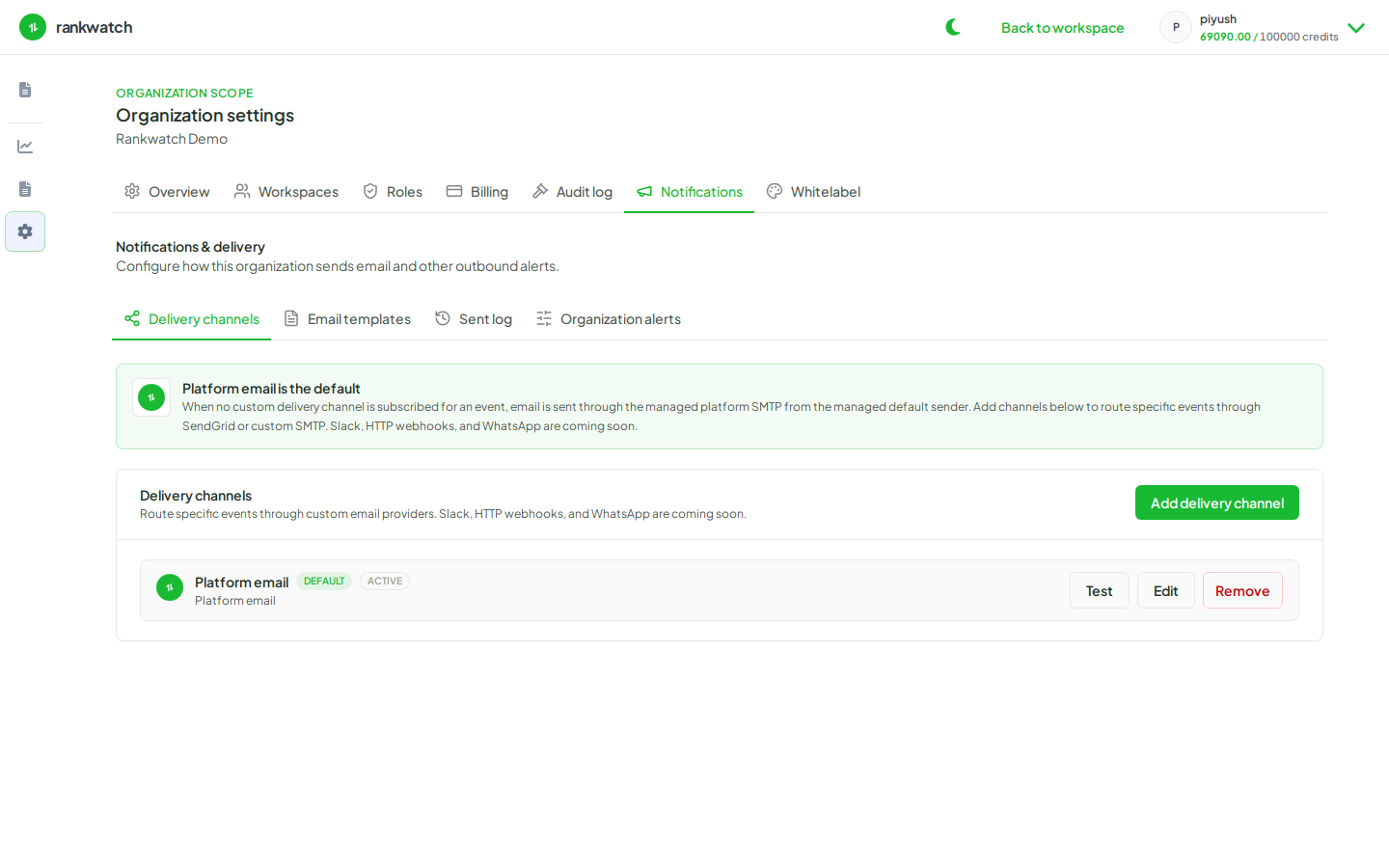
RankWatch organization notifications are email-only. Slack, webhook, and WhatsApp channels are not available — configure email delivery channels and templates instead. Pair email template copy with organization logos/colors when clients also use a whitelabel portal.
Steps
- Confirm your email delivery channel works (email delivery channel).
- Open Email templates under Notifications.
- Customize invite and alert templates with agency name, support contact, and client-safe wording — avoid internal ops jargon.
- If your package includes whitelabel, align logos/colors under Organization settings → Whitelabel so the portal and email story match.
- Send a test invite to a client-like inbox and check mobile rendering.
- Document which templates are “client-facing” vs internal so future editors do not overwrite them casually.
Outcome
Clients receive invite and alert email that reads as your agency. Delivery remains email-only.