
How to onboard a new agency client from workspace to first SEO report
End-to-end agency playbook — create a client workspace, SEO project, rankings, optional GSC, and first report delivery.
Use this playbook when a new agency client signs. Goal: isolated workspace, live SEO rankings, and a first client-ready report — without Local SEO create (not available yet).
Steps
- Workspace: as org owner, create a dedicated client workspace (create a workspace for a client) and switch into it.
- Team: invite internal SEO operators with an appropriate workspace role. Defer the client invite until dashboards have data (or invite them later as Client Viewer).
- Project: create an SEO project with Search engine rankings, engines, locations, and a starter keyword set (create an SEO project). Skip Local create — it is not available.
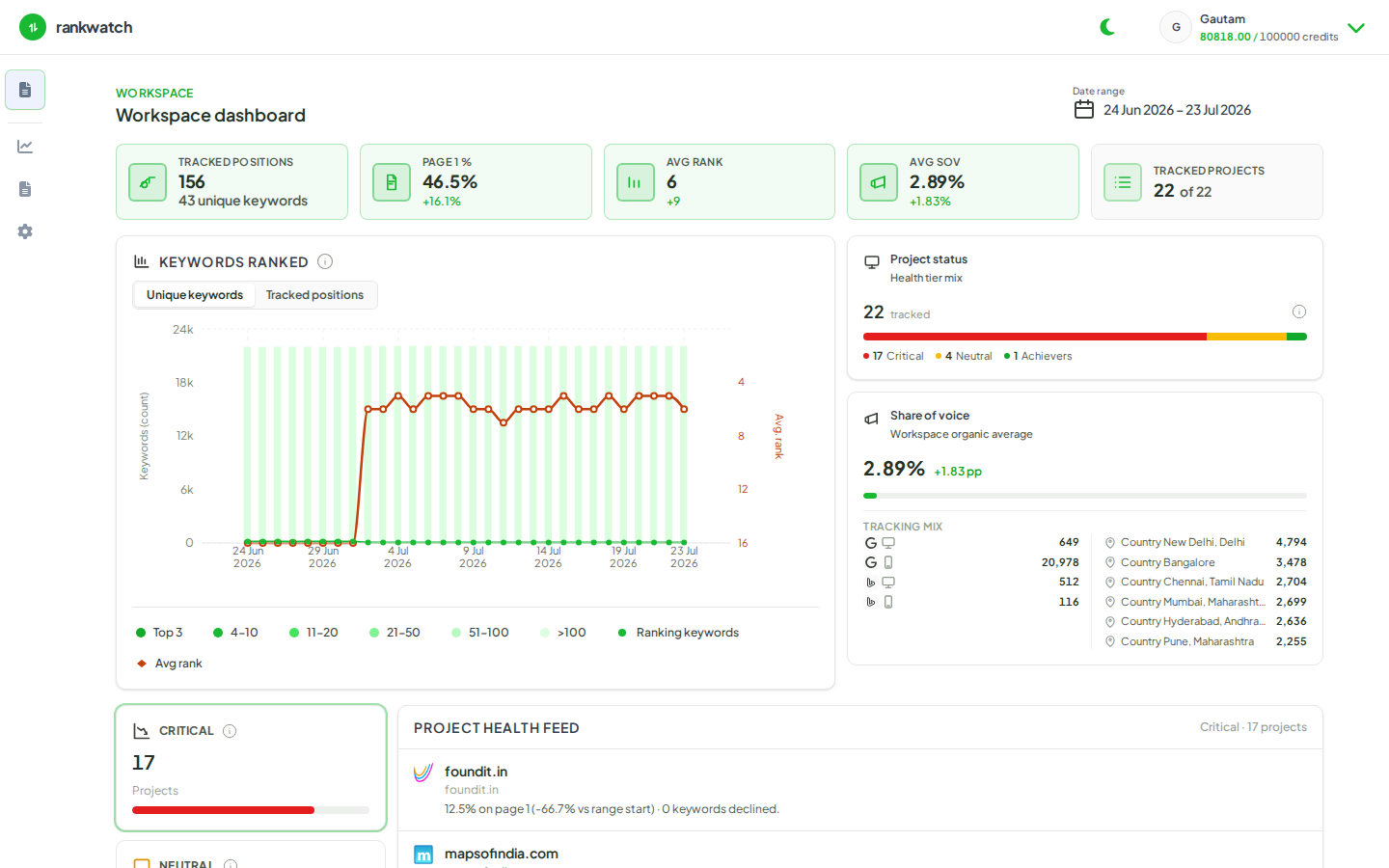
- First rankings: wait for ranking jobs, then validate Overview and Rankings. Add tags for branded vs non-branded if useful.
- Optional GSC: connect Google Search Console when the client can grant property access (connect GSC).
- Optional AI: only if the package includes AI Visibility, set up AI visibility in the same or a follow-up pass.
- Report: open workspace reporting, pick a ready template, configure branding, generate a PDF, and share a delivery link or download (generate a PDF).
- Hand-off checklist: confirm credits/seats headroom, archive nothing yet, and schedule the recurring report if the retainer needs it.
Outcome
The client has an isolated workspace with live SEO tracking and a first report artifact. Expand with competitors, backlinks, and AI only after the SEO baseline is trusted.