
How to pick a report template
Choose a ready report template from the Reporting hub catalog based on scope (single context vs multi-region) and depth.
Prerequisites
- Reporting permissions (read / run / schedule / branding as needed)
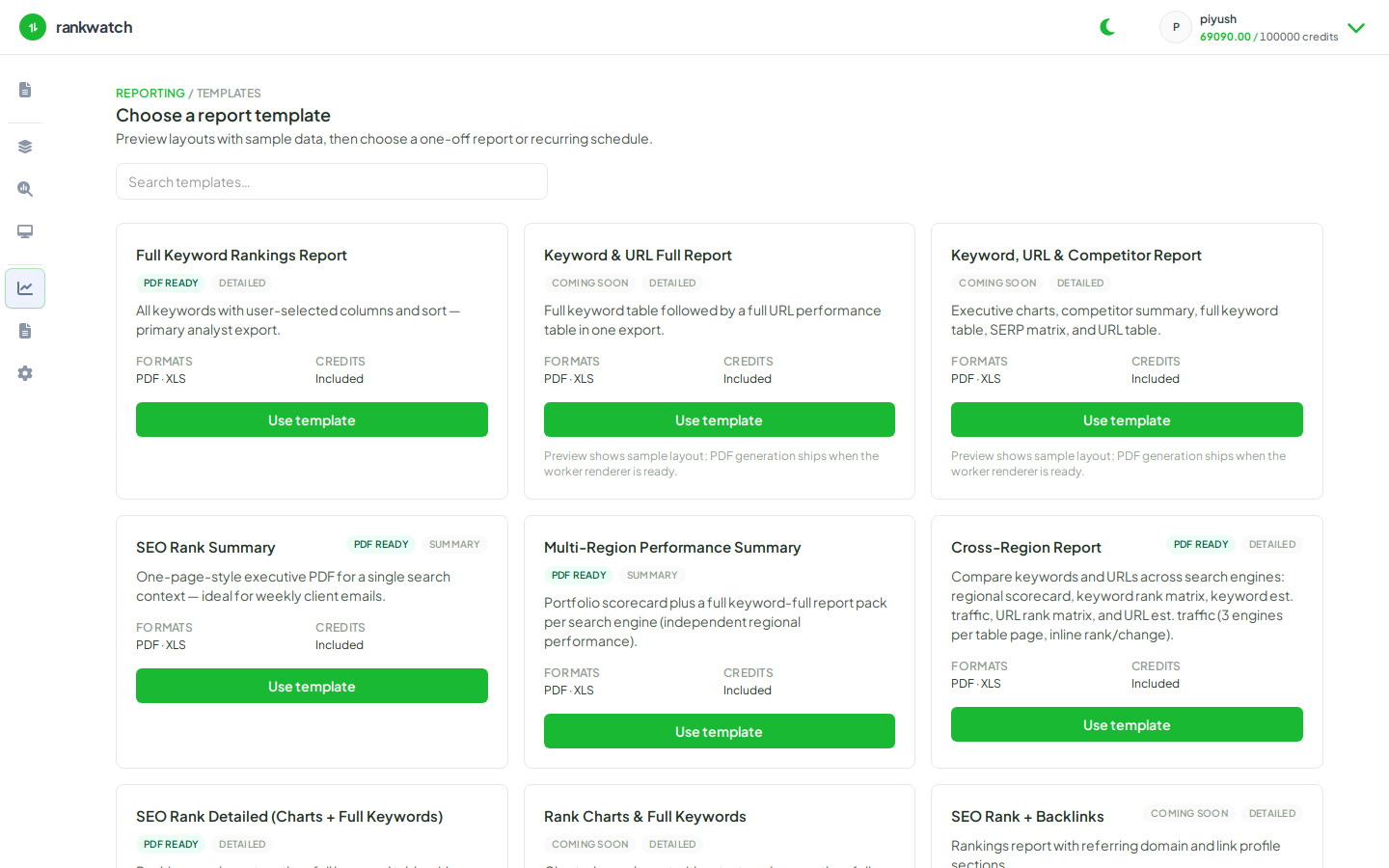
The Reporting Templates catalog lists RankWatch system templates. Only ready templates can generate PDF/XLS today — pick by audience (executive summary vs full keyword pack) and scope (one search context vs multi-region).
Steps
- Open Reporting → Templates.
- Skim template cards (for example SEO Rank Summary, SEO Rank Detailed, Full Keyword Rankings, multi-region summaries). Note supported formats (PDF / XLS).
- Open Preview on a candidate to see layout and required config steps.
- Prefer SEO Rank Summary for weekly client emails; use detailed / full keyword templates when analysts need tables and charts.
- Click Configure / generate when ready, or start a schedule from the template.
Outcome
You selected a ready template that matches the audience. PDF eligibility: Which templates can generate a PDF today.