
How to preview and configure a PDF report
Preview a ready template then configure scope, filters, branding, and format before generating a PDF.
Prerequisites
- Reporting permissions (read / run / schedule / branding as needed)
Always preview unfamiliar templates, then configure with the client’s project/context before generating.
Steps
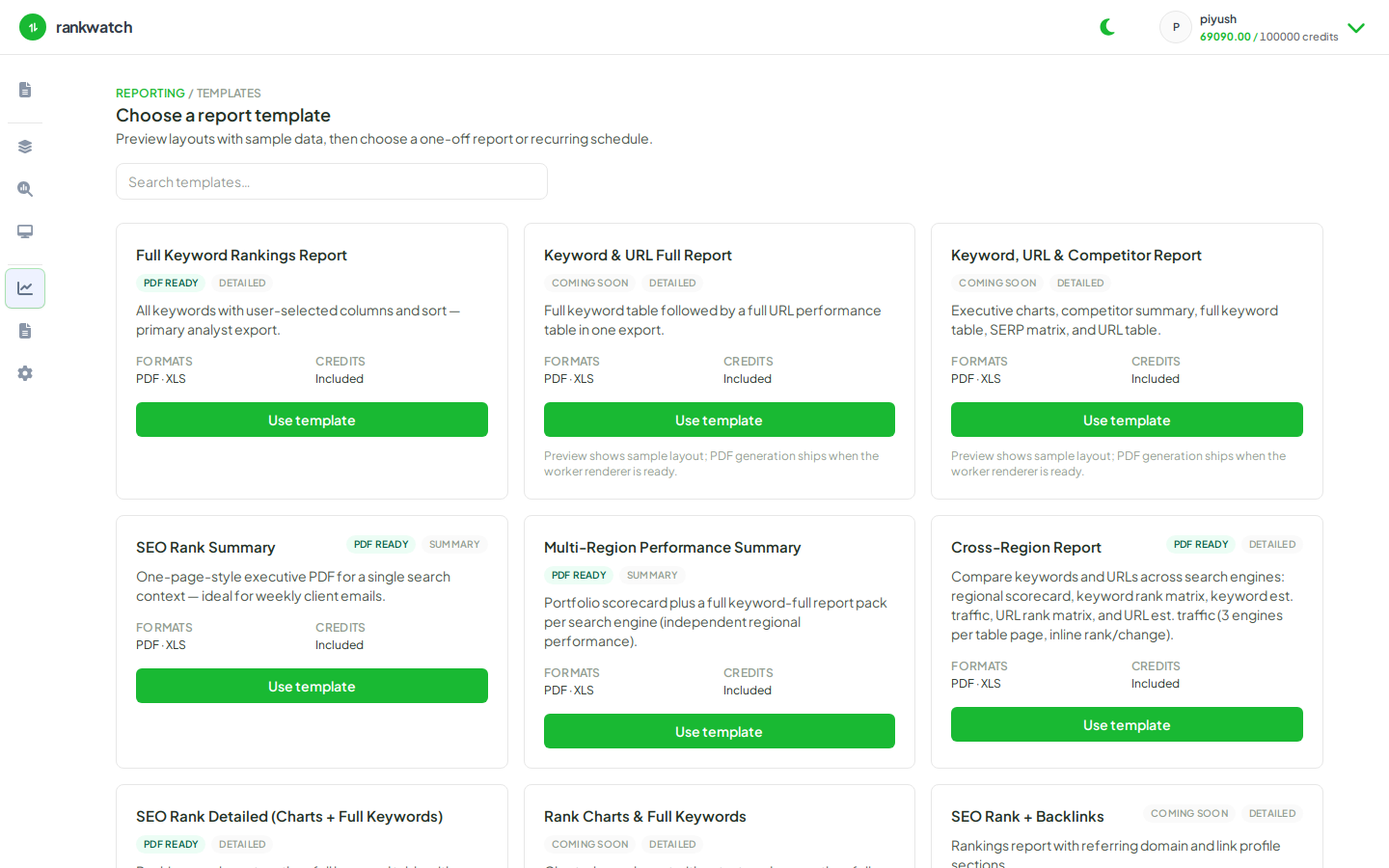
- Open Templates → open a ready template → Preview.
- Continue to Configure.
- Set project, search context(s), date range, rank filters, competitors, and branding as the wizard shows.
- Choose PDF, review the summary, and generate.
- Download from Generated reports and spot-check KPIs against Overview.
Outcome
A configured PDF run that matches the previewed layout.