
How to generate a PDF for a ready template
Configure a ready report template and generate a PDF (or XLS) run for a project search context.
Prerequisites
- Reporting permissions (read / run / schedule / branding as needed)
Generate a one-off PDF from a ready template when you need a client-ready pack now. Schedules are separate — see schedule a recurring report.
Steps
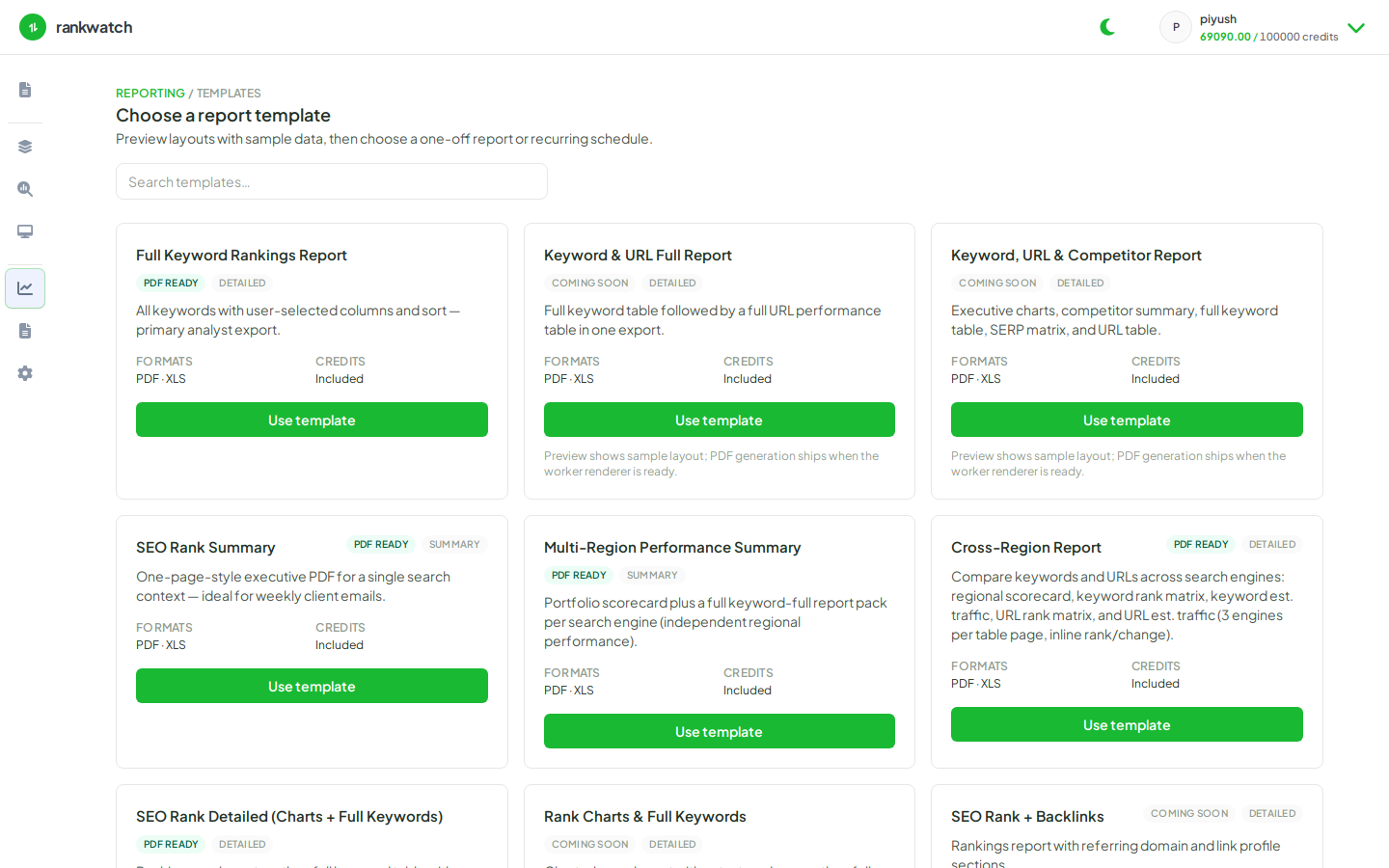
- Open Reporting → Templates and open a ready template → Configure (or Create report and pick the template).
- Select project, search context(s) (respect min/max for that template), date range, and optional rank filters / competitors / branding.
- Choose output format PDF (or XLS if you need sheets). Review the summary step.
- Run Generate. Wait for the run to finish on Generated reports.
- Download the file from the run row when status is complete.
Outcome
A generated report run appears under Generated reports with a downloadable PDF/XLS. Failed runs show an error — fix scope/permissions and retry.