
How to try Keyword Suggestions without an account
Run Keyword Suggestions as a guest on rankwatch.com/tools with daily quota and preview-locked results.
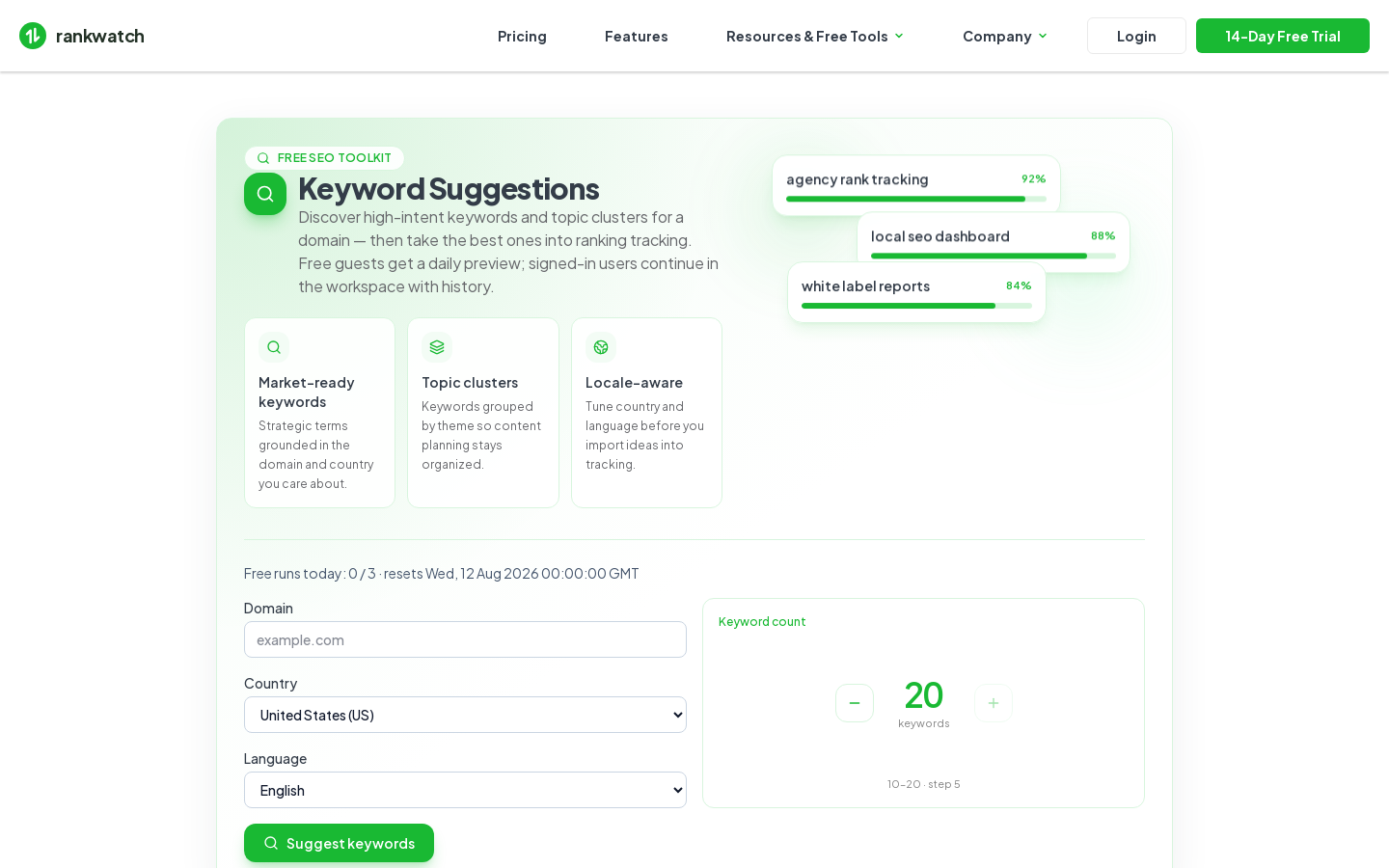
Try Keyword Suggestions on the marketing site without an account. Public freemium tools live under /tools. Guest AI Checker is not available yet.
Steps
- Open /tools, then choose Keyword Suggestions (
/tools/ai-keyword-suggest). - Enter a seed topic, brand, or URL context required by the form, then start a run.
- Respect the daily guest quota (small number of runs per UTC day). Rate limits may also apply per IP.
- Review preview-locked suggestions — guests see a limited visible set until they sign in or upgrade.
- Sign in to continue as a workspace job under Workspace Tools → Keyword Suggestions when your package includes the matching tool feature. From there you can promote strong terms into tracked SEO keywords.
Outcome
You get a freemium keyword idea preview. For client SEO tracking, import chosen terms into a project with Add keywords or bulk import.