
How to try Brand Prompt Generator without an account
Run Brand Prompt Generator as a guest on rankwatch.com/tools with daily quota and preview-locked results.
Try Brand Prompt Generator on the marketing site without signing in. Public freemium tools live under /tools. Guest AI Checker is not available yet; workspace AI Checker remains separate and package-included.
Steps
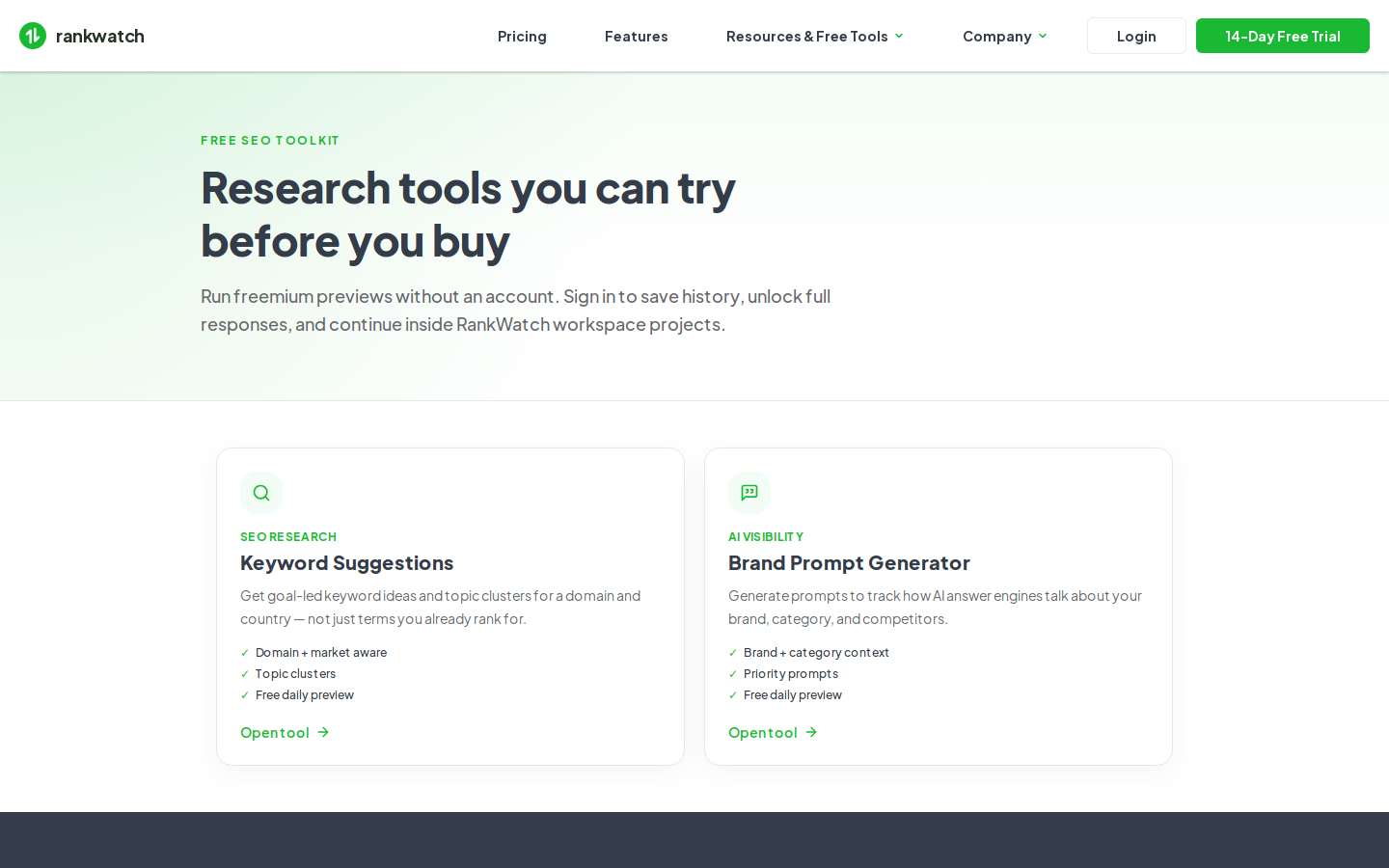
- Open /tools on the RankWatch site, then choose Brand Prompt Generator (
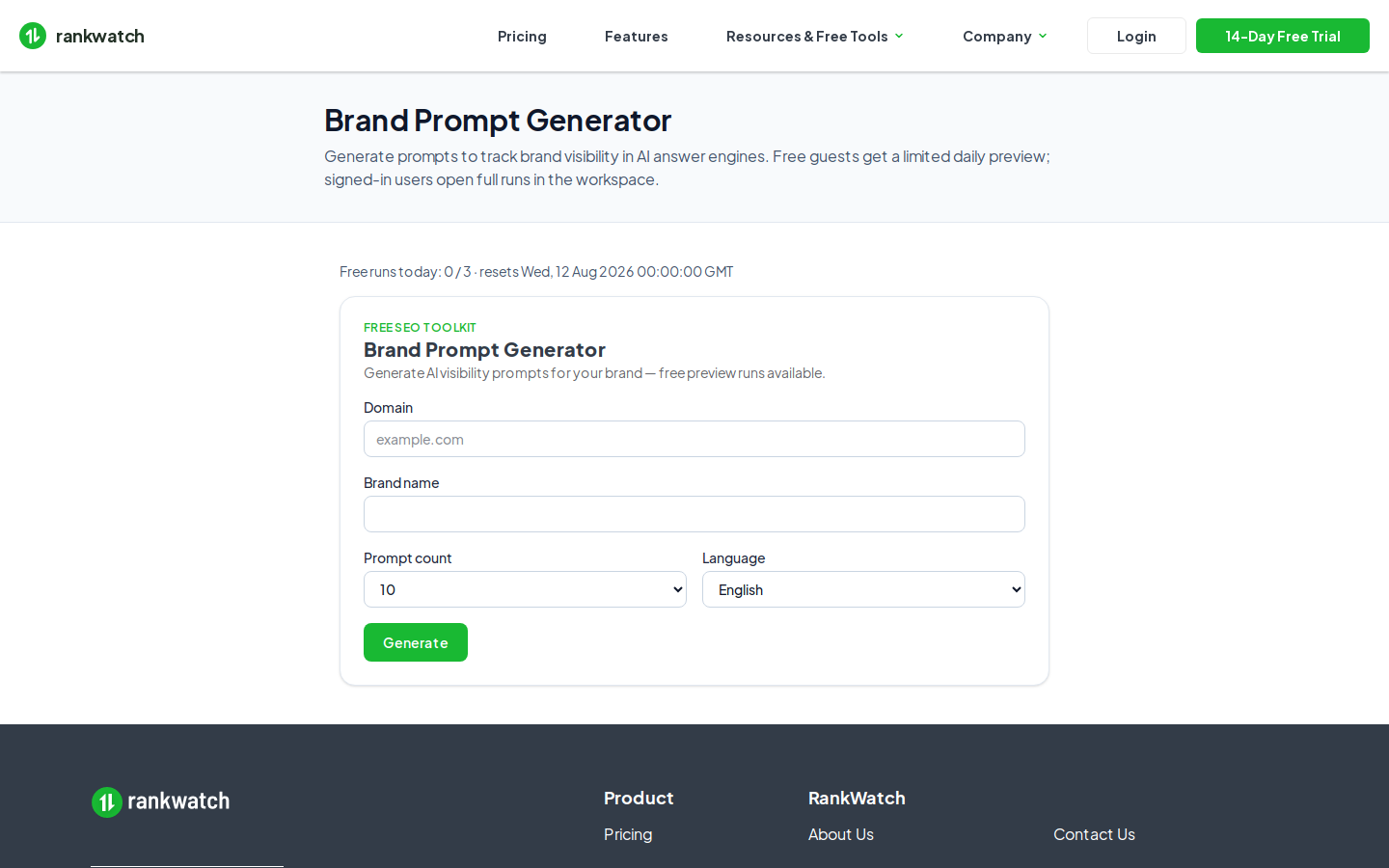
/tools/brand-prompt-generator). - Enter your brand / domain and the prompt-count option you want, then start a run.
- Stay within the daily guest quota (default is a small number of runs per UTC day per visitor). If you hit daily guest quota, wait until reset or sign in.
- Review the preview-locked results (only a limited number of prompts are fully visible for guests).
- To keep history, unlock full workflow, or continue in-product: sign in. Signed-in runs become workspace tool jobs under Workspace Tools → Brand Prompt Generator when your package includes Brand Prompt Generator.
Outcome
You see a freemium preview of brand prompts suitable for evaluating GEO prompt ideas. For production client work, use the entitled workspace tool and attach prompts to an AI project.