
How to use Brand Prompt Generator
Run Brand Prompt Generator from Workspace Tools when your package includes Brand Prompt Generator.
Prerequisites
- Package feature Brand Prompt Generator enabled; Tools job permissions as required
Generate AI visibility prompts inside the RankWatch app. Workspace Tools are package-included — if Brand Prompt Generator is missing from the nav, confirm Brand Prompt Generator on your package (and that you have tool job permissions).
Steps
- Confirm your package includes this tool: org owners can check Organization settings → Package & usage. Without Brand Prompt Generator, the tool page shows as not enabled.
- Open Workspace Tools → Brand Prompt Generator.
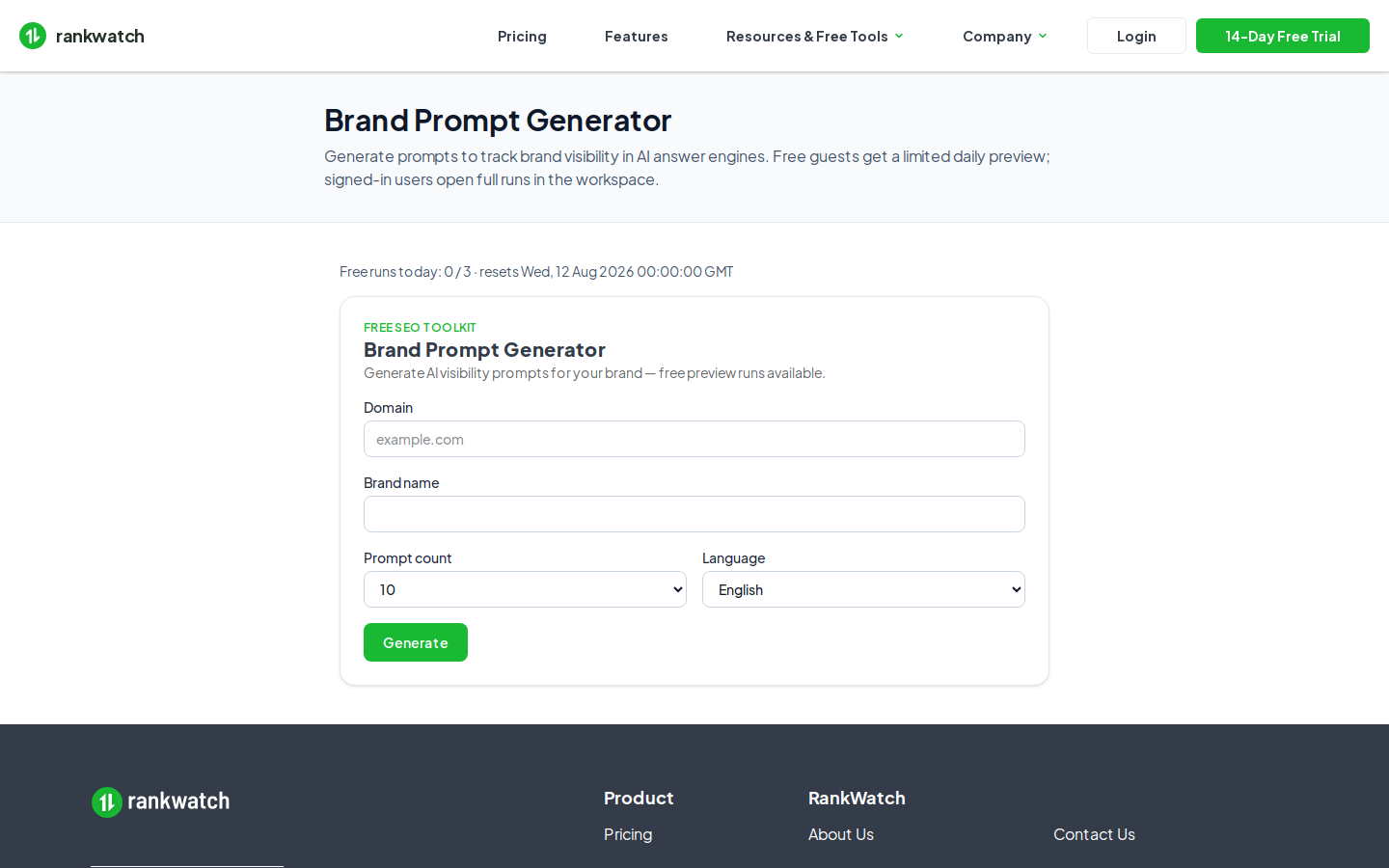
- Enter brand / domain context and choose how many prompts to generate, then start the job.
- Wait for the job to complete; open the run detail to review prompts. Full vs preview visibility depends on full tool results / preview result limit on free-style packages.
- Copy strong prompts into your AI project (Add prompts on AI Rankings), or keep the job history for the next GEO setup.
- Optional: try the same tool as a guest on /tools/brand-prompt-generator first — guest runs use freemium quotas, not your workspace credit ledger.
Outcome
You have a saved workspace tool job with prompt candidates. Successful runs may consume tool credits — check org credit usage if jobs fail with a credit or package access error.