
How to spot-check a URL or brand mention with AI Checker
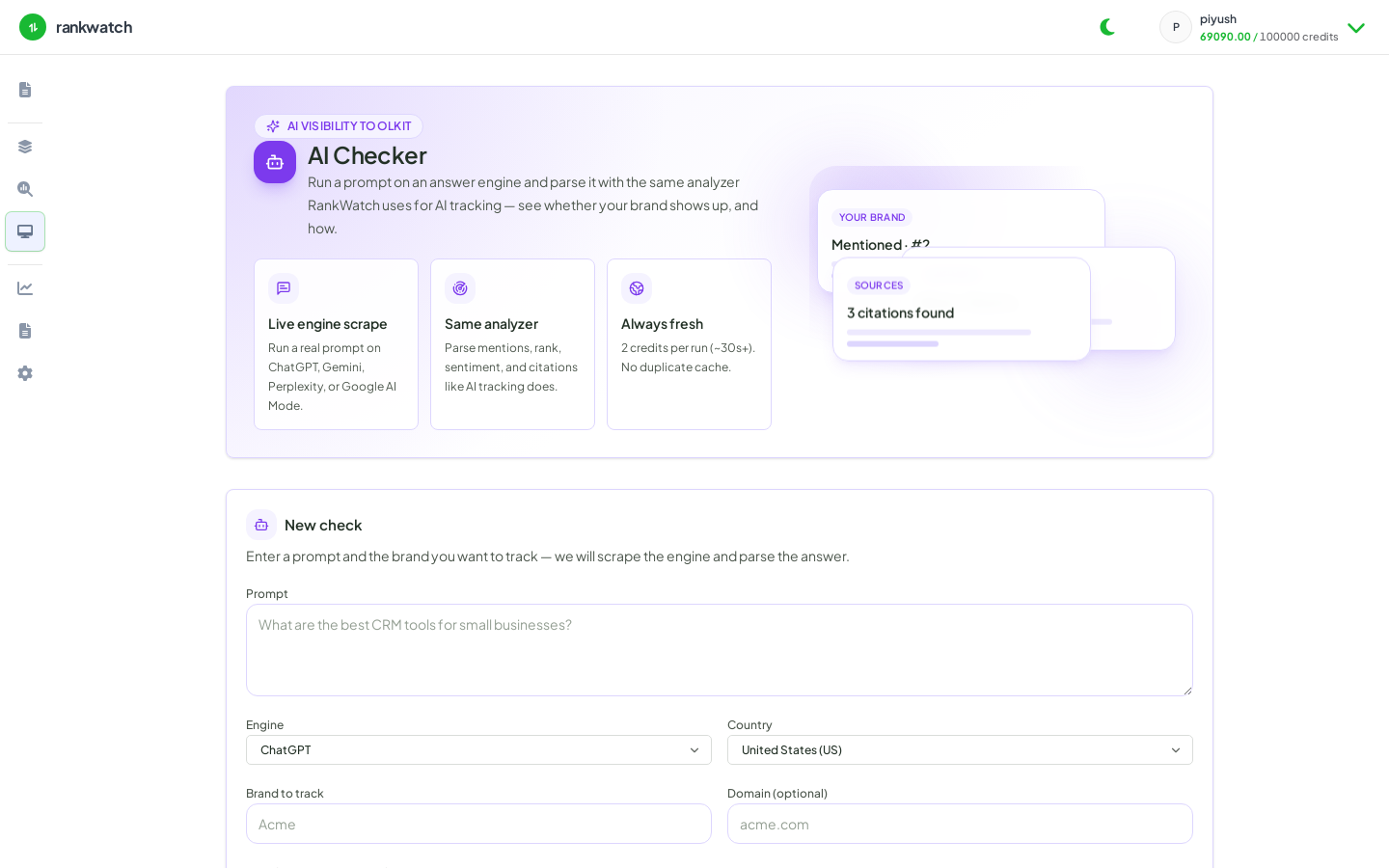
Spot-check a URL or brand mention with workspace AI Checker when AI Checker is entitled.
Prerequisites
- Package feature AI Checker; Tools job permissions
Use AI Checker for quick presence/mention checks. Requires AI Checker — not available as a public guest tool yet.
Steps
- Confirm it is available on Organization settings → Billing / Package.
- Open AI Checker.
- Paste the URL or brand mention context and run.
- Interpret the result for the stakeholder question (mentioned or not, where, with what caveats).
- If you need continuous monitoring, set up AI visibility tracking instead of repeating one-off Checker jobs.
Outcome
You have a point-in-time Checker result suitable for a quick client answer, with history stored as a workspace tool job.