
How to use AI Checker
Run AI Checker from Workspace Tools when your package includes it.
Prerequisites
- AI Checker included on your package; permission to run Workspace Tools
AI Checker is available in Workspace Tools when your package includes it. It is separate from the public freemium tools on /tools.
Steps
- Confirm AI Checker is available: an organization owner can review Organization settings → Billing. If the tool is missing and you need it, contact RankWatch support.
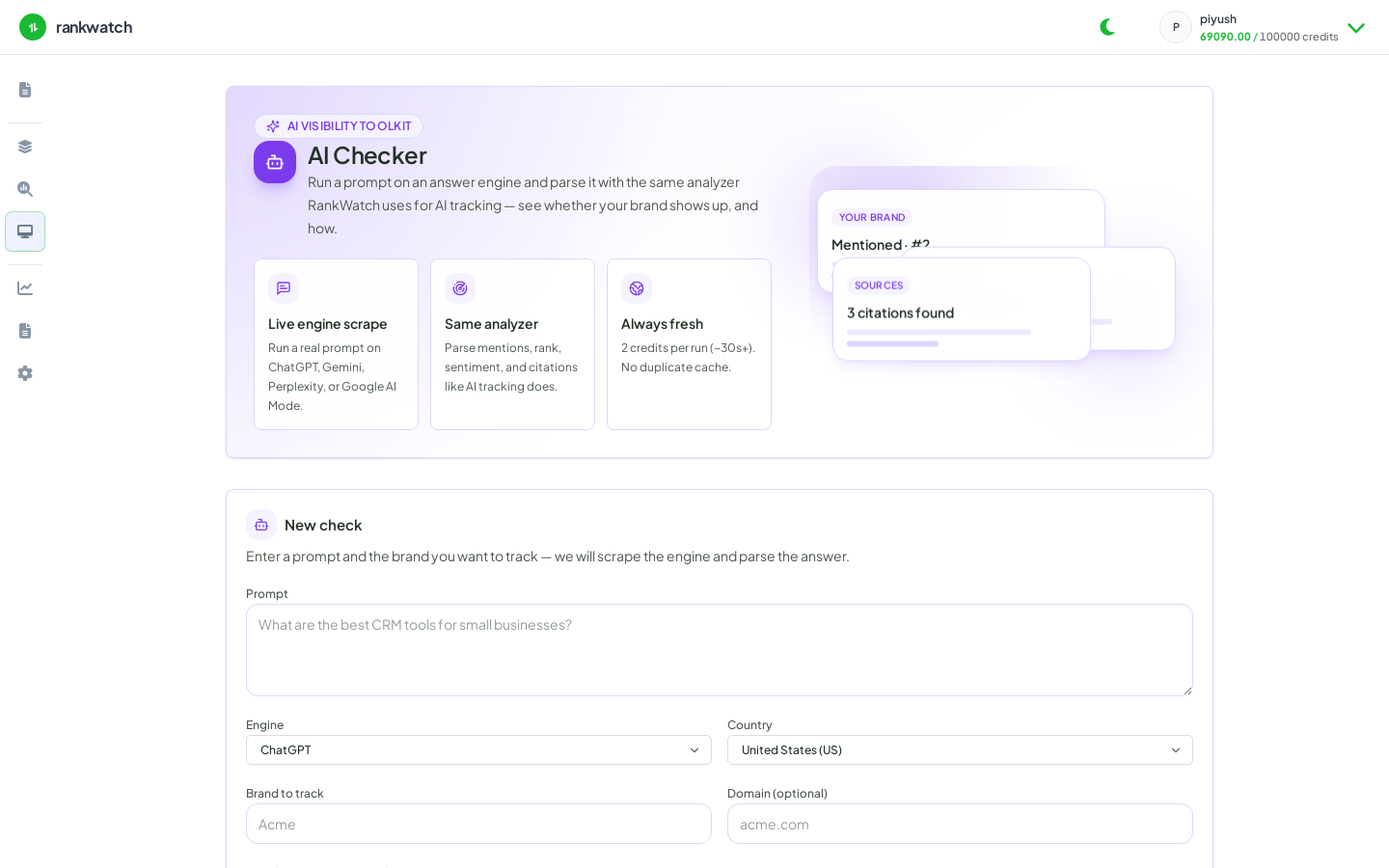
- Open Workspace Tools → AI Checker.
- Enter the URL or brand mention context the form requires, then start the job.
- Wait for completion and open the run detail. Some packages show preview results until upgraded.
- Use findings to brief stakeholders or to decide SEO/AI follow-up work — Checker does not auto-add keywords or prompts.
Outcome
You have a saved AI Checker workspace job. Runs may consume credits when your package bills tool usage.